How to Build a Company Knowledge Base for AI (In One Day)
You do not need a computer science background to fix the most common AI problem at work: the assistant guesses.
Ask any general chat tool to "write an email about our product to a CFO" and it will sound confident -- but it may use the wrong price band, the wrong competitor story, or a tone that is nothing like your brand. That happens because the tool was never given your company's cheat sheet. It is doing its best with generic internet patterns, not your facts.
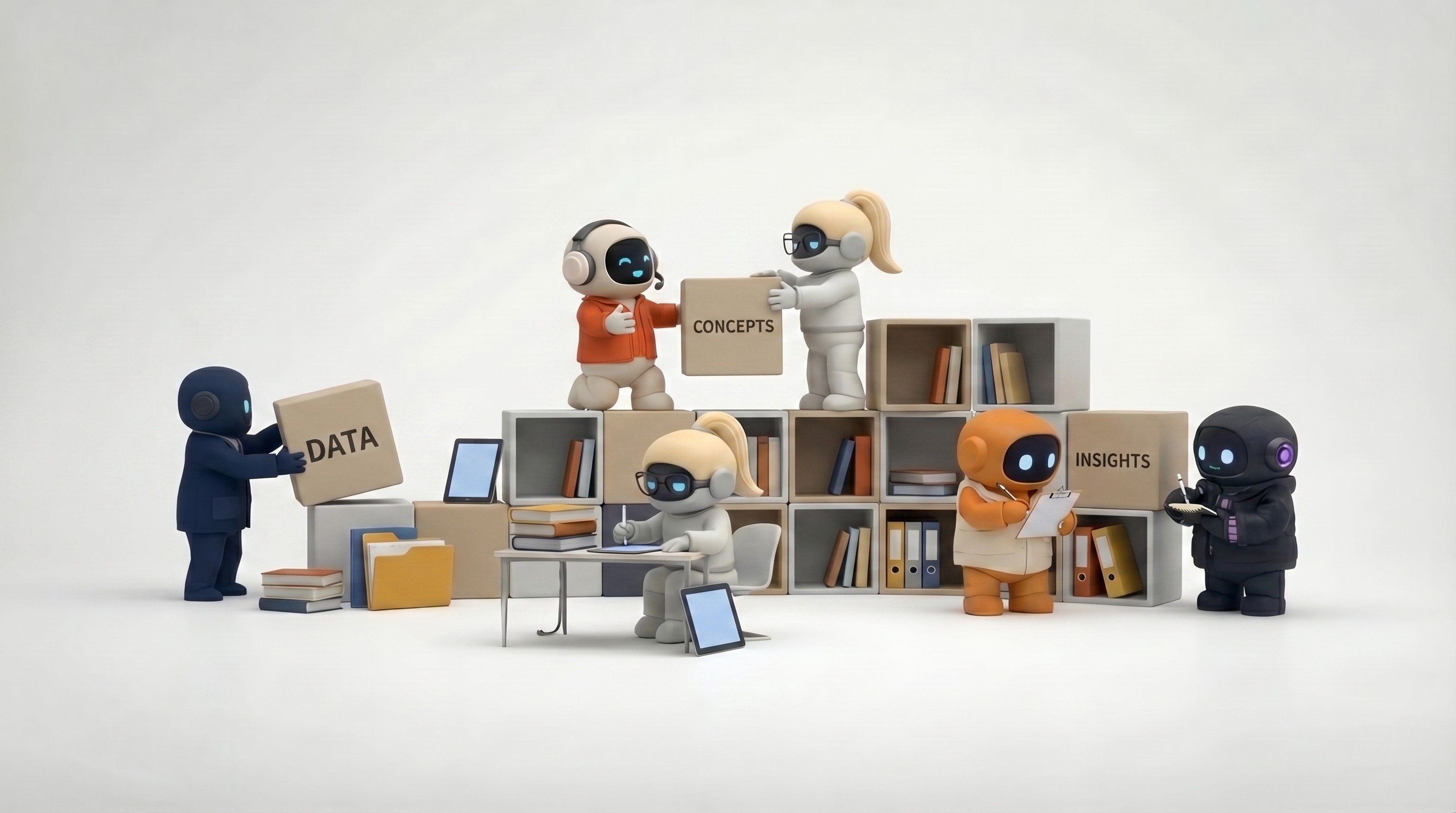
A company knowledge base for AI is a curated set of documents -- product descriptions, pricing, voice guides, policies -- that your team agrees is true today. When an AI employee or assistant can pull from that set, it repeats your wording, your rules, and your proof points instead of inventing new ones. Think of it as the single source of truth every AI tool in your company reads before it writes anything on your behalf.
If you use Agently, that shared library is called the Brain. If you use Notion, Google Drive, or another hub, the same habits apply: one home, fewer files, clear ownership. This guide is written for founders, ops, marketing, and sales leads -- not for engineers.
New to how Agently fits together? Skim Getting started, Meet your workforce, and AI Work OS when you have ten minutes; you can still finish day one without them.
Why dumping "every file we have" makes answers worse
It feels logical: more documents = smarter AI. In real life it is often the opposite.
What goes wrong | In plain English |
|---|---|
Two different stories | Old pricing deck + new pricing page = the tool may mix them up. |
Out-of-date wins | Last year's roadmap still sitting next to this quarter's plan. |
Noise | Huge piles of PDFs mean the tool grabs something that looks related -- but not the right thing. |
You do not need special vocabulary here: think of it like giving someone directions from five conflicting maps. The fix is to hand them one map everyone trusts -- and to retire the old ones (or clearly label them "old -- do not use for customers").
That mindset matches how strong AI productivity habits work elsewhere: signal over volume.
What "good enough by end of day" means
By tonight you should have | Why it helps |
|---|---|
One folder or space everyone calls "the real source" | Stops the "which deck is final?" Slack loop. |
About 10 to 20 documents that matter | Enough for good answers; not so many that nobody updates them. |
A short "how we talk" note | Stops wild promises and off-brand tone before they reach clients. |
One person in charge of updates | Shared folders without an owner turn into graveyards in weeks. |
You are building a starter library, not scanning the whole company archive. For a broader picture of roles and tools together, see AI workforce.
Morning (about 2 to 3 hours): collect and clean
1. Use three simple piles only
If you try to save "everything about us," you will stall. Start with three piles that cover most day-to-day questions from sales, support, marketing, and ops:
Pile | What to put in it | What you get back from AI |
|---|---|---|
Who we are | Who you serve, how you describe the problem you solve, who you politely say "no" to | Consistent pitch and messaging |
What we offer | Plain product overview, public or approved pricing ranges, FAQs, what is on the website | Fewer wrong features or prices |
How we sound | Voice and tone, example good emails, "phrases we never use," customer-safe security wording | Drafts that sound like you |
Leave out on day one (you can add later with legal or IT help): raw contracts, one-on-one HR notes, passwords, unreleased strategy you would not put in a customer email, or anything you would panic about if it appeared in a draft by mistake.
If you are comparing "chat for ad-hoc tasks" vs "work tied to your company," Agently vs. ChatGPT for business spells out why a shared library matters.
2. Pick one "winner" when two files disagree
Before you add anything to the shared library:
For each topic (pricing, positioning, product overview), choose one file that wins.
Move older versions to an Archive area -- or add a big note at the top: Superseded by [link to new doc]. Do not use for customer-facing work.
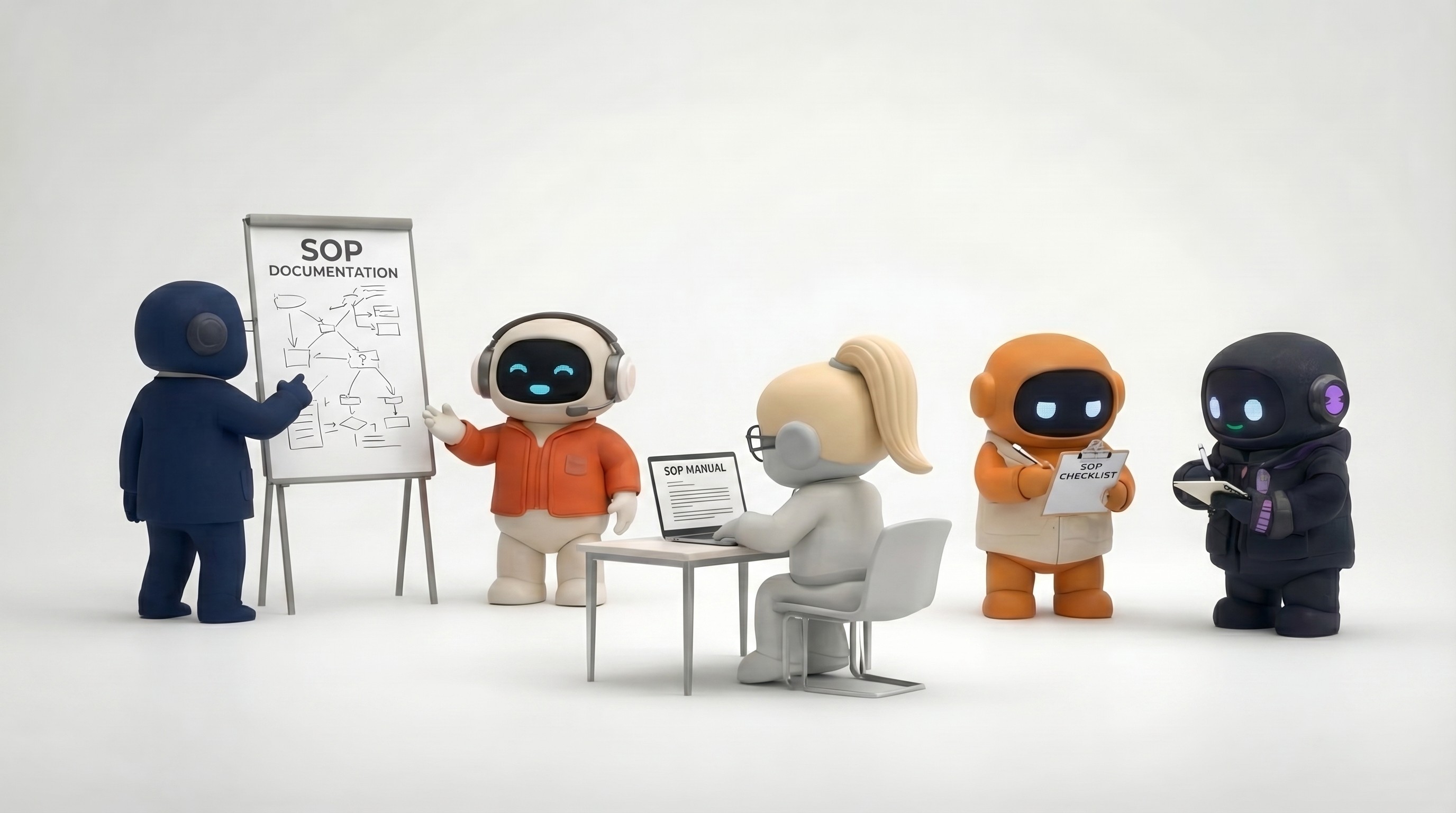
This step is dull and saves hours of "why did the AI say that?" later. It pairs well with how to document an SOP for AI when you want step-by-step processes in the same style.
3. Prefer files your team can actually edit
PDFs are fine for polished one-pagers; they are awkward when pricing changes next Tuesday. Google Docs, Notion, or similar tools make it easy for marketing or ops to fix a sentence -- no ticket to engineering required.
For images (logos, diagrams), add a line of plain text next to them describing what they are. AI reads text far more reliably than it "reads" pictures alone.
Afternoon (about 2 to 3 hours): make it easy to find and safe to use
4. Write one "start here" page
Before you worry about perfect folders, add one short page that acts like the cover sheet for everything else. Anyone (human or AI) should be able to read it in a few minutes and understand:
What we sell -- one paragraph a stranger would get.
Who buys from us -- and who we are not trying to serve (that saves misfit leads).
Main competitors -- names are enough here; deeper notes can live on linked pages.
Proof we are allowed to repeat -- named customers only when you have permission, or careful wording like "across X customers we typically see..." with a link to an internal source.
Things we never promise -- for example, "guaranteed ROI" if finance has not approved that language.
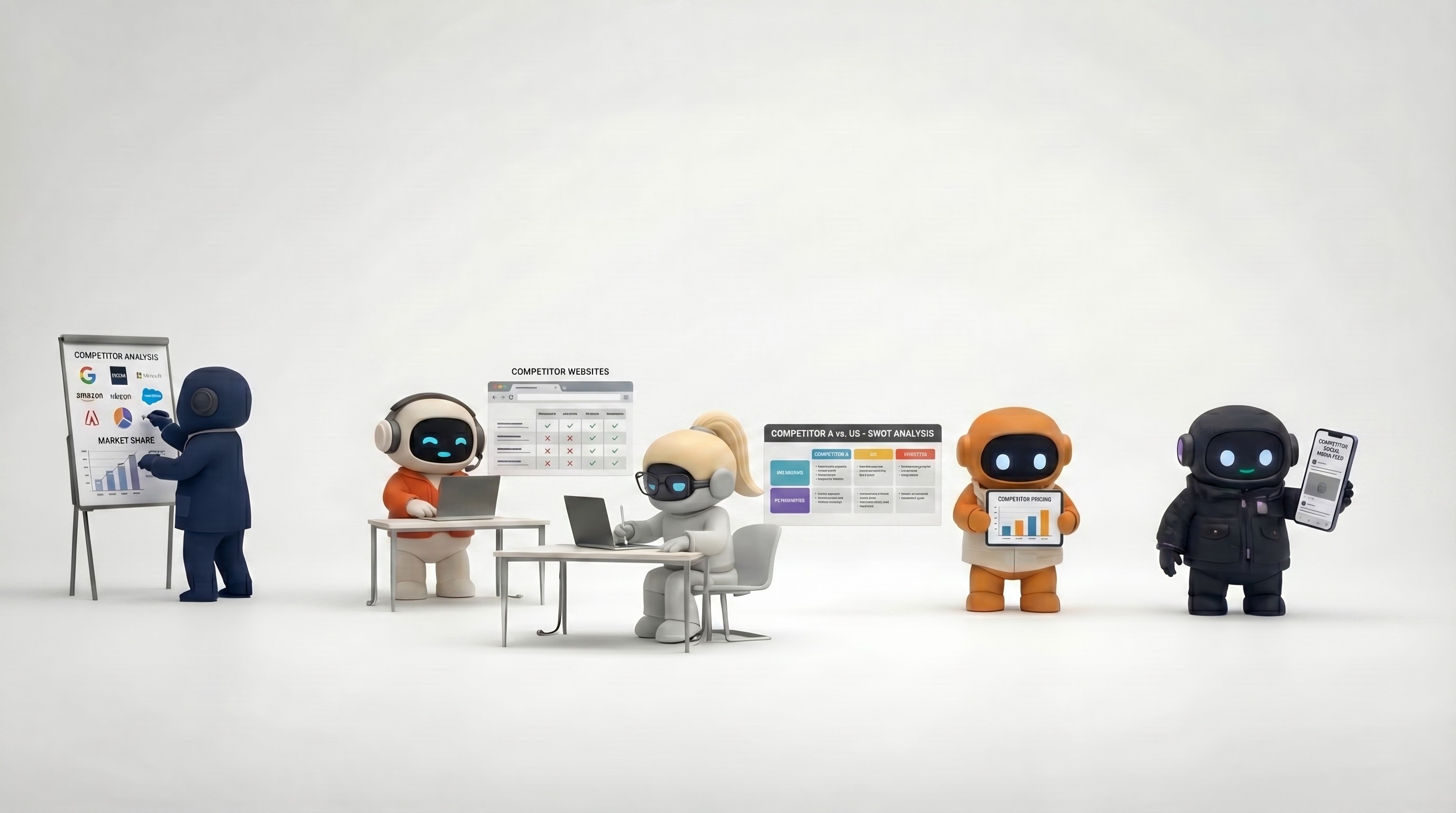
That page is what people paste into a tool when they say "give me the company overview." It also anchors how to prep a sales call in 15 minutes and one-hour competitive research so everyone pulls from the same story.
5. Use clear file names (no "final_final_v3")
Names are free metadata. Simple prefixes help humans and AI find the right thing:
Prefix idea | Example | Use for |
|---|---|---|
Brand- | Brand-voice-2026 | Tone and examples |
Product- | Product-overview-Q1 | What the product does |
Sales- | Sales-objections | Commercial talk tracks |
Legal- | Legal-approved-disclaimers | Safe wording |
If your team already lives in Spaces or a shared drive, mirror that logic there so workspace management stays obvious.
6. Keep private things private
Type of content | Simple rule |
|---|---|
Personal or contract-heavy | Do not put in the shared AI library unless someone in legal or IT has said yes. |
Passwords and keys | Never here -- use your company password manager. |
Board-level or highly sensitive strategy | If you would not paste it into a customer email, do not put it where customer-facing helpers can pull from it. |
Most "security" worries here are really accidental oversharing: a busy person asks for a draft, and the tool pulls a chunk nobody meant to use. Security and privacy is the deeper read when you need it.
Before you stop: five quick "did we break it?" questions
Pick questions that have already burned you once (wrong price, wrong persona, wrong competitor line). Examples:
Who is our ideal customer -- in one sentence?
What do we charge, using only wording you are comfortable sending externally?
How do we compare ourselves to [Competitor] without trash-talk?
What is our refund or support policy if customers are allowed to know?
What do we not sell (so the tool stops adding imaginary products)?
If the answer is wrong, fix the document, not the person prompting. Core concepts in Agently's docs tie this idea to how work, memory, and actions fit together.
After day one: a light rhythm so it does not rot
How often | Do this |
|---|---|
Busy launch weeks | Glance at pricing and positioning after every big announcement. |
Steadier months | The owner skims the most-used pages and archives what is stale. |
When AI is wrong | Update the source once; if it happens twice, add an explicit rule ("never assume X"). |
Without a rhythm, today's neat library becomes next quarter's junk drawer. That is true whether you use best AI tools for small business stacks or an all-in-one platform.
How Agently uses this idea
In Agently, the Brain is the shared library that Apex (sales), Nova (operations), Pulse (marketing), Echo (support), and Lens (research) all draw from -- alongside integrations so they can work in Gmail, Outlook, calendars, Notion, LinkedIn, and more. The product does not replace good habits: small, true, and maintained still wins over huge, old, and contradictory.
If you want a friendly product tour in prose, start with Welcome. To go deeper on judgment vs. fixed automations, read AI agents vs. automation.
Frequently asked questions
How many files should we upload on the first day?
About 10 to 20 high-signal documents usually beats hundreds of raw exports. The goal is coverage of the most common questions, not completeness. Add more when you see the same gap repeatedly ("it never knows our enterprise package"), not preemptively.
Should we copy whole Slack threads or long email chains into the Brain?
No in most cases. Slack threads mix decisions with noise and go stale fast. If a key decision only lived in Slack, write a short, dated summary in your library and link the thread for humans who want the backstory.
How is this different from saving notes inside ChatGPT?
A company knowledge base is shared and durable; ChatGPT Projects are personal and session-based. A shared library is visible to every team member and wired into real work outputs -- similar to the difference between a sticky note and a wiki the whole team uses.
Who should own the library?
One named person -- often in marketing, ops, or revenue operations. "The whole team owns it" reliably means no one updates it. That person runs the monthly review.
Do we need engineers to build the content?
No. Writing, organizing, and maintaining the content is editorial work any non-technical lead can do. Your IT team may help with logins, access groups, or connecting tools -- but those are separate tasks. FAQ covers common product-level questions.
Agently keeps AI employees, tasks, and your company library in one place so you are not copy-pasting context all day. Try it free.
CEO
Omar Ghandour
April
15,
2026
Share on social media