
Operations is the invisible work that keeps a business running. Email management, calendar optimization, project planning, meeting coordination, documentation, task tracking, none of it is glamorous, all of it is necessary, and most of it consumes far more time than it should.
For founders and small team leaders, operations often isn't someone's job, it's everyone's overhead. You manage your own calendar, triage your own email, coordinate your own meetings, and track your own tasks. An AI operations assistant promises to absorb that overhead.
Here's a realistic look at what that means in practice.
What AI Operations Assistants Handle Well
Email triage and response drafting
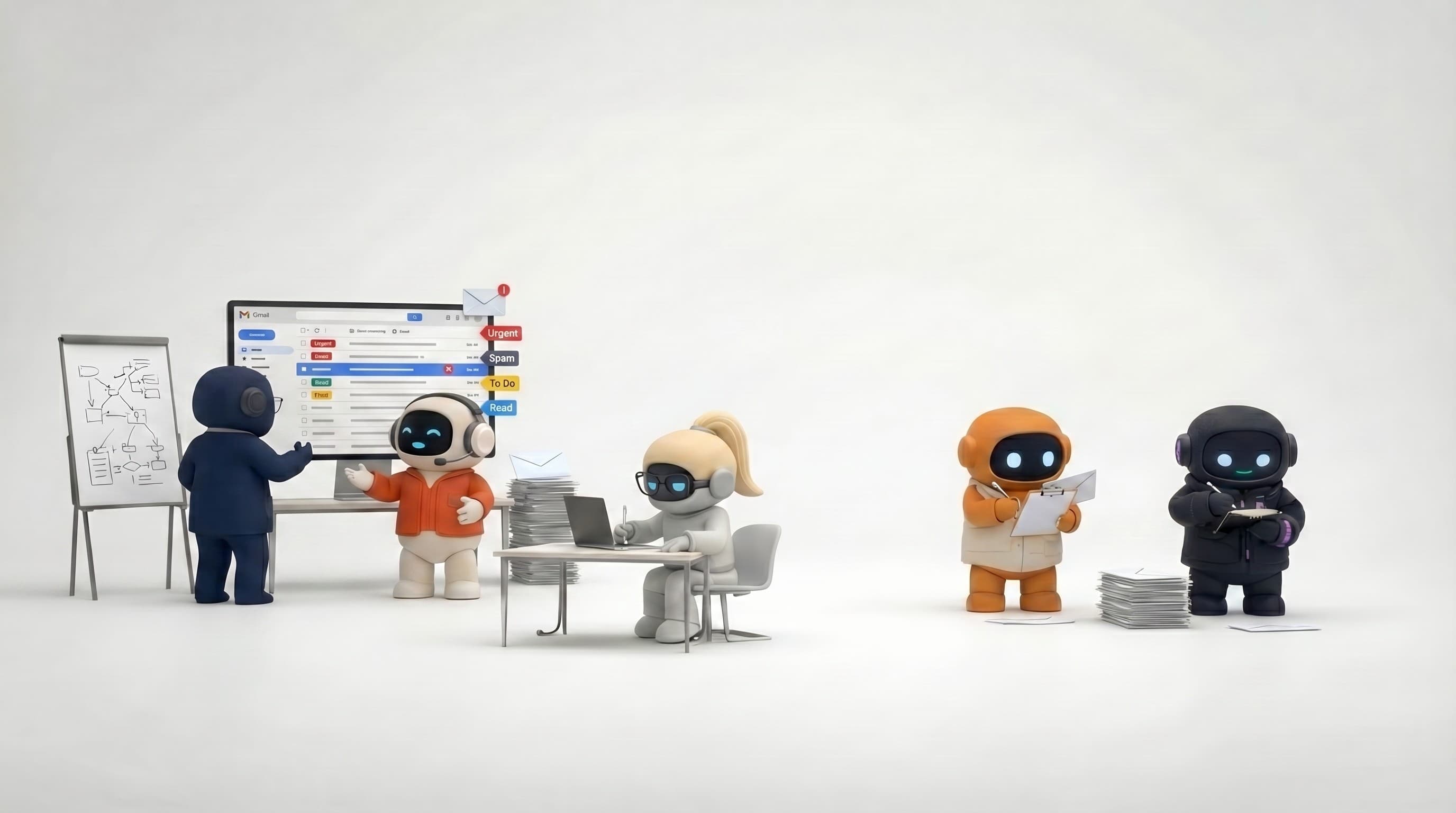
This is the highest-impact, most immediate application. An AI operations assistant can read your inbox, identify what's urgent, summarize key messages, and draft responses. For leaders who receive 50-100+ emails daily, AI triage transforms "spend 2 hours in email" into "spend 20 minutes reviewing AI-drafted responses."
Connected to your Gmail or Outlook, the assistant doesn't just summarize, it can draft and send responses through your account. It knows your communication style from your knowledge base and produces responses that sound like you.
Calendar management
AI operations assistants check your calendar for conflicts, find open time slots, schedule meetings, and optimize your week. "Find me a 30-minute slot for a team sync this week" gets answered in seconds instead of the 10-minute puzzle of cross-referencing calendars.
Connected to Google Calendar, Outlook Calendar, or Calendly, the assistant creates actual events, not just suggestions. It can also give you a weekly overview: what's coming up, where your time is going, and where you have blocks for focused work.
Project planning and task management
Describe a project, and an AI operations assistant creates a structured plan: phases, milestones, tasks, owners, deadlines. It sets these up on Kanban boards so the plan is immediately visual and trackable.
This is particularly valuable for project kickoffs. Instead of spending 2 hours creating a project plan in your PM tool, you describe the project in conversation and the AI builds the structure. You review, adjust, and you're managing instead of planning.
Meeting coordination
Beyond scheduling, AI operations assistants help with meeting preparation and follow-through: draft agendas, prepare briefing docs, send pre-meeting context to attendees, and create task lists from meeting outcomes. The before-and-after of meetings is where time gets lost, AI compresses it.
Internal documentation
SOPs, process docs, team handbooks, meeting notes, project retrospectives, operational documentation that everyone agrees is important but nobody has time to write. AI operations assistants draft these documents based on your context, creating a paper trail that would otherwise not exist.
Weekly reviews and planning
The "Monday morning startup" and "Friday afternoon review" workflows are highly repeatable and perfect for AI. The assistant reviews your calendar, summarizes the week's activity, identifies overdue tasks, drafts a team update, and sets up next week's priorities. A comprehensive weekly review that would take 45 minutes takes 10.
Where They Fall Short
Complex coordination across stakeholders
Scheduling a meeting between 5 people across 3 time zones with varying preferences and constraints requires negotiation and judgment. AI can check calendars, but the "Sarah prefers mornings and the CEO is impossible on Wednesdays" institutional knowledge often lives in someone's head, not in a system.
Organizational politics
Deciding who to invite to a meeting, how to frame a sensitive email to the board, or when to escalate a project delay involves organizational awareness that AI doesn't have. Operations often requires reading between the lines of human dynamics.
Handling exceptions
Your standard weekly process runs smoothly with AI. The week where the CEO changes priorities, a client emergency reshuffles everything, and two team members are out sick, that requires adaptive judgment. AI follows patterns; disrupted patterns need human flexibility.
Proactive strategic operations
AI operations assistants respond to instructions: "organize my week," "draft this email," "create this project plan." They don't proactively identify that your team is overcommitted this sprint, that a process is inefficient, or that two projects have conflicting resource needs. Strategic operations thinking remains human.
Sensitive communications
HR-related emails, performance feedback, compensation discussions, layoff communications, these require human judgment, empathy, and accountability. AI can draft factual parts, but the sensitive framing and decision to send should always involve a human.
Who Benefits Most
Founders wearing the ops hat
If you're a founder managing your own calendar, email, tasks, and team coordination, while also doing product, sales, and strategy, an AI operations assistant gives you back hours per week. It's the executive assistant you can't justify hiring yet.
Solo operators and solopreneurs
When you're the entire company, operations overhead is a direct tax on revenue-generating work. Every hour spent organizing is an hour not spent selling, building, or serving customers. AI operations assistants reduce that tax.
Team leads managing up and down
If you spend significant time coordinating between your team and leadership, status updates, project plans, meeting prep, email correspondence, an AI assistant handles the format-and-communicate work while you focus on the substance.
Growing teams without a dedicated ops person
The 5-15 person company that's too small for a dedicated operations or office manager, but too big for everyone to self-manage. AI fills the gap during the growth phase where the need exists but the budget for a hire doesn't.
A Practical Monday Morning Workflow
Here's what a realistic AI-assisted operations workflow looks like:
7:00 AM, Week preview "Check my calendar for this week. Summarize my meetings, flag any conflicts, and find blocks for focused work."
The assistant gives you a structured week view in 30 seconds.
7:05 AM, Email triage "Review my inbox from the weekend. Summarize urgent messages. Draft responses for the top 5."
You review 5 AI-drafted responses, tweak one, approve the rest. Sent in 10 minutes.
7:15 AM, Task review "What's overdue or due this week across my boards? Prioritize by impact."
A prioritized task list without opening your project management tool.
7:20 AM, Team update "Draft a Monday standup message for the team. Include what we accomplished last week and priorities for this week. Check our Q2 goals for reference."
A team-wide update, grounded in your actual goals, sent in 5 minutes.
Total time: 20 minutes. Without AI: 60-90 minutes.
How to Evaluate
When choosing an AI operations assistant, the questions that matter:
Can it act on your email and calendar? Reading and summarizing is helpful. Sending emails and creating calendar events is transformative. Check whether the tool connects to your actual accounts and takes action, or just generates text you copy elsewhere.
Does it know your business context? An operations assistant that knows your team structure, your projects, your goals, and your communication style produces dramatically better output than one working blind. A knowledge base or equivalent is essential.
Can it manage tasks? Operations produces tasks constantly. If the AI can create, organize, and track tasks on boards, not just list action items, it integrates with how you actually manage work.
How well does it handle recurring workflows? Operations is repetitive by nature. The AI assistant should make your weekly review, daily email triage, and regular planning sessions faster every time, learning your patterns and preferences.
The Current Landscape
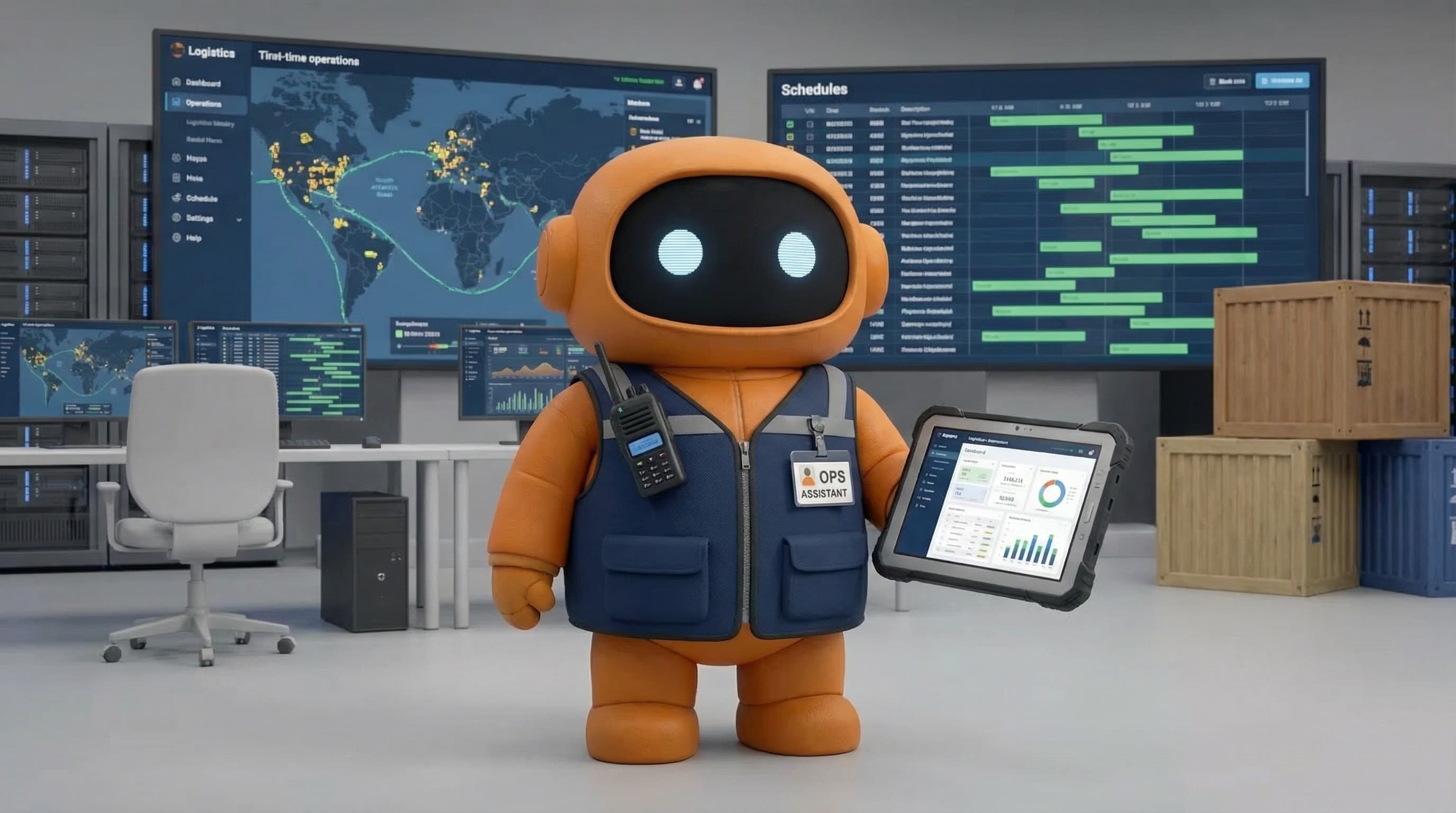
AI employee platforms (like Agently's Jarvis) provide a single agent, drawing on an operations specialist behind the scenes, with email, calendar, Notion, and task management tools. The agent handles multi-step operational workflows in conversation, triage email, check calendar, create project plan, draft update, in a shared workspace. As Agently is a command hub for all the businesses context and memory, all output from the Agents is up to standard and consistent. The Agent is injected directly into the workspace behaving like a delegate not just an agent.
AI executive assistant tools (Reclaim, Motion, Clara) focus on specific operational tasks, primarily calendar management and scheduling. Deep on their niche, limited beyond it.
Virtual assistant services with AI (Belay, Time Etc with AI augmentation) combine human VAs with AI tools. Higher cost, but human judgment on complex tasks. Good for operations that require nuance.
General-purpose AI (ChatGPT, Claude) helps with planning and drafting but doesn't connect to your email, calendar, or task management. You're the execution layer.
The Bottom Line
AI operations assistants are quietly among the highest-ROI applications of AI in business. They don't produce flashy outputs like marketing campaigns or sales pitches. They save 30-60 minutes daily on work that's necessary but not strategic, email, scheduling, planning, coordination, documentation.
Over a month, that's 10-20 hours reclaimed. For a founder or team lead, those hours redirected to product, sales, or strategy are worth multiples of what any AI tool costs.
The most honest framing: an AI operations assistant is a competent, tireless junior ops person. It handles the routine brilliantly, needs clear instructions, and should be supervised on anything sensitive. Within those boundaries, it's genuinely valuable.