Agently, a Notion AI Alternative: When a Workspace with AI Isn't Enough
Notion is one of the best productivity tools ever built. It combines documents, databases, wikis, and project management into a flexible workspace that millions of teams rely on daily. When Notion added AI, it was a natural extension — AI assistance inside the tool people already live in.
But Notion AI is AI within Notion. And for some teams, that's exactly the constraint they're bumping up against.
This article looks at what Notion AI does well, where it reaches its limits, and what to consider if you're exploring alternatives — not because Notion is bad, but because your needs may have outgrown what an AI-enhanced document tool can deliver.
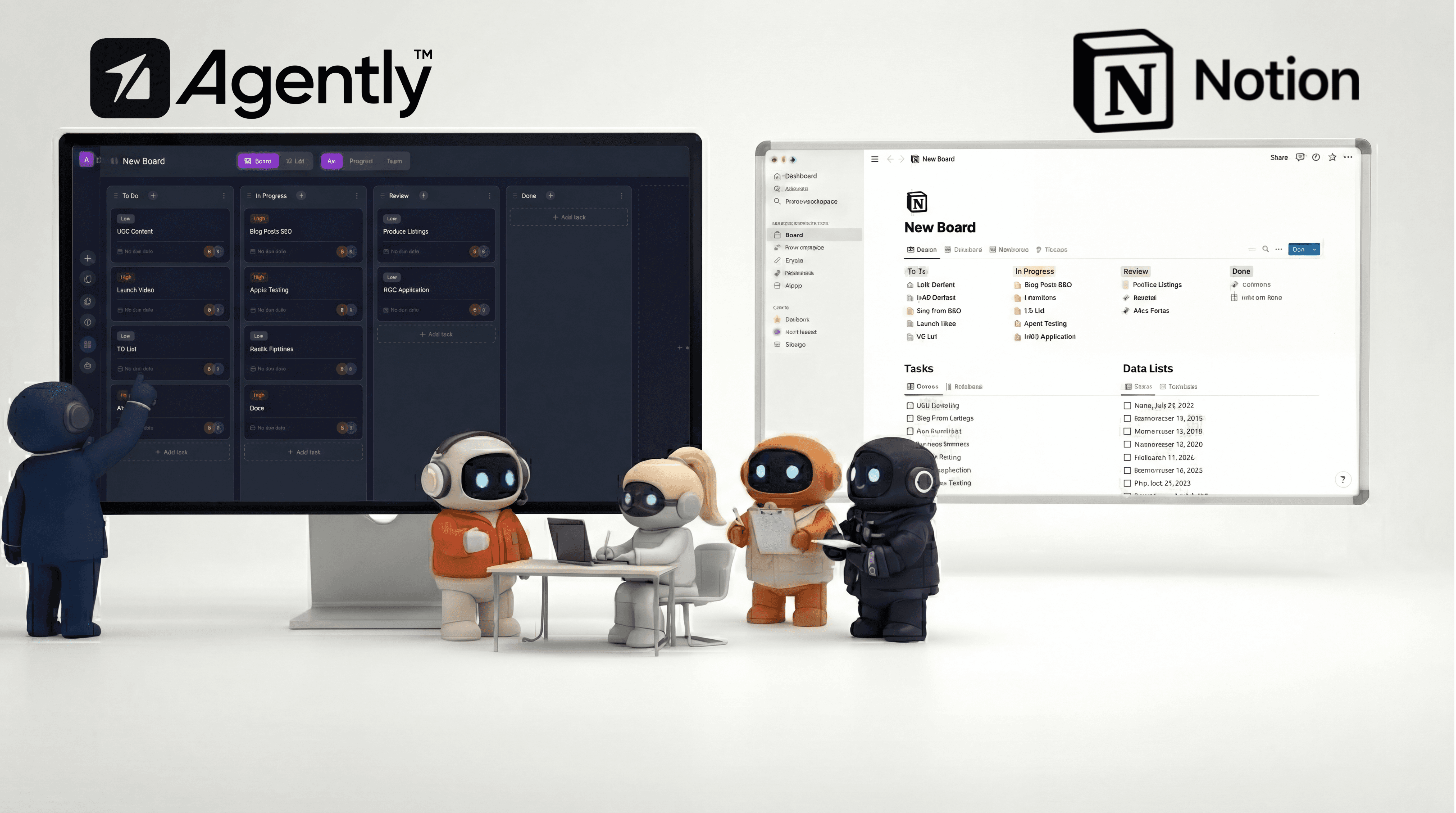
What Notion AI Does Well
It lives where you already work: If your team is already in Notion, AI is right there. No new tool to adopt, no new tab to open, no context switching. You highlight text and improve it, generate summaries, extract action items, and translate content — all without leaving your documents. For Notion-centric teams, the zero-friction integration is genuinely valuable.
Writing assistance is strong: Notion AI is excellent at text manipulation: improving writing quality, fixing grammar, changing tone, making content shorter or longer, and generating first drafts. If your primary need is "help me write better within my documents," Notion AI handles that well.
AI Meeting Notes: One of Notion's stronger AI features. It transcribes meetings, generates summaries, and extracts action items. For teams that run on meetings and need automated documentation, this is practical and well-implemented.
Enterprise Search: Notion AI can search across your Notion workspace and connected apps (Slack, GitHub, Google Workspace, Jira, Microsoft tools) to find answers. This is useful for large teams with scattered knowledge — you ask a question and it pulls relevant information from across your connected stack.
Research Mode: A newer addition that lets Notion AI draft detailed documents by analyzing sources from your workspace and the web. It goes beyond simple Q&A to produce structured research output.
Affordable add-on: At $10 per member per month (included on Business and Enterprise plans), the pricing is reasonable as an enhancement to a tool you're already paying for. It's not a separate line item decision for most Notion teams.
Where Notion AI Reaches Its Limits
These aren't criticisms — they're constraints inherent to Notion AI's design as a tool-embedded assistant:
It operates within Notion's walls: Notion AI can help you write a draft email in a Notion page. It cannot send that email through your Gmail. It can help you plan a calendar event in a document. It cannot create that event on your Google Calendar. It can draft a social media post. It cannot post it to LinkedIn.
The pattern: Notion AI generates content inside Notion documents. You then take that content and manually execute it in the appropriate tool. For teams whose work extends beyond Notion — which is most teams — this creates a persistent copy-paste workflow between AI output and actual execution.
It's not an agent — it's an assistant: Notion AI doesn't take autonomous actions. It doesn't decide to send a follow-up email because a prospect hasn't responded. It doesn't proactively research a company before your meeting. It doesn't create tasks on a board when you discuss a project plan. It responds to your explicit commands within documents.
This is a design choice, not a flaw. But it means Notion AI requires you to be the orchestrator. You decide what needs to happen, you prompt the AI, and you execute the result. The AI accelerates individual steps but doesn't run workflows.
No role specialization: Notion AI is a single, general-purpose assistant. It doesn't have a "sales mode" that understands prospecting workflows, a "marketing mode" that plans campaigns, or a "support mode" that handles customer communications. Every prompt starts from the same generalist capability.
For tasks that require domain-specific understanding — like structuring a competitive analysis, planning a multi-channel marketing campaign, or building an outbound sales sequence — you provide all the context and structure yourself.
Limited business context ingestion: Notion AI draws from your Notion workspace, which is useful if your company knowledge lives in Notion. But it can't ingest standalone PDFs, uploaded documents, web page content, or images into a dedicated knowledge base that agents reference automatically. Your "brain" is your Notion pages — powerful if Notion is your single source of truth, limiting if your business knowledge lives across multiple places.
Individual rather than team AI: Notion AI works for the person prompting it. It doesn't have the concept of AI agents that team members share, that build context over time across multiple interactions, or that operate in shared channels where both humans and AI contribute to discussions.
What an AI-Native Workspace Looks Like
The alternative to "AI added to a workspace" is "a workspace built around AI." The difference is architectural:
In an AI-native workspace, AI agents are first-class citizens, not add-ons. They have their own roles, their own tool access, their own persistent memory, and their own ability to take action. The workspace is designed from the ground up for human-AI collaboration.
Concretely, this means:
Agents send emails through your connected Gmail or Outlook — they don't draft text for you to copy
Agents schedule meetings by checking your actual calendar and creating events — they don't suggest time slots for you to manually book
Agents manage tasks by creating, updating, and organizing items on project boards — they don't list action items for you to transfer
Agents post to social media through your connected accounts — they don't write captions for you to publish manually
Agents pull from a knowledge base you build with documents, web pages, and guidelines — they don't just search your existing pages
The trade-off is real: you leave a mature, polished tool (Notion) for a newer platform that may not match Notion's depth in any single area. But you gain AI that actually executes work rather than just helping you write about it.
Agently vs. Notion AI: Side by Side
Capability | Notion AI | Agently |
|---|---|---|
Core product | Document/wiki workspace with AI add-on | AI workspace with built-in docs/wiki, tasks, and communication |
AI approach | Single general-purpose assistant | 6 specialized agents and more (Sales, Ops, Marketing, Support, Research, Guide) |
Can send emails | No — drafts in Notion | Yes — sends through Gmail/Outlook |
Can manage calendar | No — writes about events | Yes — creates/checks events on Google Calendar, Outlook, Calendly |
Can post to social | No — drafts copy | Yes — posts to LinkedIn, Twitter/X |
Task management | Notion databases and boards | Built-in Kanban boards (Spaces) |
Document editor | Notion's editor (industry-leading) | Pages editor (solid, with public sharing and gating for lead and revenue generation) |
Knowledge base | Your Notion pages | Dedicated Brain (documents, snippets, web pages, images) |
Enterprise search | Across Notion + connected apps | Within workspace knowledge base + connected apps |
Team channels | Notion comments | Group chats with agents and team members |
Database flexibility | Exceptional — relations, formulas, views | Task-focused Kanban boards |
Thinking modes | Standard | Fast mode + Smart mode (extended thinking) |
Pricing | $10/member/month add-on | Free tier available; subscription plans |
Can They Work Together?
Yes. Agently integrates with Notion, and there's a case for using both:
Keep Notion as your wiki and knowledge repository — it's exceptional at that
Import Notion pages into Agently's Brain so your agents have access to that knowledge
Use Agently's agents for execution — the actions that Notion AI can't take (sending emails, managing calendars, posting to social, running multi-step workflows)
This isn't the most elegant setup (two tools instead of one), but it lets you keep Notion's strengths while adding action-taking AI capabilities. Over time, you'd evaluate whether to consolidate.
Who Should Stay with Notion AI
Notion AI remains the right choice if:
Notion is your single source of truth. If your entire company knowledge base, project management, and documentation live in Notion and you don't want to move, adding AI to your existing workspace is the lowest-friction path.
Your primary AI need is writing assistance. If what you need is help drafting, editing, and improving text within documents, Notion AI handles this well and doesn't require a separate tool.
You value database flexibility over AI execution. Notion's relational databases, formulas, and views are industry-leading. If your workflows depend heavily on Notion's database capabilities, no AI workspace matches that depth.
Your budget is tight. At $10/member/month on top of your existing Notion subscription (or included on Business/Enterprise plans), Notion AI is one of the cheapest ways to add AI to your workflow.
You're a large team with established processes. Migrating a 50-person team's documentation, project management, and knowledge base from Notion to any alternative is a significant undertaking. The switching cost may outweigh the benefit.
Who Should Consider an Alternative
An alternative makes sense if:
You need AI that takes action, not just writes. If you're spending significant time copying Notion AI outputs into emails, calendars, task boards, and social media, you're doing the work the AI should be doing.
You want role-specialized agents. If you need an AI that understands sales workflows differently from marketing workflows differently from customer support workflows, a single general-purpose assistant isn't enough.
Your work spans tools that Notion doesn't control. If your daily workflow involves Gmail, Google Calendar, LinkedIn, Twitter, and other tools outside Notion's ecosystem, you need AI that connects to all of them — not just AI within Notion.
You want AI and team collaboration in the same place. Channels where your team and AI agents discuss work together, rather than AI that's isolated to individual document interactions.
You're a small team building from scratch. If you don't have an entrenched Notion setup, starting with an AI-native workspace avoids the "add AI to an existing tool" limitation entirely.
Other Alternatives Worth Considering
Notion AI isn't the only option, and Agently isn't the only alternative:
ClickUp AI — If you're a ClickUp user, their AI features enhance project management with writing assistance, summarization, and task generation. Similar constraints to Notion AI (AI within one tool), but stronger on the project management side.
Microsoft Copilot — For Microsoft-ecosystem teams, Copilot works across Word, Excel, Teams, and Outlook. Broader tool coverage than Notion AI, but still operates as an assistant rather than an autonomous agent.
ChatGPT Business — General-purpose AI with team collaboration features. No workspace or project management built in, but powerful for teams that want flexible AI without tool-specific constraints.
Coda AI — Similar to Notion with AI capabilities, offering a document-database hybrid with AI features. Worth evaluating if you like Notion's approach but want different AI capabilities.
Making the Decision
The choice between Notion AI and an alternative comes down to one question: do you need AI that helps you write, or AI that helps you work?
If your bottleneck is creating and editing content within documents, Notion AI solves that elegantly within a tool you already know.
If your bottleneck is executing workflows across email, calendar, social media, and project management — and you're tired of being the glue between your AI's output and your actual tools — then you've likely outgrown what a tool-embedded AI assistant can offer.
Both are valid starting points. The right answer depends on where you are today and where your needs are heading.
Agently gives you AI agents that take action across your tools — not just within documents. Try it free to see the difference.
CEO
Omar Ghandour
February
25,
2026
Share on social media