AI Employees: What They Are, How They Work, and Whether Your Business Needs Them
The term "AI employees" has moved from science fiction to job descriptions in the span of about two years. Platforms now offer AI agents positioned as virtual team members — complete with names, roles, and specialized skill sets. Some handle sales outreach. Others manage customer support queues. A few claim to run entire marketing operations.
But beneath the branding, there's a real question worth answering honestly: what are AI employees, what can they actually do, and should your business care?
This article breaks it down without the hype.
What AI Employees Actually Are
An AI employee is a software agent designed to perform a specific business function autonomously or semi-autonomously. Unlike a general-purpose chatbot that answers questions, an AI employee is scoped to a role — sales development, customer support, operations management — and equipped with tools to take action within that role.
The distinction matters. A chatbot can tell you how to write a cold email. An AI employee can research the prospect, draft the email using your brand voice, send it through your connected Gmail, and create a follow-up task on your project board. The difference is between advice and execution.
Most AI employee platforms share a few common traits:
Role specialization: Each agent is built for a specific function rather than being a generalist.
Tool access: Agents connect to your existing software (email, calendar, CRM, project management) and take actions through those tools.
Business context: Agents pull from a knowledge base you build — your company docs, product info, brand guidelines — so their output reflects your business, not generic AI responses.
Persistent memory: Conversations and context carry forward, so you don't start from scratch every time.
Think of it less as "artificial intelligence replacing your team" and more as "software that can handle repeatable, structured work across your existing tools."
How AI Employees Differ From What You've Used Before
It helps to place AI employees on a spectrum of business tools:
Chatbots (ChatGPT, Claude, Gemini): General-purpose AI that responds to prompts. Powerful for brainstorming, writing, and analysis — but you have to take every output and manually execute on it. You write the email, you send it, you update the spreadsheet. The AI just helped you think.
Automation tools (Zapier, Make, n8n): Rule-based workflows that trigger when conditions are met. If a form is submitted, send an email. If a deal closes, update a spreadsheet. These are reliable but rigid — they follow predetermined paths and can't make judgment calls.
AI copilots (Notion AI, GitHub Copilot, Microsoft Copilot): AI assistants embedded in specific tools. They help you work faster within that tool — writing in Notion, coding in VS Code, summarizing in Teams — but they're confined to the tool they live in.
AI employees: Agents that operate across multiple tools, make contextual decisions, and execute multi-step workflows within a defined role. They combine the reasoning of chatbots, the action-taking of automation, and the tool integration of copilots — but scoped to a business function.
The trade-off is that AI employees are more opinionated. You're not getting a blank canvas like ChatGPT. You're getting an agent that's pre-configured for sales, or marketing, or operations — which is either a constraint or a feature depending on your needs.
What AI Employees Can Do Today
Capabilities vary by platform, but here's a realistic view of what the current generation handles well:
Sales and business development
Research companies, industries, and prospects using web search
Draft personalized outreach emails using your brand context
Send emails through your connected accounts (Gmail, Outlook)
Manage sales pipelines on Kanban boards
Prepare meeting briefs combining web research with internal knowledge
Marketing and content
Plan content calendars based on industry trends
Write blog posts, social media copy, email newsletters
Post to LinkedIn and Twitter/X through connected accounts
Build campaign plans with timelines and task boards
Draw, plan and execute brand strategy
Operations and administration
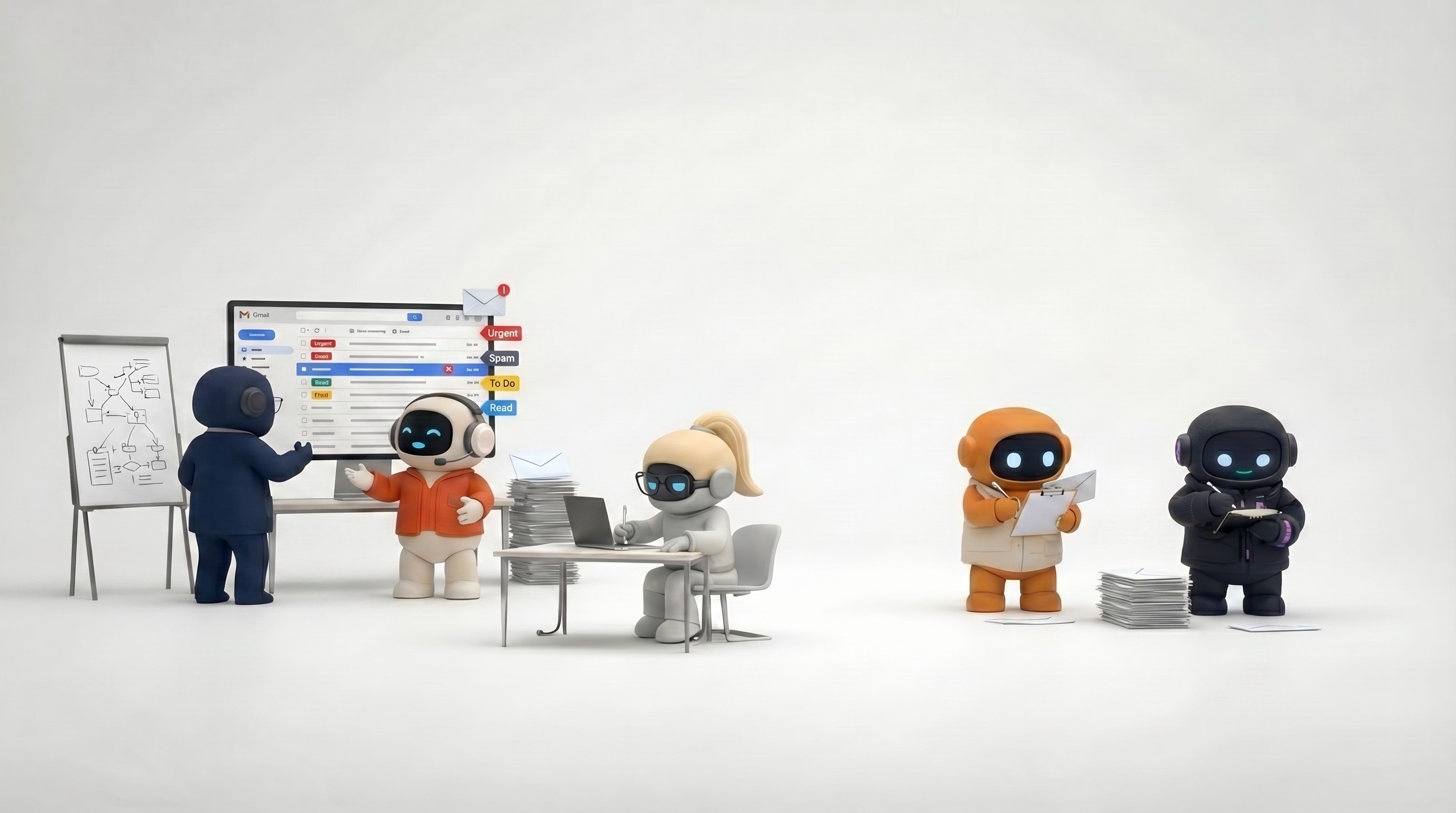
Triage and draft email responses
Check calendar availability and schedule meetings
Create project plans with tasks, deadlines, and owners
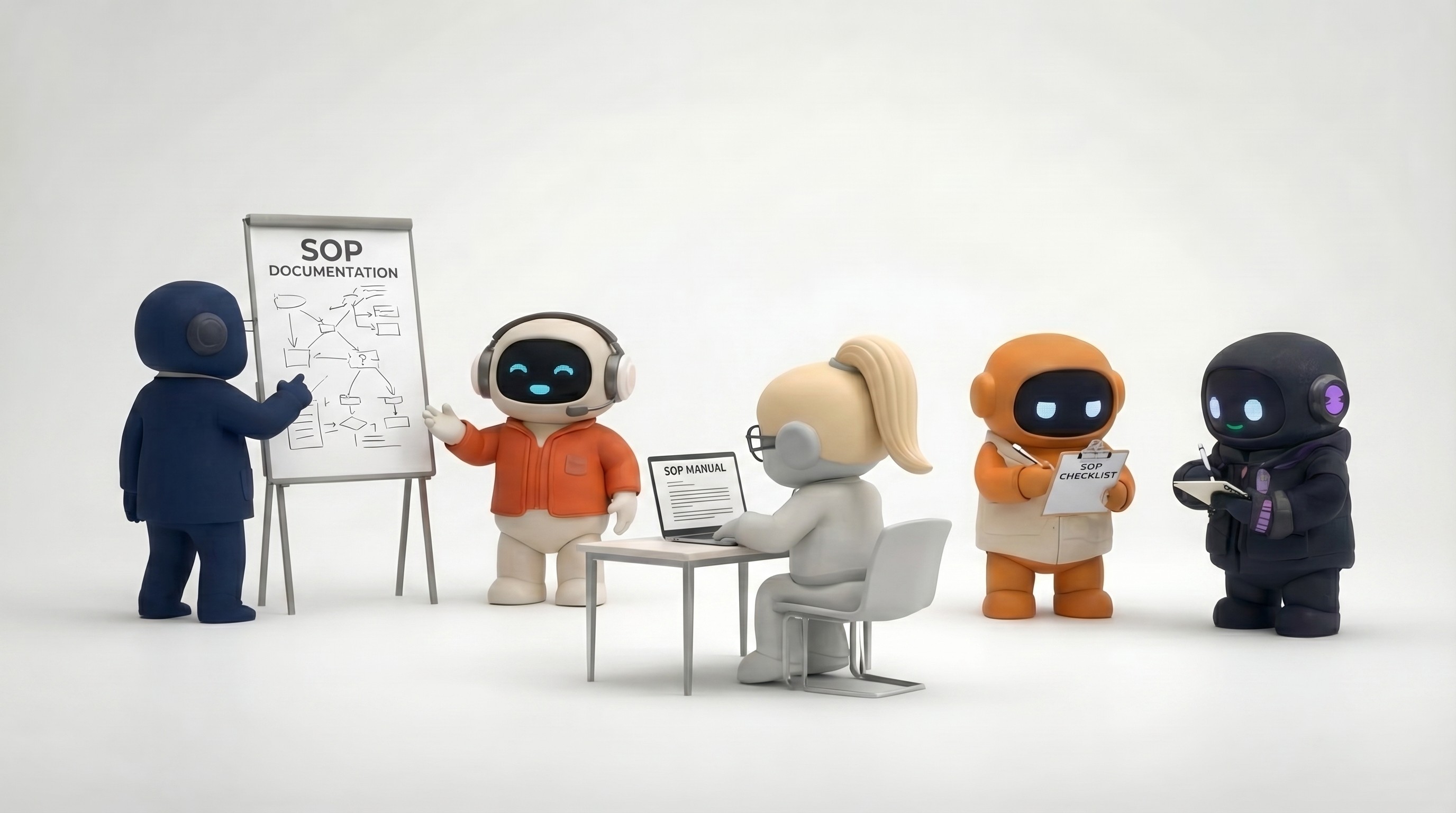
Write internal documentation
Customer success
Create and manage support tickets
Draft customer communications and onboarding sequences
Track customer health with task boards and follow-ups
Build FAQ content from common support issues
Research and strategy
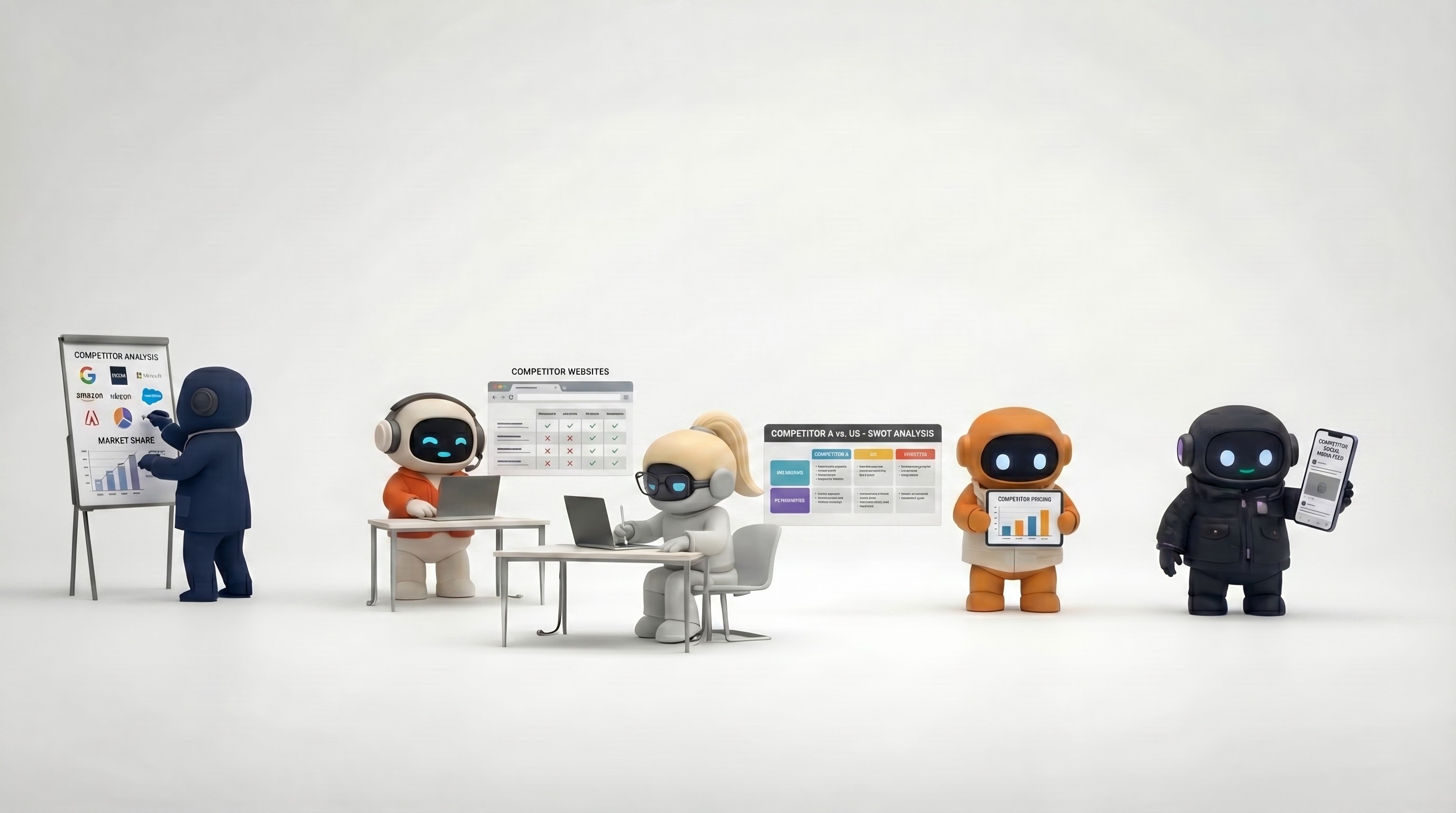
Conduct competitive analysis across multiple companies
Research market size, trends, and opportunities
Create SWOT analyses and strategic frameworks
Synthesize large amounts of information into actionable briefs
These workflows work best when they're repeatable and structured. An AI employee can run your weekly prospecting workflow reliably. It's less suited for one-off creative decisions that require deep human judgment.
Who AI Employees Work For
Based on where the technology is today, AI employees deliver the most value to:
Founders and small teams (1-15 people)
Who need to cover more ground than their headcount allows. You can't afford a full-time sales rep, marketing manager, and operations coordinator — but you need those functions running. AI employees fill the gaps, handling the structured, repeatable parts of those roles while you focus on the work that requires human judgment.
SMB's and Agencies scaling output
If your team is spending 40% of their time on tasks that follow predictable patterns — email triage, prospect research, content drafting, report compilation — AI employees can absorb that work. Your people shift to higher-leverage activities.
Founders running on multiple tools
If your work is spread across Gmail, Google Calendar, Notion, LinkedIn, Slack, and a project management tool, AI employees that operate across all of them reduce context-switching. Instead of manually connecting workflows between tools, the agent handles it.
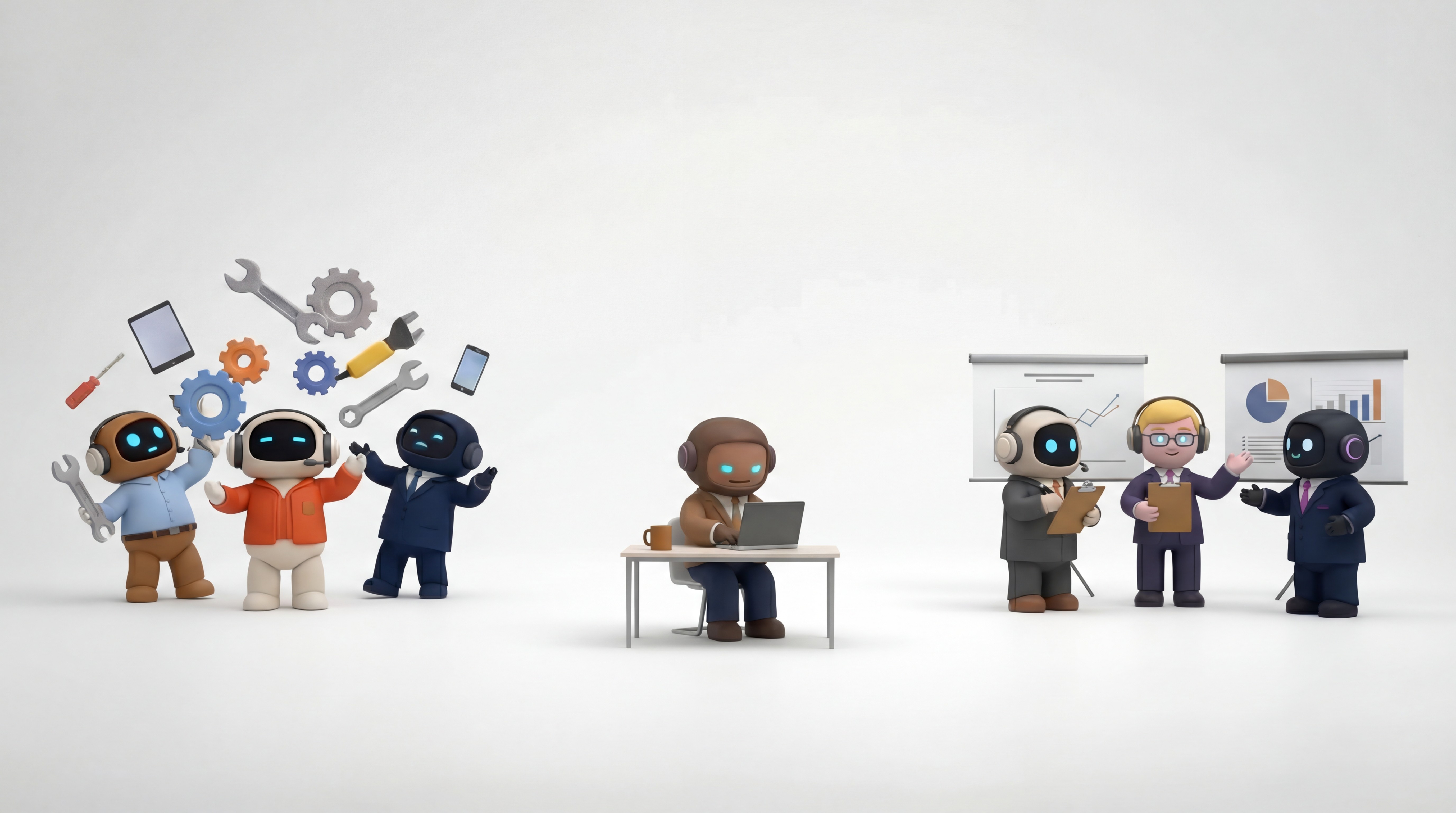
Who AI Employees Don't Work For (Yet)
Enterprises with complex compliance requirements
If every action needs audit trails, approval chains across multiple departments, and regulatory compliance checks, the current generation of AI employees isn't built for that level of governance.
Teams that need deep domain expertise
AI employees work with the knowledge you provide and general web information. If your work requires specialized domain knowledge — say, pharmaceutical research or legal contract analysis — purpose-built vertical AI tools are a better fit.
Anyone expecting zero oversight
If you want to set it and forget it entirely, you'll be disappointed. AI employees work best in a human-in-the-loop model where you review and approve their work, especially early on.
How to Evaluate AI Employee Platforms
If you're considering adopting AI employees, here's what to look at beyond the marketing:
Specialization vs. generalization: Does the platform offer role-specific agents, or is it one generic agent you have to configure from scratch? Pre-built specialization gets you to value faster but may be less flexible.
Integration depth: Can agents actually take action through your tools (send emails, create calendar events, post to social), or do they just generate text you then copy-paste elsewhere? Action-taking is the line between an AI employee and a fancy chatbot.
Knowledge base quality: How do you feed the agent your business context? Can you upload documents, add web pages, create snippets? How well does the agent actually use this context in its responses?
Team collaboration: Can multiple people on your team work with the same agents and share context? Or is it single-user only?
Transparency: Can you see what the agent is doing — which tools it's using, what it's reading, what actions it's about to take? Black-box agents that just produce output without showing their work are harder to trust and debug.
Pricing model: Per-user? Per-agent? Credit-based? Understand the cost structure and how it scales as your usage grows. Some platforms get expensive quickly once you exceed initial credit limits.
The Current Landscape
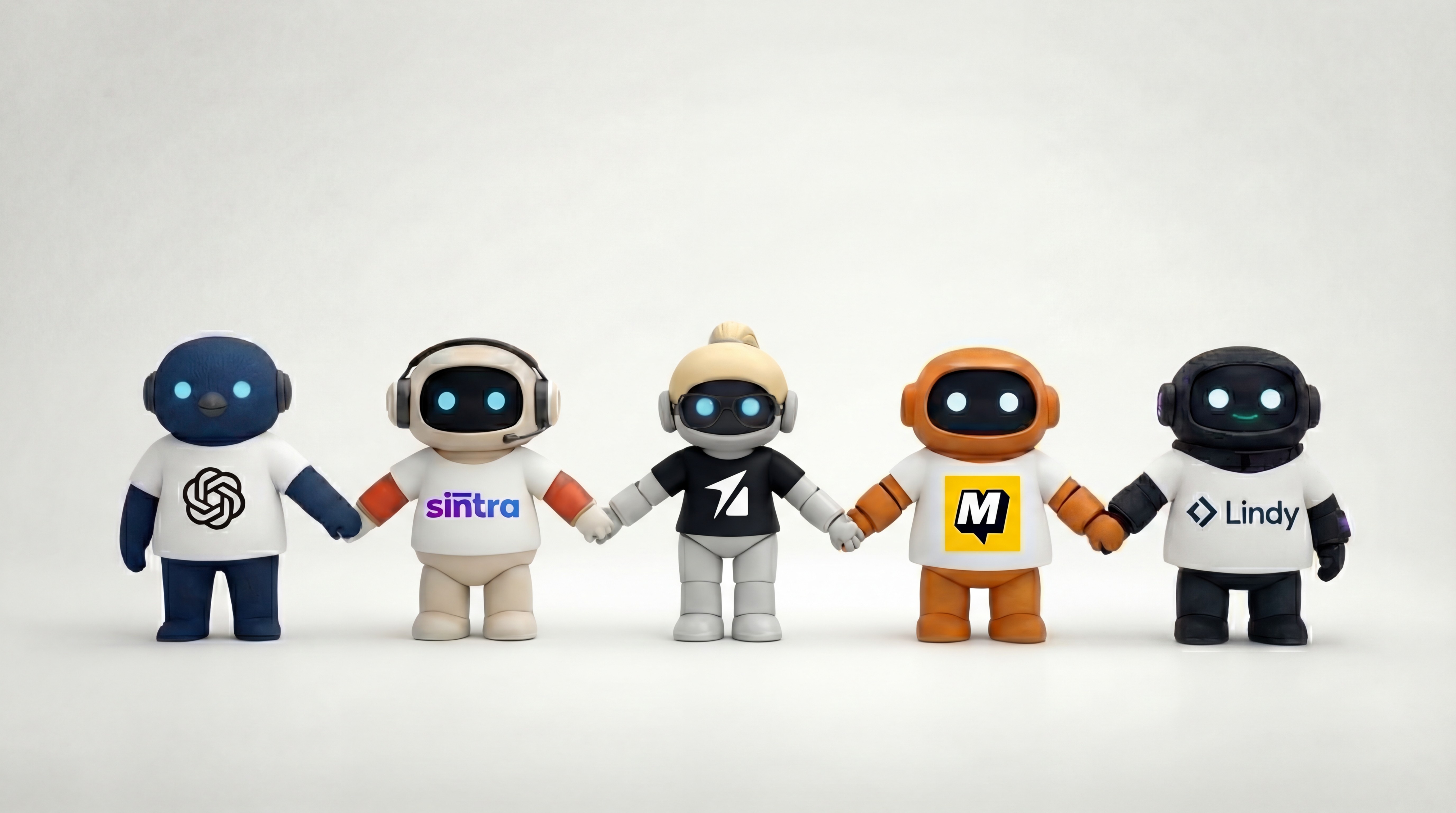
Several platforms are competing in the AI employees space, each with a different approach:
Agently
Offers six specialized agents (Sales, Operations, Marketing, Customer Success, Research, and a Workspace Guide) that operate within a shared workspace. Agents connect to email, calendar, Notion, LinkedIn, Twitter and much more — share a central knowledge base called the Brain. The platform includes built-in project management (Kanban boards), a document editor, and team channels. The Work OS connects the whole workspace with the agents and vice versa, allowing for the AI Employees to collaborate with the team in realtime within the workspace and outside through the integrations. AI Employees can push tasks, communicate with team members, execute assigned tasks, collaborate with one another and assign tasks to team members. It's oriented toward small-to-mid teams that want an all-in-one AI workspace.
Sintra & Marbilism
They take a similar approach with 12+ AI helpers covering customer support, copywriting, social media, SEO, and more. They offers credit-based pricing and one-click use cases for common tasks.
Lindy AI
Positions itself as an AI assistant platform focused on building custom AI workflows, with strong automation capabilities.
ChatGPT Business (formerly ChatGPT Team)
Provides general-purpose AI with team collaboration features, custom GPTs, and integrations — but without the role-based specialization of dedicated AI employee platforms.
The right choice depends on your team size, technical comfort, and how much structure you want out of the box versus how much you want to build yourself.
Getting Started
If you want to explore AI employees, a pragmatic approach:
Pick one workflow: Don't try to automate everything. Choose your highest-volume, most repetitive workflow — probably sales outreach, content creation, or email management.
Build the knowledge base first: Before you start chatting with agents, give them your company context. Brand guidelines, product info, customer FAQs, your tone of voice. This is the single biggest factor in output quality.
Start with review mode: Have the AI employee draft work for you to review, rather than taking autonomous action. Build trust through observed quality before expanding autonomy.
Measure honestly: Track time saved, output quality, and error rate. AI employees should demonstrably save you time on specific workflows. If they don't, either the workflow isn't a good fit or the platform isn't right.
Expand gradually: Once one workflow is running well, add another. The compounding effect of multiple AI employees working across connected workflows is where the real value emerges.
The Honest Bottom Line
AI employees are a real, practical tool — not a magic solution. They work best for structured, repeatable business tasks where the output can be reviewed by a human before it matters. They save meaningful time when properly set up with good business context, and they fall flat when deployed without investment in knowledge bases and clear instructions.
The technology is improving fast. What AI employees can do today is significantly more than a year ago, and a year from now will be another leap. The question isn't whether AI employees will be part of how businesses operate — it's whether your business is ready to invest the setup time to make them work well today.
If you're a small team stretching to cover multiple business functions, it's worth trying. Start small, measure results, and scale what works.
Agently offers a free tier to test with your team. Get started and try it with a real workflow before deciding.
CEO
Omar Ghandour
February
23,
2026
Share on social media