
This guide compares 15 ChatGPT alternatives for business, from Microsoft Copilot, Gemini and Claude to AI employee platforms like Agently, Lindy and Sintra AI, with starting prices and the kind of team each one fits. The short version: ChatGPT is the best general-purpose thinking tool available, but "AI that helps you think" and "AI that does the work" are different categories, and that gap is why businesses look for alternatives. ChatGPT drafts the email; it does not send it, log it, or create the follow-up task.
Key takeaway: Stay with ChatGPT Business if your bottleneck is thinking, diverse, unpredictable knowledge work. Look at an AI employee platform like Agently if your bottleneck is executing: research, draft, send, and track across your tools in one place.
ChatGPT is the most popular AI tool in the world, and for good reason. It's versatile, powerful, and genuinely useful for everything from drafting emails to analyzing data to brainstorming strategy. Most knowledge workers use it daily.
So why are businesses looking for alternatives?
Not because ChatGPT is bad, it isn't. The shift is happening because teams are discovering the gap between "AI that helps me think" and "AI that helps me work." ChatGPT excels at the first. Many businesses need the second.
This article examines that gap honestly, explores what different categories of alternatives offer, and helps you figure out whether ChatGPT Business is still the right tool for your team or whether something else fits better.
What ChatGPT Business Does Well
Raw intelligence
ChatGPT, particularly with GPT-5 models, is arguably the most capable general-purpose AI available. It can write, analyze, code, reason, summarize, translate, and brainstorm at a level that still impresses. For sheer thinking capability, give it a complex problem and get a thoughtful answer, it's hard to beat.
Flexibility
ChatGPT handles virtually any knowledge work request. Sales email? Sure. Financial analysis? Yes. Legal document review? It can help. Python script? No problem. This versatility makes it a universal tool that every team member can use for their own needs.
Custom GPTs
ChatGPT Business lets you create custom GPTs, purpose-built versions of ChatGPT with specific instructions, knowledge, and capabilities. Your team can build a "Sales Outreach GPT" or a "Customer FAQ GPT" that's tailored to your use case. This is a genuine step toward specialization.
Integration breadth
With 60+ integrations (Slack, Google Drive, SharePoint, GitHub, Atlassian, and more), ChatGPT Business connects to a wide ecosystem. The Codex agent adds coding capabilities, and data analysis tools let you work with files and datasets directly.
Enterprise-grade security
No training on your business data by default, SAML SSO, encryption at rest and in transit, GDPR and CCPA compliance. For teams concerned about data privacy with AI, ChatGPT Business takes security seriously.
Model access
Unlimited access to GPT-5.2, generous access to thinking and pro models, DALL-E for image generation, and early access to new features. You're always on the cutting edge of OpenAI's capabilities.
The Gap: Where ChatGPT Falls Short for Business Workflows
These limitations aren't bugs, they're consequences of ChatGPT being designed as a general-purpose thinking tool rather than a business operating system:
It thinks but doesn't act
ChatGPT can draft a perfect cold email. It cannot send that email through your Gmail. It can plan a content calendar. It cannot create the tasks on your project board. It can suggest meeting times. It cannot check your calendar and book the meeting.
Every ChatGPT interaction ends with you copying the output and executing it manually in another tool. For one-off tasks, this is fine. For daily workflows that involve email, calendar, task management, and content publishing, the manual transfer layer adds up to hours of wasted time per week.
Every conversation starts from zero
ChatGPT doesn't have persistent context about your business that carries across every conversation. Yes, you can feed it context in each chat, and custom GPTs can include instructions and files, but it doesn't have a living knowledge base that grows as your company evolves. Every new conversation requires re-establishing context about your brand, your products, your customers, and your preferences.
It doesn't understand roles
ChatGPT is the same tool whether you're doing sales, marketing, operations, or research. There's no concept of an AI that understands sales pipeline management differently from content marketing differently from customer support. You can prompt it into different modes, but the burden of role-specific knowledge is on you.
No workspace or collaboration
ChatGPT is a chat interface. It doesn't have task boards, document editors, team channels, or project management. Your team uses ChatGPT alongside your actual work tools, adding another app to the stack rather than consolidating it.
Custom GPTs have limits
While custom GPTs are useful, they're still individual chat bots, not integrated agents. A custom GPT can't access your calendar, send emails through your account, create tasks in your project management tool, or post to your social media. They're smarter prompt templates, not autonomous employees.
What Businesses Actually Need From AI
When teams audit how they use ChatGPT, a pattern emerges. The most common business workflows involve:
-
Research , Find information about a company, market, or topic
-
Draft , Write an email, blog post, social post, or document
-
Execute , Send the email, publish the post, create the task, schedule the meeting
-
Track , Log the action, update the pipeline, maintain the record
ChatGPT handles steps 1 and 2 well. Steps 3 and 4 happen outside ChatGPT, manually, in other tools. A business AI tool should handle all four steps in one place.
Categories of ChatGPT Alternatives
Not all alternatives compete on the same axis. The table below is the short version; the categories underneath explain the trade-offs.
| Tool | Category | From | Acts in your tools? | Best for |
|---|---|---|---|---|
| Agently (agently.dev) | AI employee platform | Free tier; Pro $99/mo | Yes, via Jarvis with approval | Small teams needing execution with shared context |
| Marblism | AI employee platform | $24/mo | Partly, chat-led output | Cheapest entry, voice via Rachel |
| Sintra AI | AI employee platform | ~$97/mo | Partly, chat-led output | Breadth of helpers across functions |
| Lindy AI | Agent builder | $29.99/user/mo | Yes, workflows you build | Voice and custom workflows |
| Relevance AI | Agent builder | $234/mo | Yes, workflows you build | Technical teams operating at scale |
| Microsoft Copilot | Enterprise copilot | ~$30/user/mo | Within Microsoft 365 only | Teams fully inside M365 |
| Gemini for Workspace | Enterprise copilot | Bundled with Workspace | Within Google Workspace only | Teams fully inside Workspace |
| Notion AI | AI inside one app | $10/user/mo | Within Notion only | Work already lives in Notion |
| ClickUp AI | AI inside one app | $9/user/mo (annual) | Within ClickUp only | Work already lives in ClickUp |
| Harvey / Jasper / Salesforce Einstein | Vertical AI | Varies | Within their domain | One deep domain need |
Pricing as of September 2026. Confirm on each vendor site, since plans change often.
AI employee platforms
Platforms like Agently and Sintra AI offer specialized AI agents that fill specific roles, sales rep, marketing strategist, operations manager, customer success agent. These agents connect to your tools and take actions: sending emails, scheduling meetings, managing tasks, posting to social media. They trade ChatGPT's flexibility for execution capability.
Best for: Teams that need AI to do work, not just help them think. Small teams that need functional coverage without hiring.
AI-enhanced productivity tools
Notion AI, ClickUp AI,Agently and Coda AI embed AI into existing productivity tools. The AI helps you work better within that specific tool, better writing in Notion, smarter task management in ClickUp. Limited to the tool's boundaries.
Best for: Teams already committed to a specific productivity tool who want AI enhancement without switching.
Enterprise copilots
Microsoft Copilot and Google Gemini for Workspace integrate AI across office suites. Copilot works in Word, Excel, Teams, Outlook, and PowerPoint. Gemini works in Docs, Sheets, Gmail, and Meet. They're powerful within their ecosystems.
Best for: Teams fully invested in Microsoft or Google ecosystems who want AI across their entire office suite.
AI agent builders
Lindy AI, Relevance AI, and similar platforms let you build custom AI agents with specific tools and logic. More technical to set up, but highly customizable. You design the agent's workflow from scratch rather than using pre-built roles.
Best for: Technical teams that want maximum control over agent behavior and can invest in configuration.
Specialized vertical AI
Industry-specific AI tools: Harvey for legal, Jasper for marketing content, Salesforce Einstein for CRM. These go deep in one domain rather than broad across many.
Best for: Teams with a primary need in one specific domain where generic AI isn't deep enough.
Agently: The AI Chief of Staff Approach
Since this article is published by Agently, here's a transparent look at how our approach differs from ChatGPT:
One agent that spans every role, not a generic chatbot. Jarvis is a single orchestrator that covers sales, operations, marketing, customer success, and research from one conversation, and delegates to specialist sub-agents behind the scenes when it helps, each with role-specific tools and understanding. You talk about sales and it works like a sales specialist, without you having to put a generic AI into "sales mode."
Agents take action. Send emails through Gmail/Outlook. Create events on Google Calendar/Outlook Calendar/Calendly. Post to LinkedIn and Twitter/X. Create and manage tasks on Kanban boards. Write documents in the built-in editor. The output goes directly into your tools, not into a chat window that you copy from.
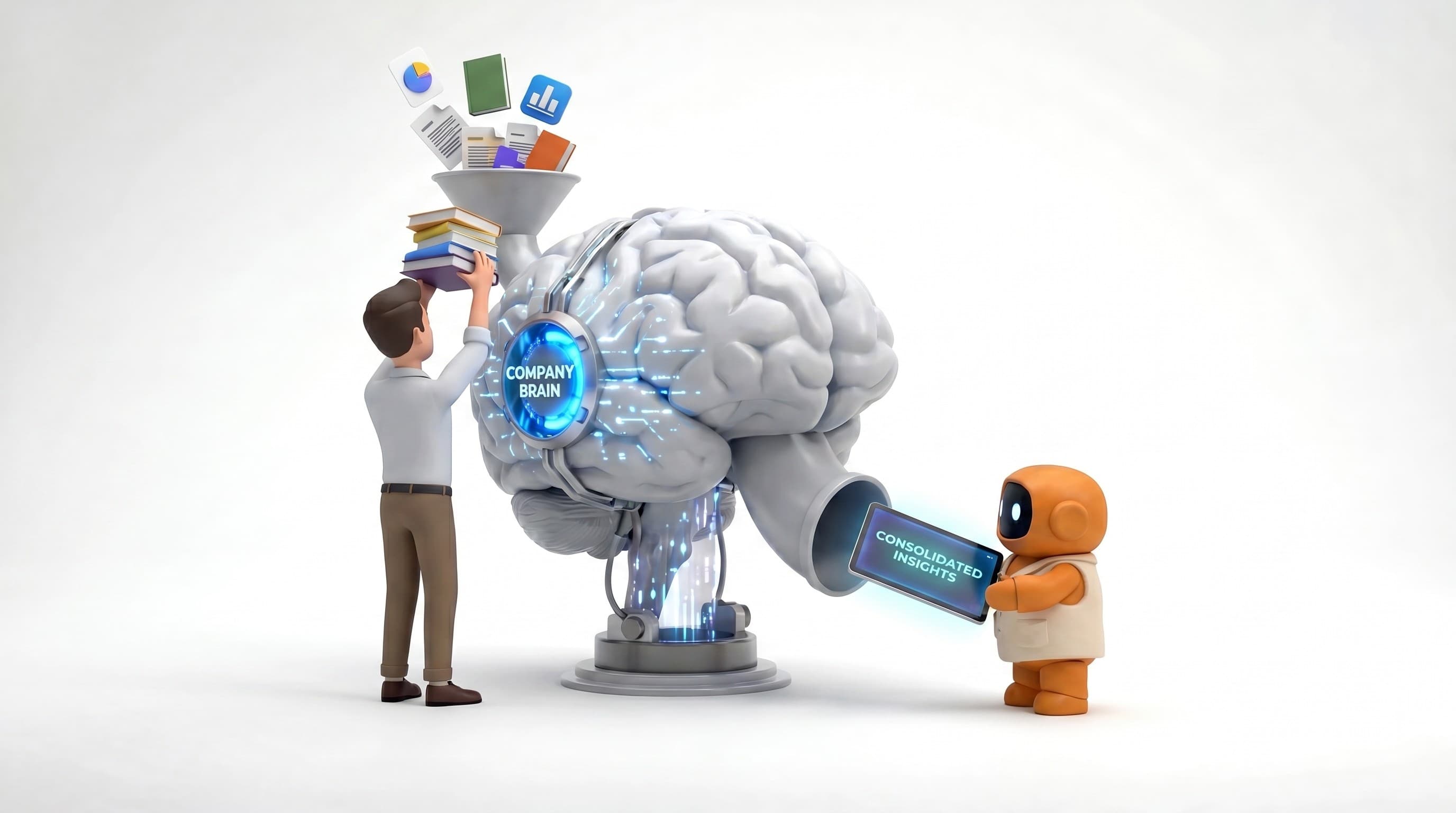
Persistent knowledge base. The Brain stores your company documents, brand guidelines, product information, and business context. Every agent references it automatically. It grows over time and benefits all agents simultaneously.
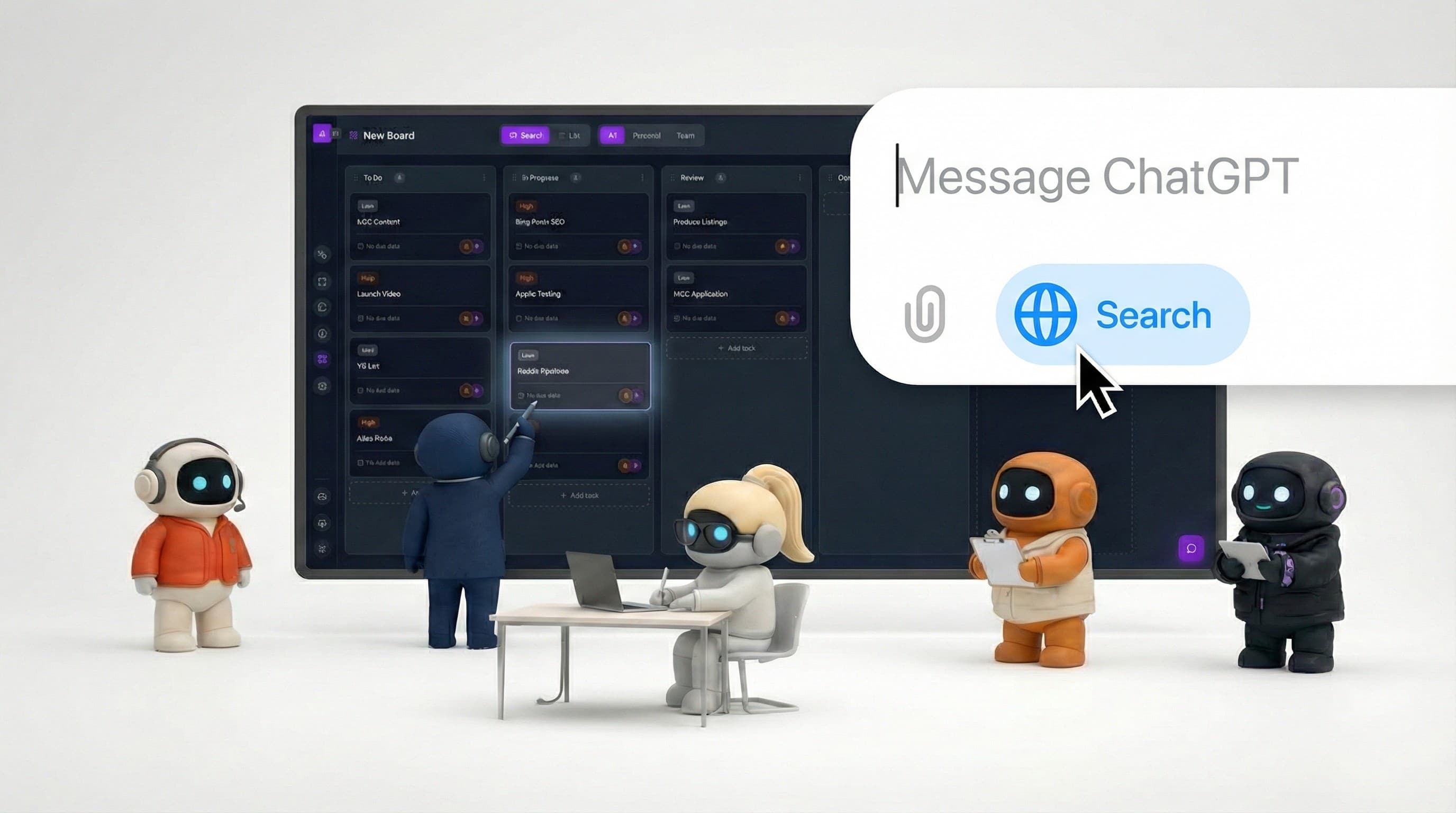
Built-in workspace. A task queue (Work), standing schedules (Routines), a document editor (Pages), and the knowledge base (Brain), all in one place. Agents and humans collaborate in the same environment.
Where Agently is weaker than ChatGPT: raw flexibility. ChatGPT can handle literally any prompt, code debugging, creative fiction, philosophical questions, image generation. Agently's agents are scoped to business functions. If you need a Swiss Army knife for thinking, ChatGPT is still the better tool. If you need AI employees that execute business workflows, that's where we focus.
Other Notable Alternatives
Beyond the categories above, a few specific alternatives worth evaluating:
Claude (Anthropic) , If your concern with ChatGPT is about output quality for long-form analysis, strategic thinking, or nuanced writing, Claude is a strong general-purpose alternative. It's not a business platform, it's a thinking tool, like ChatGPT, but some teams prefer its style and reasoning for certain tasks.
Perplexity , If your primary ChatGPT use case is research and information retrieval, Perplexity is purpose-built for that. It cites sources, reduces hallucination, and presents information in a research-friendly format. Not a business workflow tool, but excellent for the research step.
Notion AI , If your team lives in Notion, adding Notion AI is the lowest-friction path to AI-enhanced work. It's not an alternative to ChatGPT's capabilities, it's an alternative to ChatGPT's place in your workflow by embedding AI where you already work.
Who Should Stick with ChatGPT Business
ChatGPT Business remains the right choice if:
-
Your AI needs are diverse and unpredictable. If every day brings a different kind of request, code today, legal analysis tomorrow, creative writing next week, ChatGPT's generalist nature is a feature, not a bug.
-
You primarily need a thinking partner, not an execution tool. If your bottleneck is figuring out what to do (strategy, analysis, brainstorming) rather than doing it (sending emails, managing tasks, scheduling meetings), ChatGPT's strength is exactly what you need.
-
Your team is large and technically diverse. ChatGPT Business works for engineers, marketers, sales reps, legal, HR, everyone. A single tool that serves all roles has adoption advantages over a platform that requires role-specific onboarding.
-
You're invested in the OpenAI ecosystem. If you've built custom GPTs, use the API, or depend on DALL-E, staying in the ecosystem avoids migration costs.
-
You need the best AI models available. OpenAI consistently ships frontier models. If having access to the most capable AI is your priority, ChatGPT Business delivers that.
Who Should Explore Alternatives
Consider moving beyond ChatGPT if:
-
You're tired of copy-pasting. If your daily workflow is: prompt ChatGPT → copy output → paste into email/document/task board/social media → repeat, you're doing work that an integrated tool should handle.
-
You want AI that knows your business automatically. If re-establishing context in every ChatGPT conversation is tedious, you need a platform with a persistent knowledge base that agents reference without being prompted.
-
Your team needs role-aware AI. If your sales team uses AI differently from marketing and operations, Jarvis adapts to each function through specialist sub-agents, reducing prompt engineering and improving output quality.
-
You want fewer tools, not more. If adding ChatGPT was supposed to simplify your workflow but instead became yet another tab alongside your email, calendar, project management, and document tools, a consolidated AI workspace might be the simplification you actually wanted.
-
You're a small team that needs to execute fast. If you're 2-15 people who need AI that does the work (researches prospects, sends outreach, manages calendar, creates content) rather than AI that helps you plan the work, action-taking agents deliver more per hour.
The Pragmatic Path
Here's what we'd recommend regardless of which tool you choose:
-
Audit your current ChatGPT usage. Look at your last 50 conversations. How many ended with you copying output into another tool? That's your "execution gap", the work that an integrated business AI would handle.
-
Identify your top 3 workflows. Which repeatable workflows consume the most time? Sales outreach, content creation, email management, meeting prep, competitive research? Match these to tools that specialize in them.
-
Test with real work, not demos. Every AI tool looks great in a demo. Take your actual workflow, a real prospecting task, a real content calendar, a real email triage session, and run it through both ChatGPT and the alternative. Measure time to completion and output quality.
-
Consider the total cost of work. ChatGPT Business is $25-30/user/month. But if each team member spends 30 minutes daily on the copy-paste-execute workflow between ChatGPT and their tools, that's hidden cost. Factor in the time savings of integrated execution.
-
You don't have to choose one. Many teams keep ChatGPT for general thinking and brainstorming while using a business AI platform for structured, repeatable workflows. The tools serve different purposes and can coexist.
The Bottom Line
ChatGPT is an extraordinary thinking tool. It makes everyone smarter, faster, and more capable at reasoning through problems. That value doesn't disappear just because alternatives exist.
The question is whether thinking is your bottleneck, or executing is. If you need AI that helps you figure out what email to write, ChatGPT is great. If you need AI that figures out what email to write, drafts it in your brand voice, sends it through your Gmail, and creates a follow-up task on your project board, you've outgrown what a general-purpose chatbot can do, no matter how intelligent it is.
Both needs are real. The right tool depends on which one you feel more.