AI Workforce: What It Means to Build a Team of AI Employees Alongside Your Human Team
The phrase "AI workforce" sounds like it belongs in a futurism keynote. But the practical version is already here, and it's less dramatic than the buzzword suggests.
An AI workforce is a set of specialized AI agents — each configured for a specific business function — that operate as functional team members. Not hypothetically. They research prospects, send emails, schedule meetings, draft content, manage tasks, and handle customer communications through your real tools and accounts.
Whether this is useful for your business depends entirely on your situation. This article cuts through the branding to examine what an AI workforce actually delivers, where it falls short, and how to think about building one.
What an AI Workforce Looks Like in Practice
A typical AI workforce includes agents covering the core functions most businesses need:
Sales agent — Researches prospects, drafts personalized outreach, sends emails through your connected accounts, manages pipeline on task boards, prepares meeting briefs. Covers the groundwork between "we need leads" and "we have a meeting."
Operations agent — Manages email triage, calendar optimization, project planning, meeting coordination, and internal documentation. Handles the invisible work that keeps the business running.
Marketing agent — Plans content calendars, writes blog posts and social media copy, posts through connected accounts, builds campaign plans, and tracks deliverables. Maintains a marketing presence that would otherwise require a dedicated hire.
Customer success agent — Creates support tickets, drafts customer communications, builds onboarding workflows, monitors customer health, and maintains knowledge base content. Keeps customers supported without a full support team.
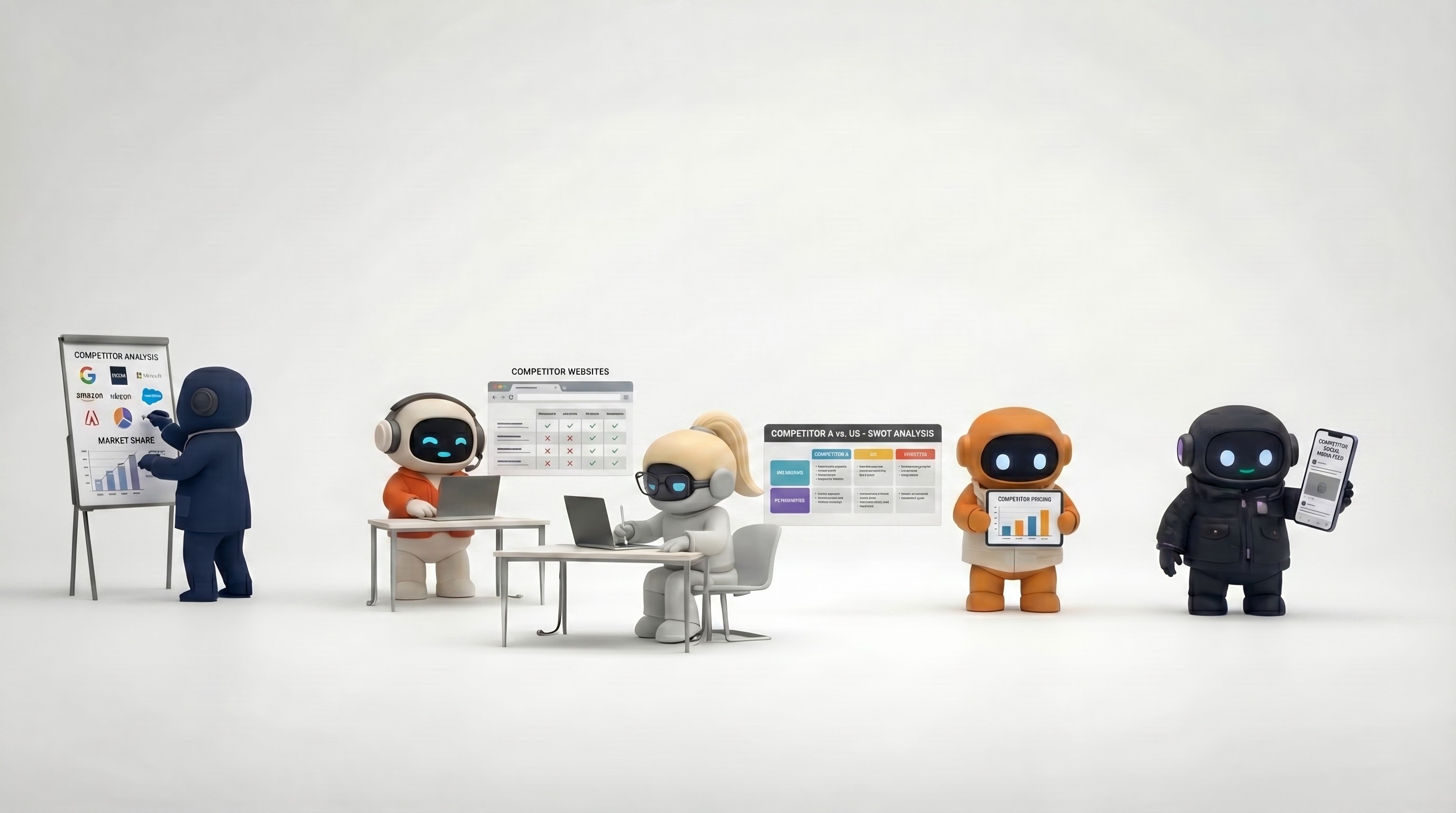
Research agent — Conducts competitive analysis, market research, company profiles, industry trend synthesis, and strategic frameworks. Provides the intelligence that informs decisions.
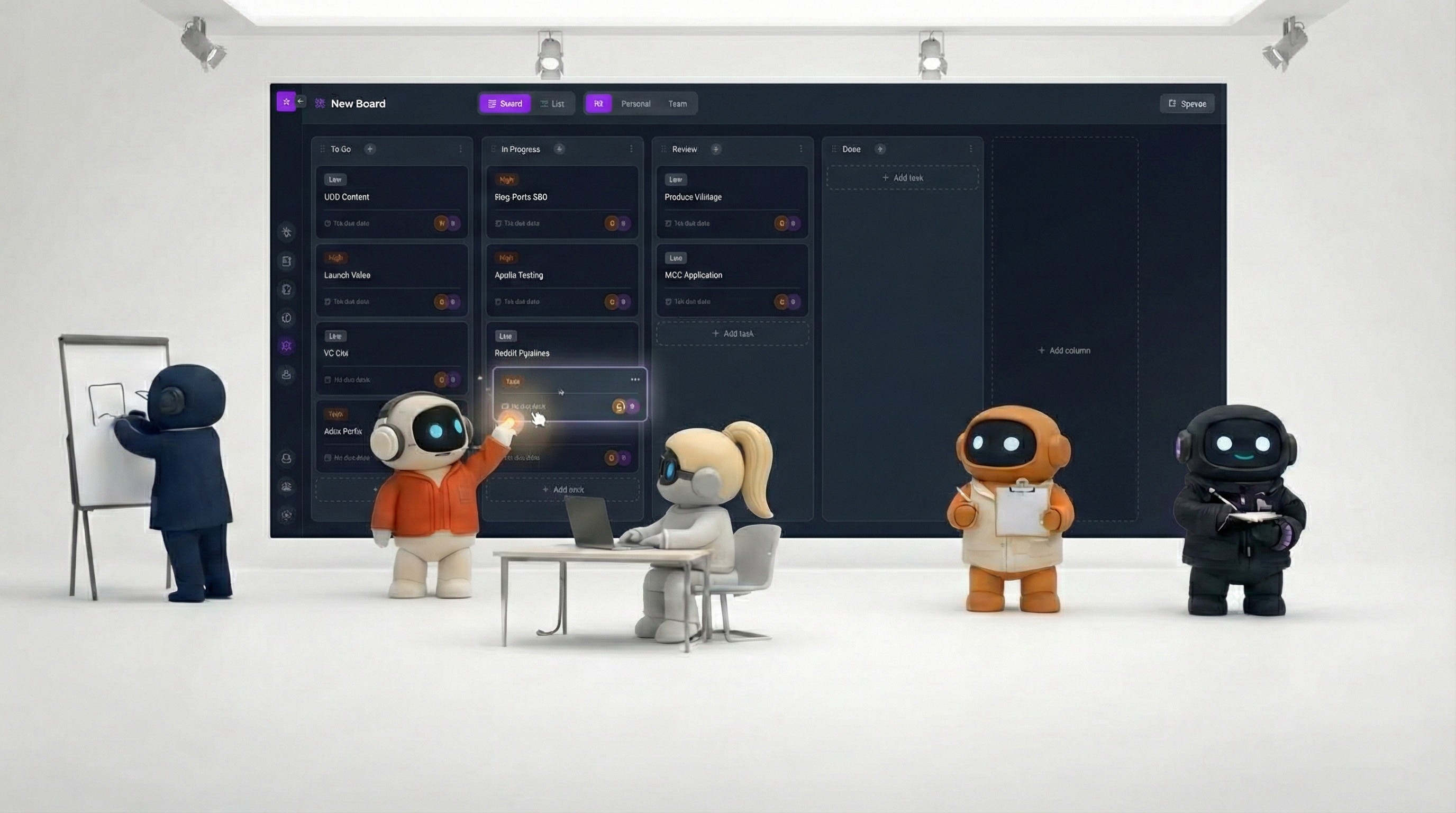
Each agent has access to your business tools (email, calendar, social media, project management) and draws from a shared knowledge base containing your company context. They operate in a shared workspace where your human team collaborates with them.
The net effect: a 5-person company operates with the functional coverage of a 10-15 person company. Not because the AI replaces the need for humans, but because it handles the structured, repeatable parts of each function.
How an AI Workforce Differs From Having More AI Tools
Most teams already use AI — ChatGPT for brainstorming, Notion AI for writing, maybe Copilot for coding. So why would an AI workforce be different?
Individual tools vs. a team
Using ChatGPT, Notion AI, and Grammarly is like hiring three consultants who never talk to each other. Each helps with their narrow task, but you're the one connecting the dots, transferring context, and orchestrating the workflow.
An AI workforce operates in a shared environment. The research agent's competitive analysis is available to the marketing agent when planning content. The sales agent's prospect data informs the customer success agent when those prospects become customers. Context flows between agents because they share a workspace and knowledge base.
Assistance vs. execution
AI tools help you work faster. An AI workforce does work on your behalf. The difference: Notion AI helps you write a better email in a Notion doc. An AI workforce agent researches the prospect, drafts the email in your brand voice, sends it through your Gmail, and creates a follow-up task. Assistance requires you at every step; execution requires you at the review step.
Add-on vs. foundation
AI tools bolt onto your existing workflow as add-ons. An AI workforce is the operating layer where your business functions run — with built-in task management, documents, communication, and knowledge sharing. It's a workspace, not an accessory.
Who Actually Benefits
Teams of 2-15 where everyone wears multiple hats
The clearest use case. When the founder handles sales and operations, the CTO handles product and some marketing, and the first hire covers customer success and everything else — there are more functions than people. An AI workforce fills the gaps in functional coverage without the cost and commitment of additional hires.
Growing companies where output needs to scale faster than headcount
If your business is growing and every function needs more throughput — more outreach, more content, more customer touchpoints, more research — but hiring is slow, expensive, or uncertain, AI employees scale output without scaling headcount linearly. You might still hire, but the AI buys time and capacity during the growth phase.
Teams drowning in context-switching
If your workday is Gmail → Google Calendar → Notion → LinkedIn → Slack → ClickUp → ChatGPT → back to Gmail — and each tool switch costs focus and time — an AI workforce consolidates those activities into one workspace. The agents operate across your tools; you stay in one place.
Remote and distributed teams
Teams without a shared physical office benefit from a shared digital workspace where AI agents and human teammates collaborate. Channels, shared documents, and AI-assisted coordination create structure that remote teams often struggle to maintain.
Who Shouldn't Build an AI Workforce (Yet)
Large enterprises with established departments
A company with dedicated sales, marketing, operations, and support teams — each with their own tools, processes, and managers — doesn't need AI employees to fill functional gaps. They might benefit from AI copilots that enhance their existing tools (like Microsoft Copilot or Salesforce Einstein), but an AI workforce designed for lean teams isn't the right fit.
Solo creators with one core function
If you're a freelance designer, an independent consultant, or a solo developer, your work is specialized. You don't need a sales agent, marketing agent, and operations agent — you need maybe one AI assistant that helps with your specific function. An AI workforce is built for businesses with multiple functions to cover.
Teams not ready to invest in setup
An AI workforce requires feeding the knowledge base, connecting integrations, and spending time learning how to work with agents effectively. Teams that want instant results without any setup investment will be underwhelmed. The payoff is real, but it compounds over time as the system learns your business.
Businesses requiring strict regulatory compliance
If every communication needs compliance review, every document requires audit trails with chain of custody, and every action needs regulatory sign-off — current AI workforce platforms aren't built for that level of governance. Enterprise compliance infrastructure is still catching up.
The Setup Investment (Being Honest About It)
Building an AI workforce isn't zero-effort. Here's what the first week realistically looks like:
Day 1: Foundation (1-2 hours)
Create your workspace and invite your team
Connect email, calendar, GitHub and other integrations
Start the knowledge base with your company description, product info, and brand guidelines
Day 2-3: Knowledge building (1 hour/day)
Upload key documents: pitch decks, case studies, competitive info, process docs
Add snippets: brand voice guidelines, common email templates, FAQ answers
Save important web pages: competitor sites, industry reports
Day 4-5: First workflows (30 min/day)
Have your sales agent research a real prospect and draft real outreach
Have your operations agent triage a real morning of email
Have your marketing agent plan a real content calendar
Week 2+: Refinement
Add more knowledge as you discover what agents need
Refine your instructions based on output quality
Expand to more workflows as confidence builds
The pattern: meaningful setup investment in the first week, compounding returns as the knowledge base grows and you learn to work with agents effectively.
How to Think About Cost
The math for an AI workforce:
Direct cost: Platform subscription (varies by provider, typically $20-100/month for small teams).
Setup cost: 5-10 hours in the first week building the knowledge base and learning the tool. Real time investment, but one-time.
Ongoing cost: 10-20 minutes daily reviewing agent output and providing feedback. Decreases as the system learns your preferences.
Time saved: 1-3 hours daily across team members on email, research, content, scheduling, and task management. Varies widely based on how many workflows you automate.
Comparison to hiring: A part-time VA costs $1,500-3,000/month. A full-time operations coordinator costs $4,000-6,000/month. An AI workforce covers multiple functions at a fraction of either cost — with the trade-off that it requires review and can't handle the judgment-intensive parts of any role.
The honest assessment: if the AI saves each team member 1 hour per day on average, and your team's average loaded cost is $50-100/hour, the ROI is clear within the first month. If the AI saves 15 minutes per day, it's marginal. The difference depends on how well you set it up and how much of your work fits the repeatable patterns AI handles well.
Building an AI Workforce vs. Hiring
This isn't an either/or decision, but here's how the trade-offs compare:
Factor | AI Workforce | Human Hire |
|---|---|---|
Time to productivity | Days (with setup) | Weeks to months (recruiting + onboarding) |
Cost | $20-100/month | $3,000-10,000+/month |
Availability | 24/7 | Business hours |
Judgment quality | Good on patterns, poor on exceptions | Good across situations |
Relationship building | Cannot | Essential strength |
Scalability | Add functions instantly | Each hire takes months |
Creative thinking | Executes on direction | Generates direction |
Maintenance | Knowledge base updates | Management, development, retention |
The pragmatic approach: use an AI workforce to cover the structured, repeatable parts of business functions. Hire humans for the parts that require judgment, creativity, relationships, and strategic thinking. The two are complementary, not competitive.
Where This Is Heading
The AI workforce concept will evolve in a few directions:
Deeper tool integration. Today's agents connect to email, calendar, and a few other tools. Future agents will connect to CRMs, accounting software, customer support platforms, and industry-specific tools — making them functional across more of your business operations.
Custom agents. Beyond pre-built roles, platforms will let you create agents tailored to your specific workflows. An agent configured for your particular invoicing process, or your specific content approval workflow.
Better human-AI handoff. The seam between "AI handles this" and "human needs to take over" will become smoother. Agents will know when to escalate, what context to hand off, and how to stay in the loop as the human resolves the issue.
Measurable ROI. Platforms will provide clearer data on time saved, tasks completed, and value delivered — making the business case for an AI workforce concrete rather than theoretical.
The trajectory is toward AI agents that are more capable, more integrated, and more clearly measurable. The teams that start building their AI workforce now — investing in knowledge bases, learning to work with agents, and establishing workflows — will have a meaningful head start when those capabilities arrive.
Agently gives you an AI workforce of six specialized agents in a shared workspace — with built-in knowledge base, task
CEO
Omar Ghandour
March
3,
2026
Share on social media