AI Sales Assistant: What It Actually Does, What It Can't, and How to Choose One
Sales teams have always been early adopters of productivity tools. CRMs, email sequencers, dialers, LinkedIn automation — if it promises to save time on the grind between prospecting and closing, sales teams will try it.
AI sales assistants are the latest entry. But unlike previous tools that automated one narrow step (send this email sequence, log this call), AI sales assistants promise something broader: an agent that can research prospects, draft personalized outreach, manage your pipeline, prepare meeting briefs, and handle follow-ups — with contextual judgment, not just rigid rules.
Some of that promise is real. Some of it isn't. Here's a grounded look at where AI sales assistants actually deliver value today.
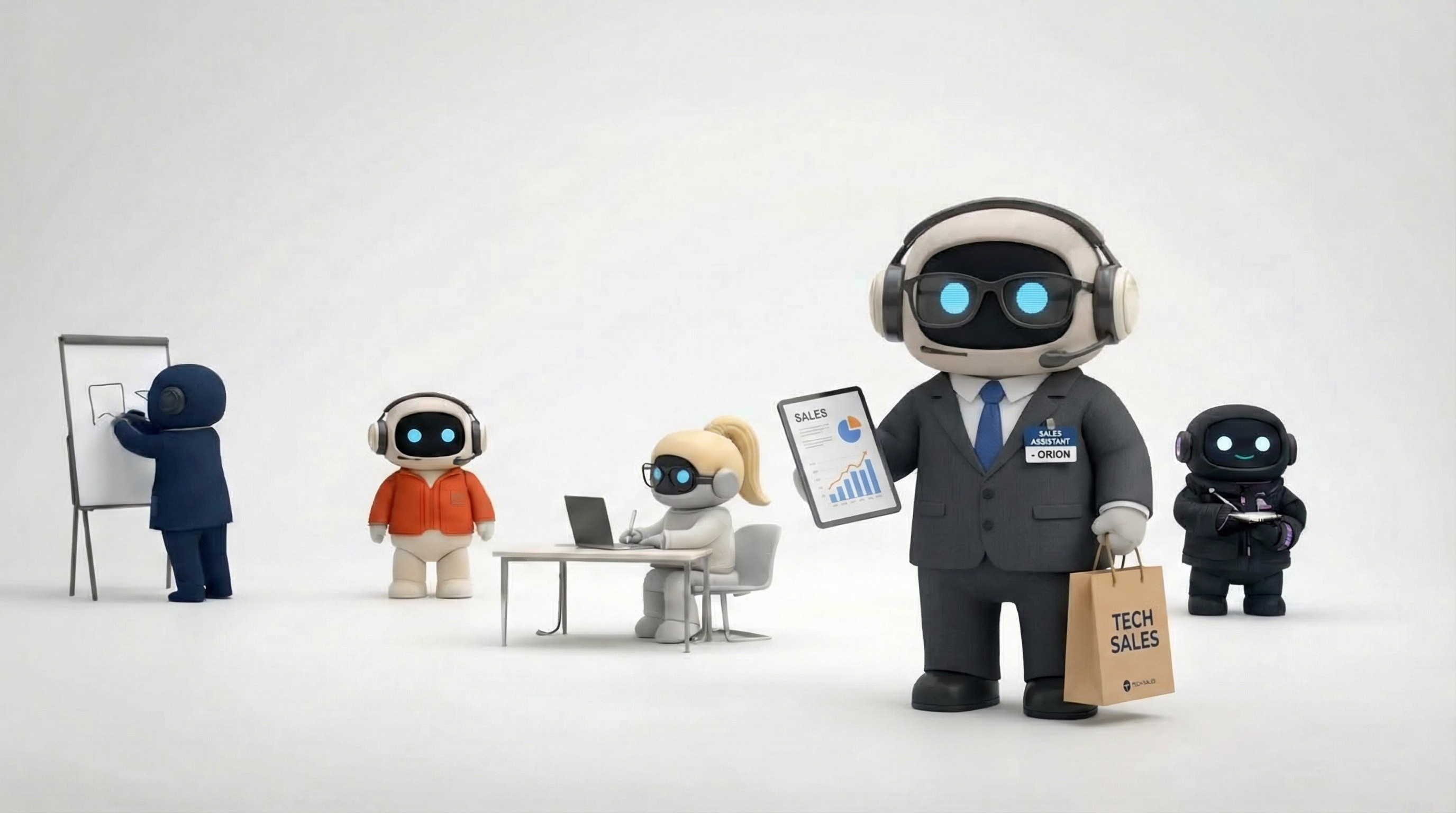
What AI Sales Assistants Can Do Today
Prospect research at scale
This is where AI sales assistants shine brightest. Give one a target company or industry, and it can search the web, visit company pages, read recent news, identify key decision-makers, find LinkedIn profiles, and compile everything into a research brief — in minutes rather than hours.
A human SDR might research 5-10 prospects thoroughly in a morning. An AI assistant can produce comparable briefs for 20-50 in the same timeframe. The depth per prospect may be slightly shallower, but the breadth-to-time ratio is dramatically better.
Personalized email drafting
AI assistants draft outreach emails that reference the prospect's specific situation — their company's recent funding round, a product launch they announced, a pain point visible from their job postings. When the AI draws from both web research and your company's knowledge base (brand voice, value propositions, case studies), the output is genuinely personalized, not just mail-merged.
The best implementations let you set your brand voice and messaging frameworks once, and the AI applies them consistently across hundreds of prospects. That consistency is hard for human teams to maintain across reps.
Email sending and follow-ups
AI assistants connected to your email (Gmail, Outlook) don't just draft — they send. They can execute multi-email sequences, handle follow-up timing, and manage the operational side of outreach without you opening your email client.
This is the line between an AI writing tool and an AI sales assistant. ChatGPT can draft the email. An AI sales assistant drafts it, sends it through your account, and schedules the follow-up.
Pipeline management
Some AI assistants create and manage tasks on Kanban boards or CRM-like systems. Prospects move through stages — Researched, Contacted, Replied, Meeting Booked, Proposal Sent, Closed — with the AI updating status as the workflow progresses. This gives you visual pipeline tracking without manual data entry.
Meeting preparation
Before a sales call, an AI assistant can compile a prep brief: the prospect's background, their company's recent developments, your previous interactions (pulled from your knowledge base), suggested talking points, likely objections, and competitive angles. Walking into a meeting prepared is the difference between a good impression and a wasted slot.
Growth modeling
More sophisticated AI assistants can help with pricing analysis, market sizing, territory planning, and growth scenario modeling. These capabilities vary widely between platforms, but at their best they provide analytical support that would otherwise require a dedicated ops person.
What AI Sales Assistants Can't Do
Close deals
AI can get you to the meeting. It cannot read the room during the meeting. It can't sense when a prospect is hesitant and pivot the conversation. It can't build the personal rapport that turns a maybe into a yes. It can't make the judgment call to offer a discount because the timing is right and the strategic value is worth it.
The closing conversation — where trust, empathy, and human judgment intersect — remains firmly human. AI sales assistants handle the groundwork that gets you to that conversation.
Navigate complex sales cycles
Enterprise sales with multiple stakeholders, procurement processes, legal reviews, and 6-month timelines require strategic relationship management that AI doesn't handle. AI can research each stakeholder and draft communications, but it can't navigate the political dynamics of a buying committee.
Replace genuine relationships
Long-term customer relationships are built on trust, shared experiences, and personal connection. An AI assistant can help you maintain more relationships more efficiently (sending timely check-ins, remembering details), but it can't replace the human connection that drives loyalty.
Guarantee quality without review
AI-drafted emails occasionally miss tone, get facts wrong, or produce something that doesn't represent your brand well. Especially early on, before the AI has enough context from your knowledge base, review is essential. Sending AI-generated outreach without review is a reputation risk.
Handle novel situations
A prospect responds with an unexpected objection, a unique use case, or a request that doesn't fit your standard playbook. AI assistants work best within established patterns. Novel situations that require creative problem-solving or strategic judgment still need a human.
How to Evaluate AI Sales Assistants
If you're shopping for one, here's what actually matters:
Can it research and act, or just write?
The critical question. Many tools draft emails for you to send. Fewer research the prospect, draft personalized outreach, send through your email account, and create a follow-up task — all in one workflow. The more steps the AI handles end-to-end, the more time you actually save.
How does it learn your business?
Your outreach shouldn't sound generic. Does the platform have a knowledge base where you upload your value propositions, case studies, brand guidelines, and competitive positioning? Does the AI reference this automatically, or do you paste context into every prompt?
What integrations does it have?
At minimum: email (Gmail/Outlook) for sending, calendar for scheduling, and LinkedIn for social selling. Bonus: CRM integration, web search for research, and task management for pipeline tracking. Check whether integrations are read-only or action-capable.
How does it handle sequences?
Multi-touch outreach (initial email → follow-up → second follow-up → break-up email) is standard in sales. Can the AI manage timing and sequencing, or does it just draft individual emails?
What's the pricing model?
Per-seat, per-credit, or flat rate? Credit-based models can get expensive for high-volume outreach. Calculate your expected usage and model the real cost.
Can your whole sales team use it?
Does the platform support multiple users sharing the same knowledge base and pipeline views? Or is it single-user only? For sales teams larger than one person, shared context matters.
The Current Landscape
Several approaches compete for the AI sales assistant label:
AI employee platforms (like Agently's Apex agent) offer a pre-built sales agent with integrated tools — email, calendar, LinkedIn, web search, knowledge base, and pipeline management. You chat with a sales-specialized agent that executes multi-step workflows. The trade-off is less customization than building your own, but immediate productivity. As Agently is a command hub for all the businesses context and memory, all output from the Agents is up to standard and consistent. The Agent is injected directly into the workspace behaving like a delegate not just an agent.
AI-powered outreach tools (like Instantly, Smartlead, Lemlist) focus specifically on email sequences with AI personalization. They're deep on the outreach step but don't cover research, pipeline management, meeting prep, or other sales functions.
CRM-embedded AI (like Salesforce Einstein, HubSpot AI) adds intelligence to your existing CRM. These work best for teams already committed to a CRM ecosystem and primarily improve the tool you're already using rather than adding new capabilities.
General-purpose AI (ChatGPT, Claude) can do research and write emails if you prompt it well, but doesn't connect to your email, calendar, or CRM. You're the integration layer — copying output from the AI to the right tool every time.
A Practical Starting Point
If you're exploring AI sales assistants, a pragmatic approach:
Start with prospect research. It's the highest time-savings, lowest-risk application. Have the AI research 10 prospects and compare the output to your manual research. If the quality is acceptable, you've found immediate value.
Add email drafting with review. Let the AI draft outreach using your brand context. Review every email for the first week. You'll quickly learn where the AI nails your voice and where it needs adjustment.
Graduate to sending. Once you trust the draft quality, let the AI send through your connected email. Start with follow-ups (lower stakes) before moving to initial outreach.
Build the pipeline. Use AI-managed task boards to track prospects through stages. The visual pipeline replaces spreadsheet tracking.
Expand to meeting prep. Before every call, ask the AI for a prep brief. This is high-value and low-risk — the output informs you, it doesn't reach the prospect.
The key insight: AI sales assistants work best as a force multiplier for a human salesperson, not a replacement. The human brings judgment, relationships, and closing ability. The AI brings speed, consistency, and the ability to cover more ground.
Agently's Apex agent handles prospect research, email outreach, pipeline management, and meeting prep — all through your connected tools. Try it free to test it with your actual sales workflow.
CEO
Omar Ghandour
March
3,
2026
Share on social media