AI Work OS: The New Category Replacing Your Tool Stack
Most teams run on a patchwork of tools. A project management app here, an email client there, a chat tool, a document editor, a CRM, a scheduling tool, and — increasingly — a couple of AI tools sprinkled on top. Each tool does its job, but nothing connects them. You're the integration layer. You're the one copying information between apps, maintaining context across tools, and manually triggering the next step in every workflow.
A growing category of software is trying to change that. The idea is straightforward: instead of adding AI to each tool separately, build a single workspace where AI agents operate across all your tools, your knowledge, your tasks, and your team — in one place.
That's what people mean when they say "AI Work OS." Whether the term sticks or not, the underlying shift is real and worth understanding.
What an AI Work OS Actually Is
An AI Work OS is a centralized workspace that combines:
AI agents that can reason, take actions, and execute work across business functions
Your tools connected via integrations (email, calendar, social media, productivity apps)
Your knowledge stored in a central base that agents draw from
Your team's work — tasks, documents, conversations — all in one place
The "operating system" metaphor is intentional. Just as macOS or Windows provides a unified environment where your applications share data and work together, an AI Work OS provides a unified environment where AI agents share context and operate across your business tools.
The key difference from what came before: in an AI Work OS, the AI isn't a feature bolted onto one tool. It's the connective layer that runs through everything.
The Evolution That Got Us Here
Understanding why this category exists requires looking at what came before and where each approach hit its limits:
Phase 1: Individual tools (2005-2015)
The SaaS explosion gave us specialized tools for everything. Salesforce for CRM, Asana for projects, Slack for chat, Google Workspace for documents. Each tool was excellent at its job. The problem was that your work didn't live in one tool — it spanned all of them. You became the glue.
Phase 2: Automation (2015-2022)
Tools like Zapier, Make, and IFTTT tried to solve the integration problem with rule-based automation. "When X happens in Tool A, do Y in Tool B." This worked for simple triggers but couldn't handle anything requiring judgment. You needed a human to decide what the email should say, which lead was worth pursuing, or how to prioritize the task list.
Phase 3: AI assistants (2022-2024)
ChatGPT and its competitors brought powerful AI reasoning to the masses. Suddenly everyone had access to an AI that could draft emails, analyze data, and brainstorm ideas. But these assistants were disconnected from your actual tools. You'd generate an email in ChatGPT, then switch to Gmail to send it. The AI was a separate step, not part of your workflow.
Phase 4: AI copilots (2024-2025)
Companies like Notion, Microsoft, and Google embedded AI directly into their tools. Notion AI helps you write in Notion. Copilot helps you work in Office 365. This was better — the AI was in context — but each copilot only knows about its own tool. Your Notion AI doesn't know what's on your calendar. Your Copilot doesn't know what's in your CRM.
Phase 5: AI Work OS (2025-present)
The current shift: instead of AI in every tool, one workspace where AI agents have access to all your tools, all your knowledge, and all your work context. The agents aren't assistants that help you use a tool — they're employees that use the tools on your behalf.
Each phase solved a real problem and created a new one. The AI Work OS is an attempt to solve the fragmentation problem that persisted through every previous phase.
Core Components of an AI Work OS
Not every platform that calls itself an AI Work OS deserves the label. Here are the components that actually define the category:
Specialized AI agents
Rather than one generic AI, an AI Work OS provides multiple agents, each built for a specific business function. A sales agent that understands pipeline management. An operations agent that knows how to triage email and manage calendars. A marketing agent that can plan campaigns and create content.
Specialization matters because it means each agent comes pre-loaded with the right tools, the right prompts, and the right decision-making frameworks for its domain. You don't have to teach it from scratch.
A central knowledge base
AI Work OS platforms include a knowledge layer — somewhere to store your company documents, brand guidelines, product information, customer data, and institutional knowledge. Agents pull from this knowledge base automatically when responding to requests, so their output reflects your business context.
This is what separates an AI Work OS from using ChatGPT with copy-pasted context. The knowledge is persistent, shared across all agents, and grows over time.
Deep tool integrations
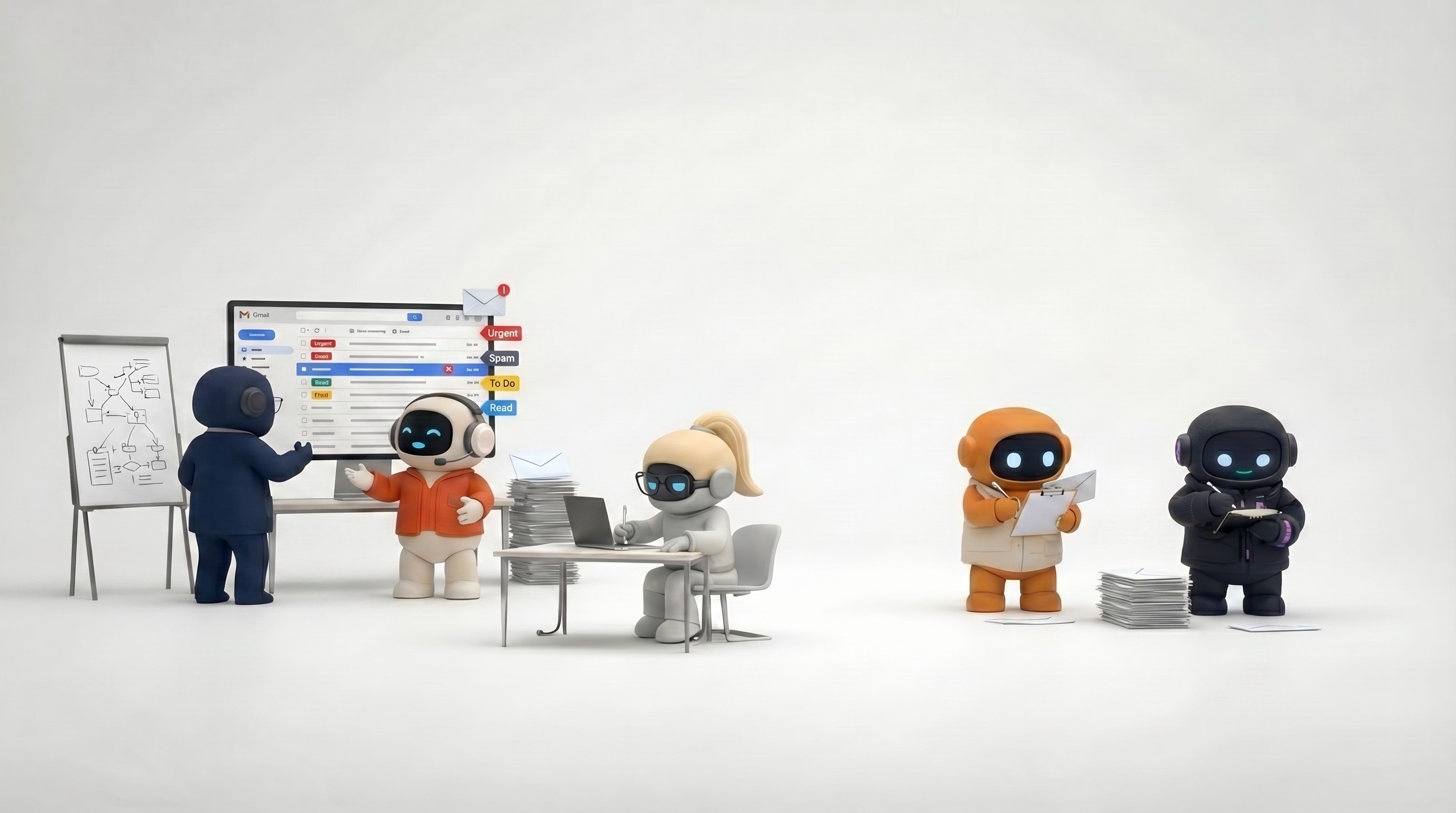
Agents need to take action, not just generate text. An AI Work OS connects to your email (send, not just draft), your calendar (schedule, not just check), your social media (post, not just suggest), and your project management tools (create tasks, not just list them).
The depth of integration — whether agents can actually execute actions versus just reading data — is one of the biggest differentiators between platforms.
Built-in work infrastructure
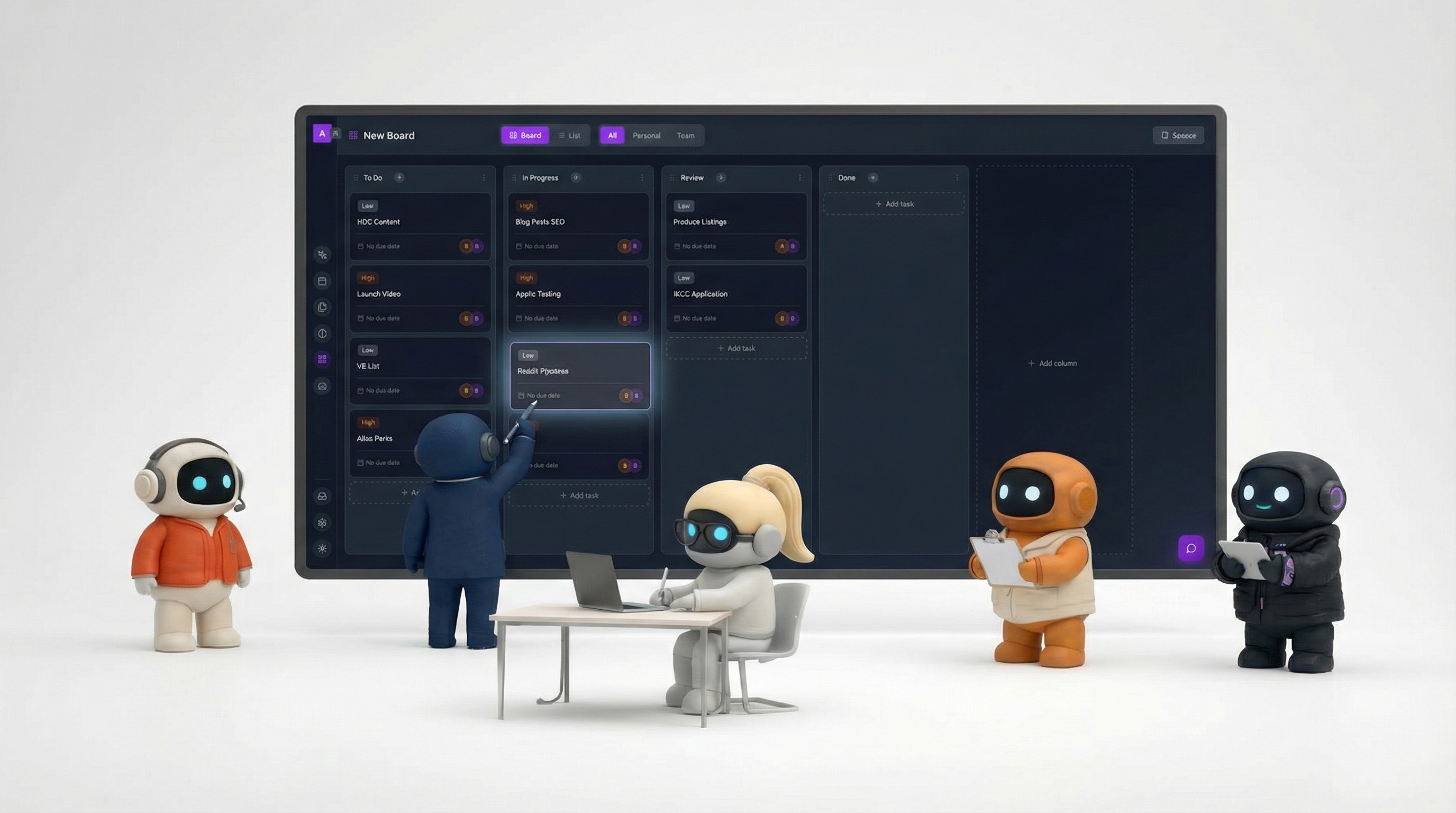
Instead of just connecting to external tools, a full AI Work OS includes its own task management, document editor, team communication, and knowledge management. This means the AI agents can create tasks, write documents, share in team channels, and manage projects without leaving the workspace.
Team collaboration
An AI Work OS is built for teams, not just individuals. Multiple people share the same workspace, the same agents, the same knowledge base, and the same project boards. AI work and human work happen in the same place.
How an AI Work OS Differs From Existing Tools
vs. Project management tools (Asana, ClickUp, Monday)
Project management tools organize work. An AI Work OS organizes work and does work. The AI agents don't just display your task list — they research, draft, email, schedule, and create tasks as part of executing workflows. Project management tools are a feature within an AI Work OS, not the other way around.
vs. General AI chatbots (ChatGPT, Claude)
Chatbots are powerful thinking partners, but they're disconnected from your actual work environment. You have to manually transfer every output into the right tool. An AI Work OS eliminates that transfer layer — the agent thinks and acts within the same system.
vs. Automation platforms (Zapier, Make)
Automation executes predefined rules. AI agents make contextual decisions. "Send a follow-up email to leads who haven't responded in 3 days" is automation. "Research this prospect, figure out the best angle based on their recent news, draft a personalized email in our brand voice, and schedule a follow-up" is an AI employee working within an AI Work OS. One follows rules, the other exercises judgment.
vs. AI-enhanced tools (Notion AI, Microsoft Copilot)
These embed AI within a single tool's boundaries. Notion AI is brilliant — within Notion. Copilot is powerful — within Microsoft 365. An AI Work OS isn't confined to one tool. Its agents operate across your email, calendar, social media, knowledge base, task boards, and documents simultaneously.
Who Needs an AI Work OS
An AI Work OS delivers the most value when:
Your work spans multiple tools. If you're constantly switching between email, calendar, project management, document editors, and communication tools, an AI Work OS consolidates those workflows. The more tools you use, the more value you get from a single workspace that connects them.
Your team is small relative to the work. Startups, small businesses, and lean teams that need to cover sales, marketing, operations, support, and research without dedicated hires for each function. AI agents fill the functional gaps.
Your workflows are repeatable. Weekly prospecting, content calendars, email triage, meeting prep, competitive research, customer check-ins — these follow patterns that AI agents handle well. If your work is highly unique and creative every time, the value proposition is weaker.
You're drowning in context-switching. If you spend significant time just navigating between tools, maintaining information across them, and manually triggering the next step in workflows, an AI Work OS addresses that friction directly.
Who probably doesn't need one yet
Large enterprises with entrenched tooling. If you're a 500-person company with deep investments in Salesforce, Jira, and Microsoft 365, ripping out those tools for an AI Work OS isn't realistic. You're better served by AI copilots that enhance your existing stack.
Solo creators with simple workflows. If you're a freelance writer who needs a good AI writing assistant, a full AI Work OS is overkill. ChatGPT or Claude with a good prompt library is simpler and cheaper.
Teams that need one tool to be excellent. If your primary need is the best possible project management, or the best possible document editor, or the best possible CRM — a dedicated tool will beat an AI Work OS on depth in any single category. The AI Work OS trade-off is breadth and integration over category-best depth.
What to Look For When Evaluating
If you're exploring AI Work OS platforms, these are the questions that matter:
Can the agents actually do things, or just say things? Test whether agents can send a real email, create a real calendar event, and post a real social media update. If the answer is "they draft it and you do it," that's an AI assistant, not an AI Work OS.
How good is the knowledge base? Upload your real company documents and test whether the agents actually reference them accurately. Generic responses mean the knowledge integration is shallow.
Does it replace tools or add to the pile? A good AI Work OS should reduce your tool count, not increase it. If you still need separate apps for task management, document editing, and team communication after adopting it, the "OS" part isn't delivering.
How does it handle the seams between agents? Ask one agent to do research, then ask another to act on that research. Can they share context, or are they siloed? The power of multiple specialized agents only works if they operate in a shared environment.
What's the real cost at your scale? Some platforms price per user, some per agent, some per credit. Model your actual usage — number of team members, volume of tasks, frequency of agent interactions — and compare total costs honestly.
The Trade-offs
No category is without trade-offs. Honest assessment:
You're consolidating risk. If your AI Work OS goes down, your agents, tasks, documents, and communication all go down together. With a distributed tool stack, a Notion outage doesn't affect your Gmail. Consolidation is convenient until it isn't.
Depth vs. breadth. An AI Work OS's built-in task management won't match ClickUp's depth. Its document editor won't match Notion's flexibility. Its email handling won't match a dedicated email client. You're trading best-in-class individual tools for a unified, AI-powered experience.
Platform dependency. The more you move into an AI Work OS, the harder it is to leave. Your knowledge base, documents, task history, and workflows become tied to the platform. Consider data portability before going all-in.
It's still early. The AI Work OS category is young. Features are evolving fast, which is exciting but also means you're building on shifting ground. The platform you choose today may look very different in a year.
Where the Category Is Heading
A few reasonable predictions:
Integration depth will increase. Today's integrations cover the basics — email, calendar, a few productivity tools. Within a year, expect AI Work OS platforms to connect to CRMs, accounting software, customer support platforms, and more. The agent that can pull data from Stripe, update your CRM, and email the customer will be dramatically more useful than one that only handles email.
Custom agents will emerge. Beyond pre-built roles, platforms will let you create custom AI employees configured for your specific workflows. An agent that handles your particular invoicing process, or your specific content approval workflow, built with your tools and your rules.
Governance and oversight will improve. As AI employees take more real actions, businesses will need better audit trails, approval workflows, and permission systems. The platforms that build robust human-in-the-loop controls will win enterprise adoption.
The workspace becomes the interface. Rather than opening Gmail to check email, you'll open your AI Work OS and ask your operations agent for an email summary. The agents become the primary interface to your tools, with the underlying apps running in the background.
Whether "AI Work OS" becomes the standard term or something else takes hold, the underlying trend is clear: businesses want AI that works across their tools, knows their context, and takes action — not another chatbot in another tab.
Agently is an AI Work OS with six specialized agents, built-in project management, document editing, and team collaboration. Try it free to see the approach in practice.
CEO
Omar Ghandour
February
27,
2026
Share on social media