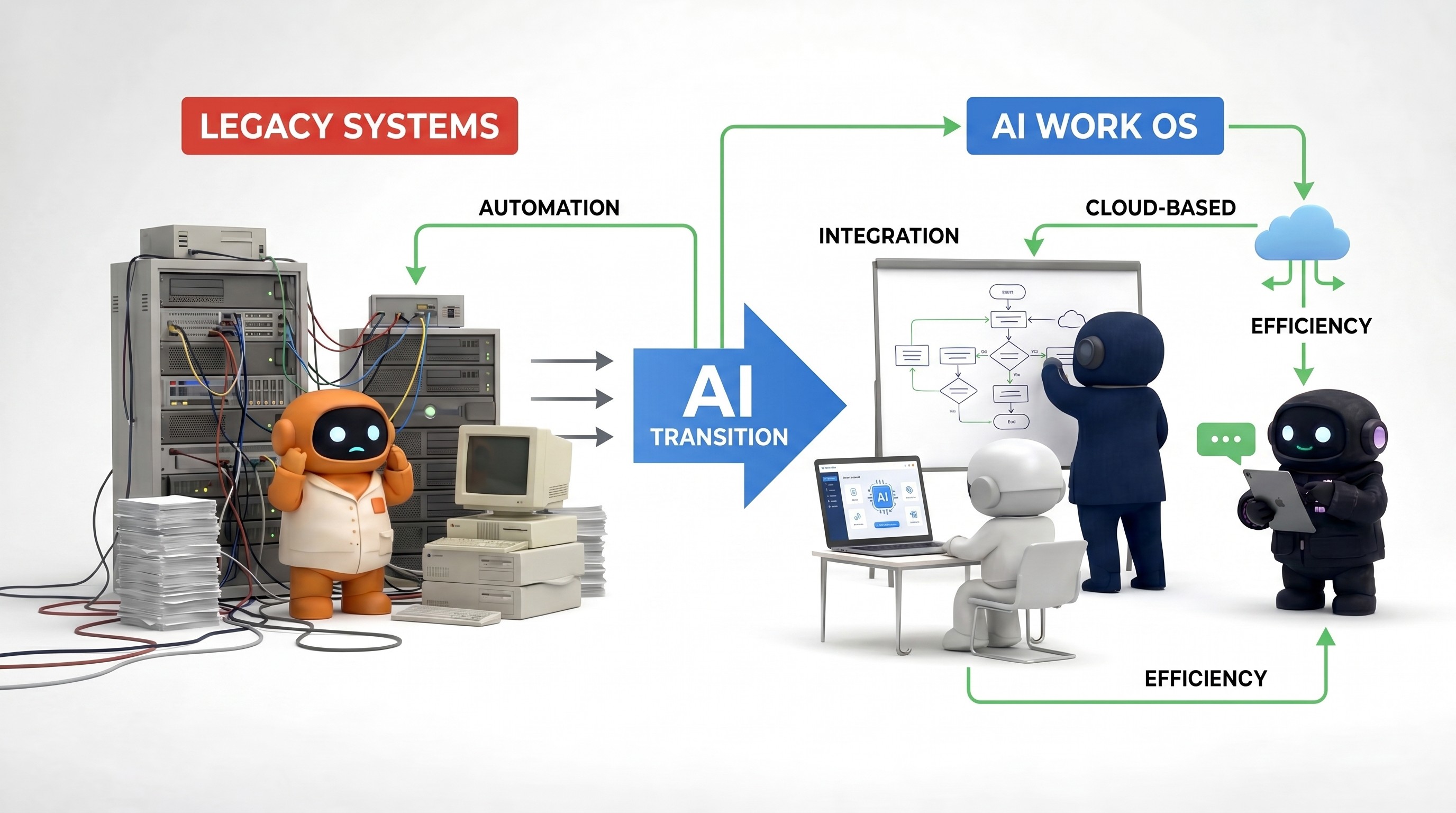
How to Automate Sales with AI (Without Sounding Like a Bot)
There are two ways to “automate sales with AI.” One creates pipeline. The other creates deliverability incidents and angry LinkedIn threads.
The difference is not the model. It is whether you treat AI as:
Research + drafting leverage with explicit human accountability, or
Throughput without policy, review, or segmentation.
This guide is the first kind. It connects to how we think about AI sales assistant work and a broader AI workforce—but you can run most of it with a spreadsheet, a calendar, and discipline.
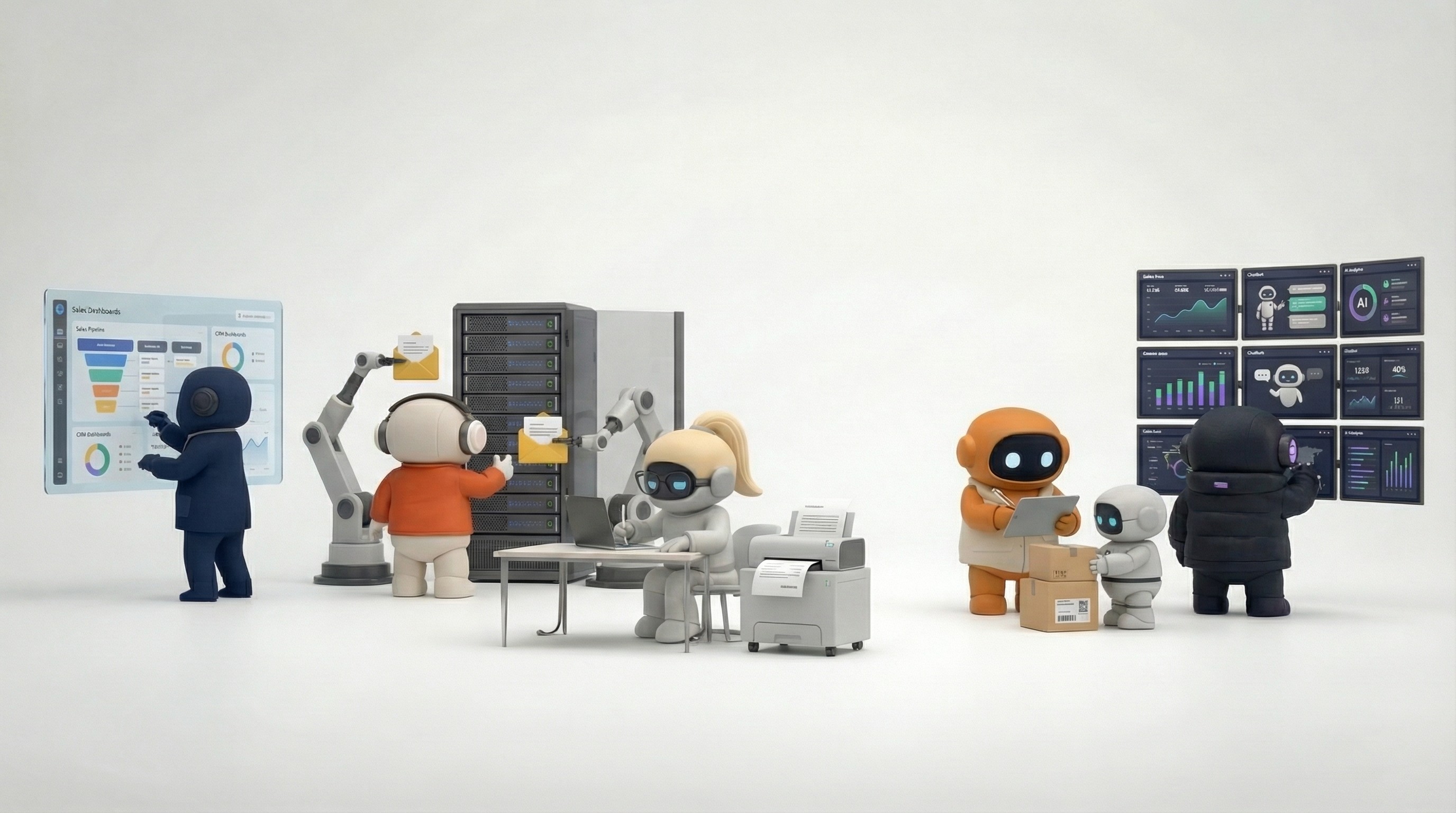
Automate sales with AI: what to automate vs. what to keep human
Workflow step | Safe to automate (with guardrails) | Keep human-led |
|---|---|---|
Account research | Yes — public facts, cited hooks | Strategic account choice, “do not call” lists |
First-touch email draft | Yes — draft only + review gate | Final send without review (early) |
Personalization | Yes — one true fact per email | Creepy or inferred private data |
Follow-up angles | Yes — suggestions after human sets strategy | Implying a live human typed in real time |
Pricing & terms | No | Always human (or approved matrix) |
CRM logging | Yes — if fields are defined | Interpretation of political deal dynamics |
Sequences at scale | Yes — with unsubscribe + deliverability hygiene | “Spray and pray” to cold lists |
Tooling comparison for AI sales workflows
Stack | Best for | Weak at | Pair with |
|---|---|---|---|
Low volume, founder-led outbound | Persistent CRM + task state | Spreadsheet + discipline | |
Stage changes, form → CRM, alerts | Language understanding in replies | Human triage or agents | |
CRM-native AI | Single-vendor teams | Cross-tool GTM (social, Notion, etc.) | Integration audit |
Workforce / agents (e.g. Agently Apex) | Research + drafts + tasks in one place | Zero onboarding | Brain + review culture |
Rules vs. judgment: AI agents vs. automation.
0. Preconditions (skip at your peril)
Before you generate a single email:
ICP in one paragraph — who you help, who you refuse, and why.
Disqualifiers — industries, company sizes, geos, or signals that mean “do not pursue.”
Claims you are allowed to make — only verifiable facts, linked sources internally if needed.
Voice samples — 3–5 emails your best rep actually sent that got replies.
If you cannot write those down, AI will extrapolate—that is how you get confident-sounding wrong.
For hiring and role design context, see AI employees vs. hiring.
1. What to automate (and what will burn you)
Strong automation targets
Account research from public sources: homepage, careers page, recent news, tech hints that are visible, hiring signals.
Meeting prep: who is attending, what they care about, open questions—pulled from calendar + public profile + last thread.
First drafts where personalization is factual (“you shipped X in Q4”) not creepy (“I saw your kid’s school”).
CRM hygiene: next-step tasks, stale-opportunity nudges, lost-reason tagging—if your fields are defined.
Follow-up suggestions after calls: recap bullets, proposed next email—human sends.
Poor full-automation targets
Pricing, discounts, legal commitments
Anything that implies a human is live-typing when they are not
Cold outreach at scale without domain warmup, list quality, and unsubscribe handling
Enterprise deals where the buying committee and politics matter more than copy
2. The knowledge base is not “nice to have”
Minimum viable Brain (whatever tool you use):
Value props (problem → outcome → proof)
Objections with approved responses or “escalate to human”
Competitor landmines (what you never say)
Customer stories with permission to reference them
In Agently this lives in the Brain so Apex and teammates share one source—see AI Work OS.
Test: If a new hire cannot answer “what do we never claim?” from your doc, neither should the model.
3. Workflow: Research → Draft → Human gate → Send
Research (machine-assisted)
Build a checklist, not a novel:
Fit: ICP + disqualifiers
Trigger: why now (funding, launch, hiring spike, compliance change—public)
Hook: one specific fact you can cite
Risk: anything sensitive (health, minors, regulated industries) → stop
Draft (machine-assisted)
Structure cold email as:
Context — why them (one sentence, factual)
Hypothesis — what you think is broken / desired
Proof — one tangible signal (customer, metric class, demo type)
Ask — one low-friction CTA
Rule: If you cannot remove the first line and still know who it is for, it is not personalized—it is mail merge with adjectives.
Human gate (non-optional at first)
For two weeks, a human approves 100% of outbound. Track:
Reply rate (meaningful threads, not auto-replies)
Unsubscribes / spam reports
Meetings booked per 100 sends
Only relax gates when quality metrics hold—not when you feel busy.
Send and log
Send from a real identity. Log outcomes in CRM and tasks (e.g. in Spaces) so follow-up does not die in an inbox.
4. Sequences without sounding like a drip machine
Principle: each touch should add information or change the angle—not restate the same pitch with synonyms.
Sequence angles (comparison)
Touch type | Goal | Example (shape, not copy) |
|---|---|---|
Insight | Teach something non-obvious | “Teams in X are doing Y when Z happens” |
Case shape | Show you recognize their motion | “Usually stalls after pilot when…” |
Question | Start a real conversation | One sharp workflow question—not “15 min?” |
Proof | De-risk with social proof | Named customer type + outcome class (with permission) |
Break-up | Close the thread honestly | “Should I close the loop?” |
Stops: reply, unsubscribe, hard bounce, explicit “not interested,” or two non-responses after a thoughtful break.
Never: fake forwards, fake “bumping this up,” or implying you met when you did not.
5. Metrics that catch problems early
Leading indicators (weekly):
Reply quality (human-coded sample of 20 replies)
% of drafts rejected or heavily edited in review
Unsubscribe / complaint rate vs baseline
Lagging indicators (monthly):
Meetings booked per 100 relevant contacts
Stage conversion, not opens
Sales cycle length (bad AI can lengthen it by attracting junk convos)
If sends double but meetings flat, you optimized the wrong variable.
6. Compliance and ethics (short, non-lawyer version)
Respect CAN-SPAM, GDPR, and platform ToS (LinkedIn automation rules change—read the current doc, not a tweet).
Honest from lines and physical / legal address where required.
Clear opt-out on cold email.
Do not scrape or infer data you would not defend in front of a customer.
7. Putting it together on Agently
Apex is designed around this playbook: research and drafts grounded in Brain, tasks in Spaces, context in Pages, integrations for email, calendar, LinkedIn. Autonomy is your dial—we recommend starting tight and loosening with evidence.
Frequently asked questions
How do I automate sales without sounding like a bot?
Use AI for research and drafts, require human approval on sends at first, and personalize with one verifiable fact—not generic adjectives. See the automate vs. human table at the top of this guide.
Is AI cold email legal?
Depends on jurisdiction, list source, and disclosures. Follow CAN-SPAM, GDPR, and platform ToS; use honest sender identity and opt-out. This article is not legal advice.
ChatGPT vs. a sales automation tool: which first?
ChatGPT if volume is low and you can review every send. Add automation (Zapier / n8n) for CRM triggers; add agents when work spans email, LinkedIn, and tasks—best AI tools for small business.
What metrics prove AI sales automation works?
Meetings booked and stage conversion per 100 qualified contacts—not raw send volume. See Section 5.
Automate the grind; keep humans on the deal. Try Agently free and wire your sales stack once.
CEO
Omar Ghandour
March
26,
2026
Share on social media