AI Employees vs. Hiring: A Realistic Comparison for Growing Teams
Every growing business hits the same bottleneck: there's more work than people to do it. The traditional answer is hiring. Post a job, screen candidates, interview, onboard, train, and hope they work out. It takes weeks to months and costs tens of thousands before the person contributes meaningfully.
Now there's another option. AI employees — specialized AI agents that handle defined business functions like sales outreach, email management, customer support, marketing content, and research. They're not replacements for every role, but for certain categories of work, the comparison is worth examining honestly.
This article breaks down both options across the dimensions that actually matter: cost, time to productivity, capability, scalability, and limitations.
Cost Comparison
Hiring a human employee
The fully loaded cost of an employee is consistently underestimated:
Salary: A mid-level operations, marketing, or sales role in the US ranges from $50,000–$90,000/year depending on location and experience.
Benefits: Health insurance, retirement contributions, PTO, and payroll taxes add 20–30% on top of salary. A $65,000 salary becomes $78,000–$85,000 fully loaded.
Recruiting costs: Job postings, recruiter fees (15–25% of first-year salary for agencies), interviewing time from existing team members. Easily $5,000–$15,000 per hire.
Onboarding and training: 1–3 months before full productivity. During this period, you're paying full salary for partial output, plus the time of whoever is training them.
Equipment and tools: Laptop, software licenses, workspace. $2,000–$5,000 upfront.
Turnover risk: Average employee tenure is 2–4 years. When someone leaves, you absorb recruiting and onboarding costs again.
Realistic first-year cost for one mid-level hire: $85,000–$120,000.
Deploying an AI employee
AI employee platforms typically charge monthly subscriptions:
Platform cost: $50–$500/month depending on usage tier and platform. Most small teams fall in the $100–$300/month range.
Setup time: Hours, not months. Connect your tools, configure preferences, and the AI employee starts working.
No benefits, PTO, or payroll taxes.
No recruiting costs.
No turnover — the AI doesn't quit.
Scales without additional headcount. Need more capacity? Upgrade your plan, not your team size.
Realistic annual cost: $1,200–$6,000.
The math
For the specific tasks AI employees handle well — email management, scheduling, content drafting, research, data entry, basic customer responses — the cost difference is 15–70x. That's not a marginal improvement; it's a category difference.
But cost alone doesn't tell the full story.
Time to Productivity
Human hire
Job posting to offer: 2–8 weeks
Notice period: 2–4 weeks (if they're employed elsewhere)
Onboarding: 2–4 weeks for basic processes
Full productivity: 2–6 months depending on role complexity
Total: 2–6 months before meaningful output.
AI employee
Platform setup: 1–2 hours
Integration connections: 30 minutes to connect email, calendar, knowledge base
First useful output: Same day
Total: Hours.
This matters most when the work is already piling up. If your inbox is overflowing, your prospects aren't getting follow-ups, and your content calendar is empty, waiting months for a hire isn't just slow — it's lost revenue.
Capability Comparison
This is where honesty matters. AI employees are exceptional at certain tasks and genuinely inadequate at others.
Where AI employees excel
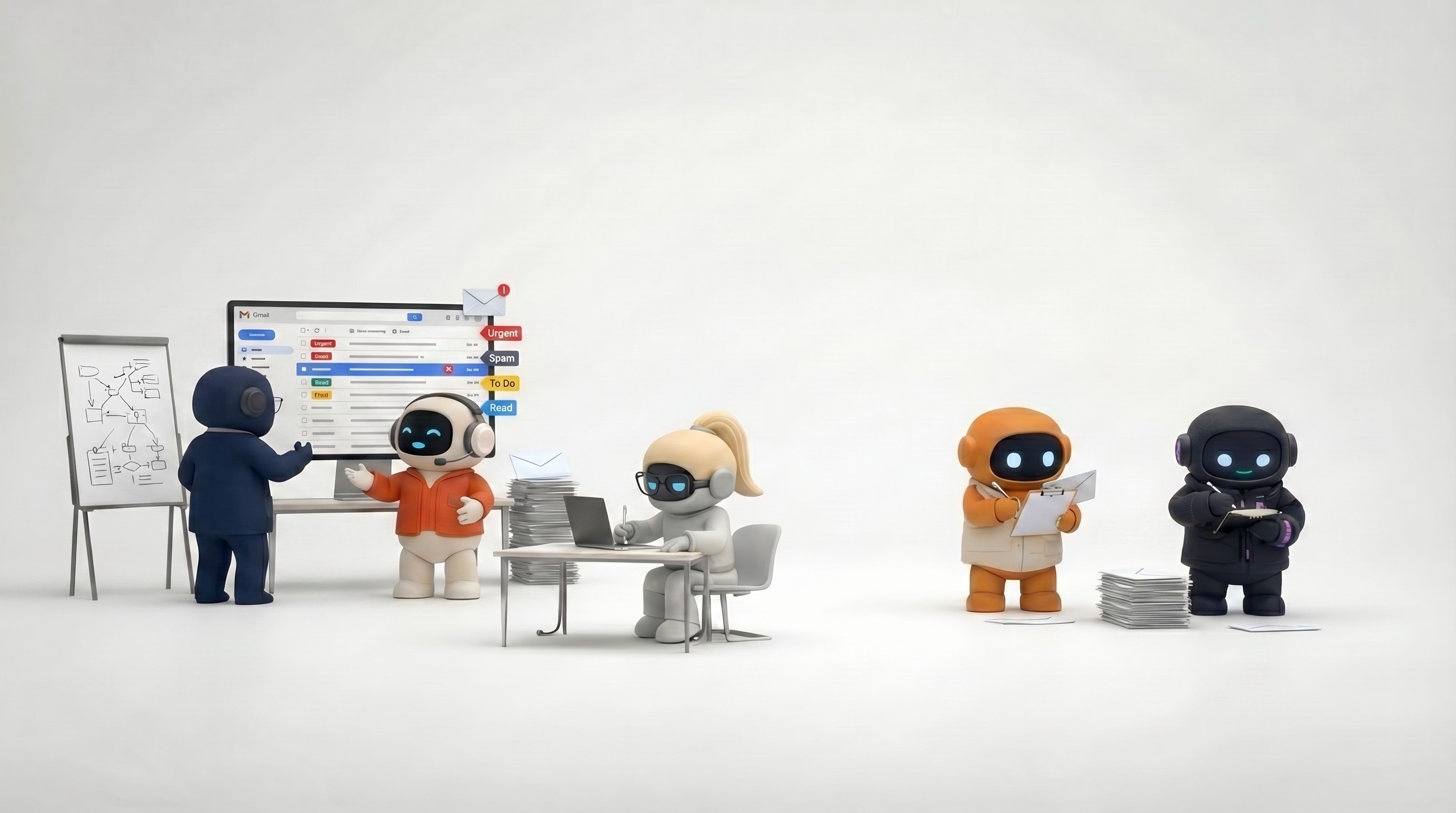
High-volume repetitive tasks. Email triage, scheduling, data entry, status updates, basic research. Tasks that follow patterns and happen frequently. A human doing these tasks is underutilized; an AI employee handles them without fatigue or boredom.
Speed and consistency. An AI employee drafts 20 outreach emails in the time a human drafts 2. It researches 10 competitors while a human researches 1. And the 20th email is as consistent in quality as the 1st — no afternoon slump, no Friday brain.
24/7 availability. Customers emailing at 2am get a response. Prospects in different time zones get follow-ups during their business hours. The AI doesn't sleep, take PTO, or call in sick.
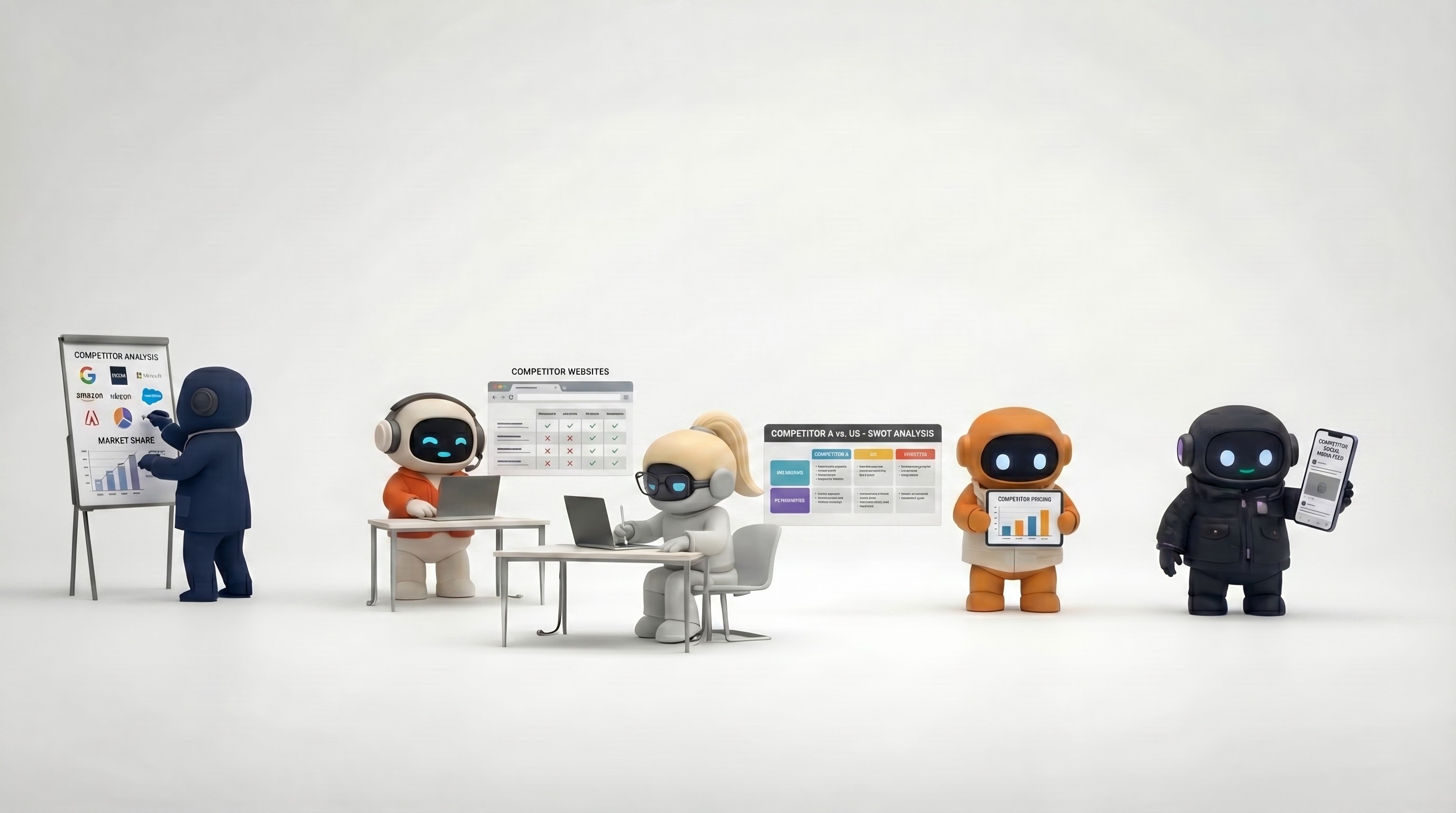
Cross-functional coverage. A single AI employee platform can cover sales outreach, email management, content creation, customer support, and research. Hiring equivalent human coverage would require multiple people.
Institutional memory. Once information is in the knowledge base, the AI employee never forgets it. Product details, pricing, brand voice, customer history — always accessible, always applied. Humans forget, miss updates, or apply information inconsistently.
Where human employees excel
Complex judgment. Decisions requiring emotional intelligence, ethical reasoning, cultural sensitivity, or navigating ambiguous situations. A difficult customer escalation, a sensitive HR conversation, a strategic pivot — these require human judgment that AI can't replicate.
Relationship building. Trust is built between people. Key accounts, partner relationships, investor relations, team leadership — these require genuine human connection. AI can support these relationships (research, scheduling, follow-up drafts) but can't replace the relationship itself.
Creative strategy. AI can draft content, but it can't conceive a brand repositioning, design a go-to-market strategy, or have the creative insight that comes from lived experience. Execution is AI's strength; vision is a human's.
Unstructured problem-solving. When the problem isn't well-defined — "our customers seem unhappy but we don't know why" — a human investigates with intuition, interviews, and lateral thinking. AI handles structured problems; humans handle the ambiguous ones.
Physical tasks. Anything requiring physical presence — manufacturing, in-person sales, warehouse operations, on-site service.
Novel situations. The first time your company faces a specific type of crisis, an AI employee doesn't have a playbook. Humans adapt to novel situations using judgment and experience.
The Hybrid Model (What Actually Works)
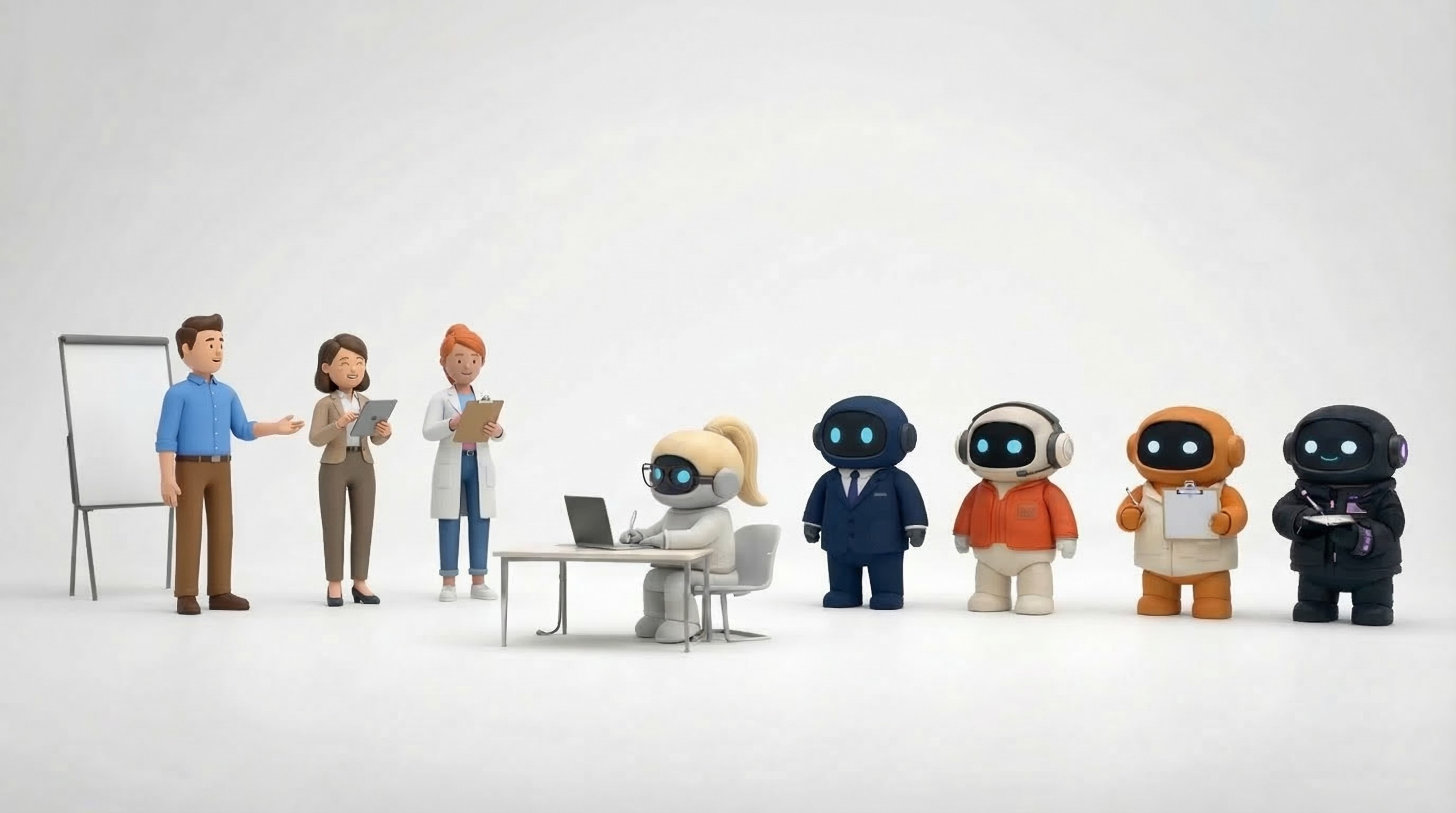
The most effective approach isn't choosing one over the other. It's using AI employees to amplify what humans do well and eliminate what they shouldn't be doing.
Practical example: A 5-person team
Without AI employees:
Founder handles strategy, sales, and operations (overloaded)
Two people split marketing, customer support, and admin (stretched thin)
One developer
One designer
Everyone does email, scheduling, research, and status updates (hours per day)
With AI employees:
AI handles email triage, scheduling, and calendar management (saves 1–2 hours/day per person)
AI handles first-draft outreach, follow-ups, and basic customer responses (saves 1 full headcount worth of work)
AI handles research, competitive analysis, and content drafts (saves another half-headcount)
Humans focus on strategy, key relationships, complex decisions, and creative work
Team output increases without adding headcount or burning out
The AI employees don't replace anyone on the team. They replace the tasks that were preventing the team from doing their actual jobs.
When to Hire a Human Instead
AI employees aren't the answer in every situation:
You need leadership. Someone to set direction, manage people, and make judgment calls daily.
The role is primarily relational. Account management, partnerships, community building — where the relationship IS the job.
The work is physical. Field sales, manufacturing, events, logistics.
The work requires domain credentials. Licensed professionals (lawyers, doctors, accountants) for regulated work.
You need someone to define the problem. If you don't know what work needs to happen, you need a thinker, not an executor.
When AI Employees Are the Better Choice
You need to scale output without scaling headcount. More outreach, more content, more research, faster follow-ups — without hiring more people.
Your team is drowning in operational work. Email, scheduling, status updates, and routine tasks consume hours that should go to strategic work.
Budget is constrained. You need the output of a larger team at a fraction of the cost.
Speed matters. You need capacity now, not in 3 months after a hire is onboarded.
The work is defined and repeatable. Tasks with clear inputs, processes, and outputs — the sweet spot for AI employees.
Common Concerns
"What about quality?"
AI employee output quality depends on the platform, your configuration, and the task. For structured tasks — email drafts, research summaries, status updates, scheduling — quality is high and consistent. For creative or strategic work, AI output is a solid first draft that needs human refinement. The key is matching the task to the tool.
"Will it replace my team?"
No. AI employees handle the work that prevents your team from doing their best work. The goal is to stop a 5-person team from operating like a 3-person team because everyone's drowning in admin. You want your marketer marketing, your salesperson selling, and your ops person optimizing — not all of them spending half their day on email.
"What about data security?"
Evaluate this the same way you'd evaluate any SaaS tool. Check the platform's security practices, data handling policies, encryption standards, and compliance certifications. Reputable AI employee platforms use OAuth for integrations (no passwords stored), encrypt data at rest and in transit, and isolate customer data.
"What if the AI makes a mistake?"
It will. The question is whether the mistake rate is acceptable and whether you have review processes in place. Start with draft-and-review workflows — the AI drafts, a human approves before sending. As confidence builds, expand autonomy gradually.
The Practical Decision Framework
Ask three questions:
Is the work defined and repeatable? → AI employee can likely handle it
Does it require human judgment, relationships, or creativity? → Hire a human
Is it a mix? → AI handles the execution layer, human handles the judgment layer
For most growing teams, the answer isn't "AI employees OR hiring" — it's "AI employees AND hiring, each where they're strongest."
Agently provides AI employees for sales, operations, marketing, customer support, and research — giving small teams the output of a much larger organization. Try it free.
CEO
Omar Ghandour
March
9,
2026
Share on social media