ChatGPT vs. Claude: Which AI Assistant Is Better for Business?
ChatGPT and Claude are the two most capable general-purpose AI assistants available. Both can write, analyze, code, research, and reason. Both have free and paid tiers. Both are used by millions of businesses.
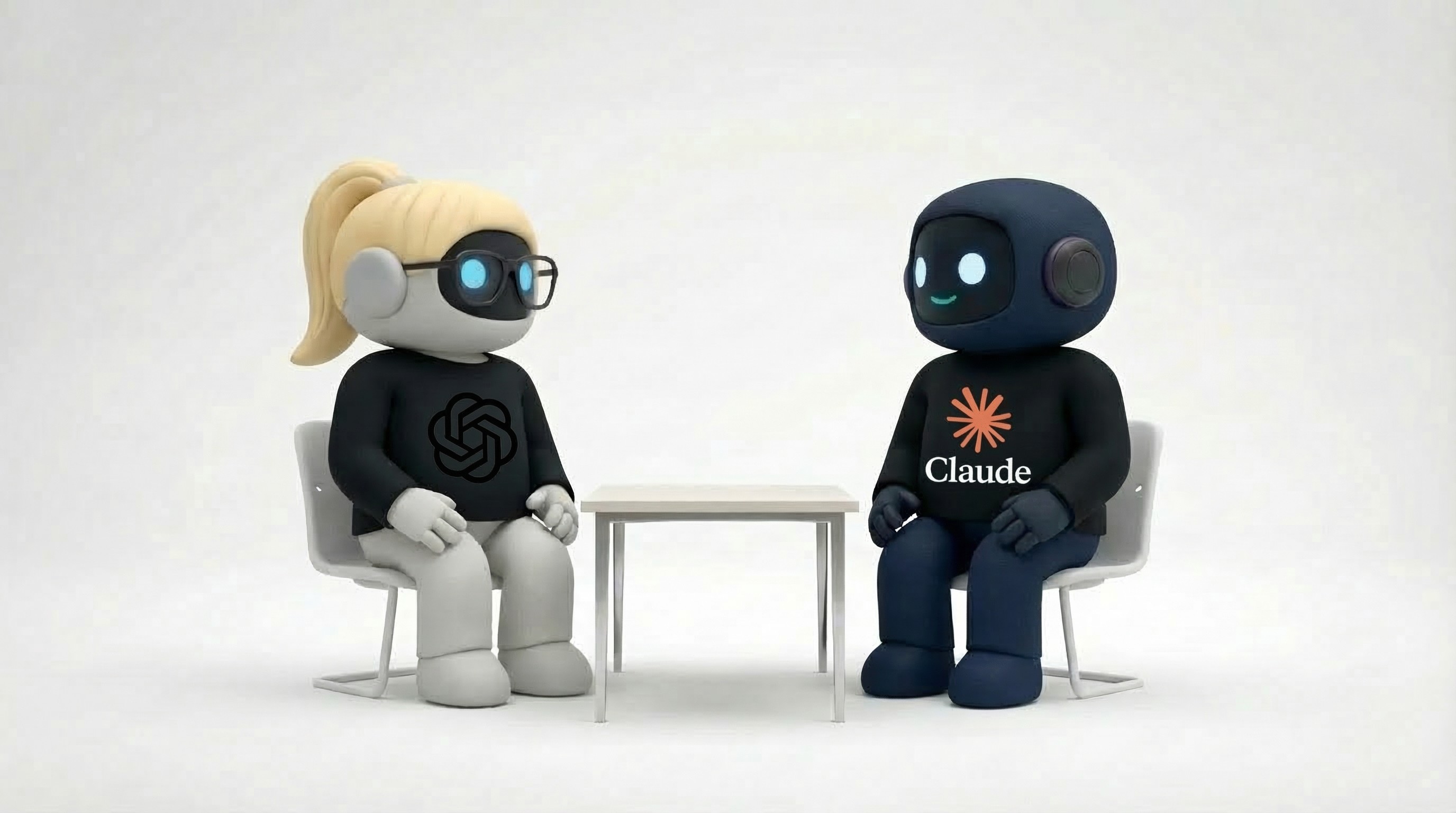
But they're not interchangeable. OpenAI and Anthropic made different design choices that show up in real-world use — the quality of writing, the depth of reasoning, how they handle long documents, how they connect to external tools, and where they draw safety boundaries.
This comparison evaluates both honestly, based on what matters for business teams.
The Philosophical Difference
ChatGPT (OpenAI)
OpenAI has built ChatGPT as the Swiss Army knife of AI. It does everything — text, images, code, voice, browsing, file analysis, custom GPTs, plugins, an app store. The strategy is breadth: make ChatGPT the one tool that handles anything you throw at it.
Design philosophy: Do everything, be everywhere.
Claude (Anthropic)
Anthropic has built Claude with a focus on reasoning depth, safety, and long-context work. Claude handles fewer modalities than ChatGPT but tends to go deeper on the tasks it does handle — longer, more nuanced writing, more careful analysis, stronger performance on complex reasoning tasks.
Design philosophy: Think deeper, be more careful.
Capability Comparison
Writing quality
ChatGPT: Produces good, versatile writing across a wide range of styles. Strong at short-form content, marketing copy, social media, and code documentation. Can sometimes default to a recognizable "ChatGPT voice" — slightly generic, upbeat phrasing that experienced users learn to spot.
Claude: Generally produces more natural, nuanced writing. Longer outputs tend to maintain quality better — less degradation over a 2,000-word article compared to ChatGPT. Claude's writing often reads as more thoughtful, with better paragraph transitions and less formulaic structure. Particularly strong for long-form content, analysis, and business writing.
Edge: Claude, especially for long-form and business writing. ChatGPT is solid for quick, short-form content.
Reasoning and analysis
ChatGPT (with o1/o3 reasoning models): OpenAI's reasoning models are strong for math, logic, coding, and structured problem-solving. The o-series models "think" through problems step by step, producing impressive results on complex technical tasks.
Claude (with extended thinking): Claude's extended thinking capability handles complex reasoning with a focus on thoroughness. Strong at analyzing business problems, evaluating trade-offs, and producing balanced recommendations. Tends to acknowledge uncertainty more honestly — it'll tell you when a question doesn't have a clean answer.
Edge: ChatGPT's o-series for pure math/logic. Claude for business analysis and nuanced reasoning where trade-offs matter.
Context window (long documents)
ChatGPT: Supports up to 128K tokens in context. Handles long documents but can lose detail in the middle of very long inputs (the "lost in the middle" phenomenon).
Claude: Supports up to 200K tokens — significantly larger. Consistently performs well across the entire context window. If you need to analyze a 100-page contract, a full codebase, or a long research document, Claude handles it more reliably.
Edge: Claude, clearly. The larger context window and better recall across long documents is a meaningful advantage for business use.
Image and multimodal
ChatGPT: Full multimodal suite — generates images (DALL-E), reads/analyzes images, handles voice input/output, and processes file uploads (PDFs, spreadsheets, code). The image generation is mature and widely used.
Claude: Reads and analyzes images but does not generate them. No voice input/output. Handles file uploads well (PDFs, code, documents). Image analysis quality is strong — particularly good at reading charts, diagrams, and screenshots.
Edge: ChatGPT, by a wide margin for multimodal breadth. Claude if you only need image analysis (which it does well).
Code generation
ChatGPT: Strong code generation across languages. The o-series models are particularly good at complex programming tasks. Code Interpreter allows running code in-session — useful for data analysis, testing, and prototyping.
Claude: Strong code generation with a reputation for producing cleaner, more maintainable code. Particularly good at understanding large codebases (thanks to the larger context window) and explaining complex code. Cursor's AI coding editor uses Claude as a core model for a reason.
Edge: Close. ChatGPT's Code Interpreter is a unique advantage. Claude's larger context window and code quality have an edge for large-project work.
Browsing and research
ChatGPT: Built-in web browsing. Can search the web, read pages, and synthesize information. Useful for real-time research, fact-checking, and finding current information.
Claude: No native web browsing in the standard interface. Can access external tools through MCP (Model Context Protocol) servers, but this requires configuration. For out-of-the-box web research, ChatGPT is more convenient.
Edge: ChatGPT for convenience. Claude with MCP servers can match it, but requires setup.
Custom tools and extensibility
ChatGPT: Custom GPTs — build specialized AI assistants with custom instructions, knowledge files, and API connections. GPT Store for sharing and discovering custom GPTs. Useful for team-specific use cases.
Claude: MCP (Model Context Protocol) support — connect Claude to external tools and data sources through a standardized protocol. More developer-oriented than Custom GPTs but more powerful for tool integration. Projects feature allows adding knowledge files and custom instructions.
Edge: ChatGPT for non-technical customization (Custom GPTs are easier). Claude for technical integration (MCP is more flexible and powerful).
Head-to-Head
Factor | ChatGPT | Claude |
|---|---|---|
Writing quality (long-form) | Good | Better |
Writing quality (short-form) | Good | Good |
Math/logic reasoning | Strong (o-series) | Strong |
Business analysis | Good | Better |
Context window | 128K tokens | 200K tokens |
Long document recall | Good | Better |
Image generation | Yes (DALL-E) | No |
Image analysis | Good | Good |
Voice | Yes | No |
Web browsing | Built-in | Via MCP (requires setup) |
Code quality | Strong | Strong (slightly cleaner) |
Code execution | Yes (Code Interpreter) | No |
Custom tools | Custom GPTs (easy) | MCP (powerful, technical) |
Safety/honesty | Good | More conservative |
Pricing
Plan | ChatGPT | Claude |
|---|---|---|
Free | GPT-4o-mini, limited GPT-4o | Claude Sonnet, limited usage |
Pro/Individual | $20/month (Plus) | $20/month (Pro) |
Team | $25/user/month | $25/user/month (Team) |
Enterprise | $60/user/month | Custom pricing |
Pricing is nearly identical. The decision shouldn't be based on cost — it should be based on which capabilities match your workflows.
When to Choose ChatGPT
You need image generation. If creating visual content — social media graphics, concept mockups, presentations — is part of your workflow, ChatGPT's DALL-E integration is a clear advantage.
You need web browsing built-in. For research, fact-checking, and pulling current information without any setup, ChatGPT's native browsing is more convenient.
You want voice interaction. ChatGPT's voice mode is useful for hands-free work, dictation, or conversational brainstorming.
Your team isn't technical and wants easy customization. Custom GPTs are simpler to create and share than MCP server configurations. For non-technical teams building specialized AI tools, ChatGPT is more accessible.
You need code execution in-session. Code Interpreter lets you upload data and run Python code without leaving the conversation. Useful for quick data analysis, chart creation, and prototyping.
When to Choose Claude
Long-form writing is core to your work. Blog posts, reports, business plans, proposals, documentation — Claude's writing quality over long outputs is measurably better. Less formulaic, more natural, better structured.
You work with long documents. Contracts, research papers, codebases, meeting transcripts — Claude's 200K context window and stronger recall across long inputs makes it the better choice.
Business analysis and strategic thinking. Claude tends to produce more balanced, nuanced analysis. It's better at presenting trade-offs, acknowledging limitations, and avoiding overly confident conclusions — which is what you want in business recommendations.
You're building with AI tools (developer-focused). MCP support makes Claude more extensible for technical teams. Connect it to your business tools, databases, and custom systems through a standardized protocol.
Coding with large codebases. If your work involves understanding and modifying large projects, Claude's larger context window and code comprehension give it an edge.
You value honesty over helpfulness. Claude is more likely to push back on flawed assumptions, say "I don't know," or flag when a question has no good answer. This is valuable when you need accurate analysis rather than confident-sounding guesses.
The Shared Limitation
Both ChatGPT and Claude are conversational assistants. You talk to them, they respond. They don't:
Send emails through your Gmail
Create tasks on your project board
Post to your social media accounts
Manage your calendar autonomously
Triage your inbox while you sleep
Both can draft an email. Neither sends it. Both can suggest a meeting time. Neither books it. The output stays in the chat window until you manually move it to where it needs to go.
Claude with MCP servers gets closer to agent-level capability — it can connect to external tools and take some actions. ChatGPT with plugins/Custom GPTs also extends beyond pure chat. But neither is designed as an autonomous business tool out of the box.
The Alternative Approach
If your need goes beyond AI conversation to AI that actually executes work across your business tools, the product category shifts to AI employees — agents that connect to email, calendar, knowledge base, task management, documents, and social media, and take action autonomously.
Platforms like Agently provide specialized AI agents for sales, operations, marketing, customer support, and research — working in a shared workspace with your team. And through the upcoming MCP server, your custom agents (including those powered by Claude or ChatGPT's API) can join that workspace too.
ChatGPT and Claude are the brains. AI employee platforms provide the hands.
Bottom Line
Choose ChatGPT for multimodal versatility — image generation, voice, web browsing, code execution, and easy customization through Custom GPTs.
Choose Claude for writing quality, long-document work, business analysis, and technical extensibility through MCP.
Use both if your team's needs span both strengths. They're priced the same, and many teams maintain subscriptions to both, using each where it's strongest.
Look beyond both if you need AI that takes action — sending emails, booking meetings, creating tasks, and executing multi-tool workflows autonomously.
Need AI that goes beyond conversation? Agently provides AI employees that connect to your tools and execute real work across sales, operations, marketing, customer support, and research. Try it free.
CEO
Omar Ghandour
March
10,
2026
Share on social media