Notion AI vs. ClickUp AI: Which AI-Powered Workspace Is Better?
Both Notion and ClickUp have added AI features to their existing productivity platforms. Both promise to help teams work faster by embedding AI directly into the tools they already use. But the two platforms start from fundamentally different places, and their AI features reflect those differences.
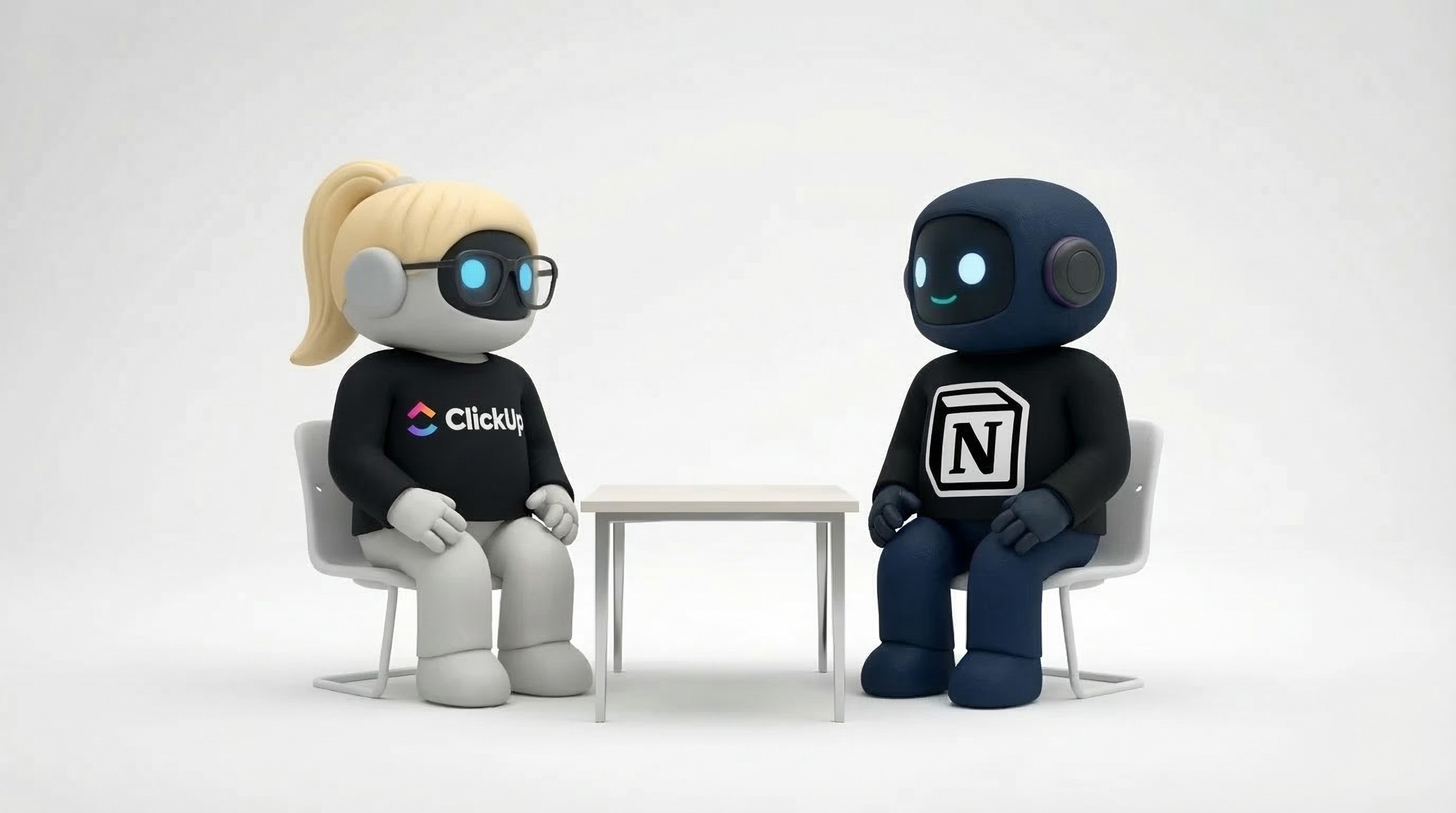
Notion is a flexible knowledge base and documentation tool. ClickUp is a comprehensive project management platform. Their AI capabilities extend what each does best — which means they're better at different things.
This comparison evaluates both fairly, based on what each actually delivers.
What Each Platform Is (Before AI)
Understanding the AI features requires understanding the base products:
Notion
A flexible workspace for documentation, wikis, databases, and light project management. Notion's strength is its freeform structure — you can build almost anything with pages, databases, and blocks. Teams use it primarily for knowledge management, documentation, company wikis, meeting notes, and collaborative writing.
Core identity: A tool for organizing and writing.
ClickUp
A full-featured project management platform with tasks, boards, timelines, sprints, docs, goals, time tracking, and dashboards. ClickUp's strength is its project management depth — it covers the entire lifecycle of work from planning to execution to reporting.
Core identity: A tool for managing and tracking work.
AI Features Compared
Notion AI
Notion's AI is embedded throughout the editor and database experience:
Writing assistance. Summarize pages, improve writing, translate content, change tone, fix grammar and spelling. This works within any Notion page — highlight text, ask AI to improve it.
AI Q&A. Ask questions about your workspace and get answers from your Notion content. "What was decided in last week's design meeting?" pulls the answer from your meeting notes. This is genuinely useful for teams with large knowledge bases.
Autofill database properties. AI can automatically fill database fields based on page content. Tag a page with a summary, extract key dates, or categorize entries without manual data entry.
Content generation. Generate drafts, brainstorm ideas, create outlines, and fill templates. Useful for starting from blank pages.
Strengths:
Deeply integrated into the writing experience — feels natural, not bolted on
Q&A across your entire workspace is powerful for knowledge retrieval
Works with Notion's flexible structure — databases, wikis, docs all benefit
Good at processing and synthesizing text-heavy content
Limitations:
AI operates only within Notion. It can't access your email, calendar, CRM, or any external tool.
Actions are limited to Notion content. AI can summarize a page but can't send an email based on what it finds.
Not a task executor. It helps you write and find information, but it doesn't do work outside of Notion's walls.
Quality depends on what's in your Notion workspace. If your knowledge base is sparse, AI Q&A returns sparse answers.
ClickUp AI
ClickUp's AI is embedded in its project management and docs features:
Task management AI. Generate subtasks from a task description, summarize task threads, and generate task descriptions from brief inputs. Reduces the manual overhead of detailed task creation.
Writing in ClickUp Docs. Similar to Notion AI's writing features — summarize, improve, translate, generate content within ClickUp's document editor.
Standup and progress reports. Auto-generate standup summaries from recent task activity. Useful for teams that want status updates without the meeting.
Project summaries. Summarize entire projects, sprints, or workspaces based on task activity and comments.
AI-assisted planning. Help break down goals into tasks, estimate timelines, and suggest task dependencies.
Strengths:
Deeply integrated into project management workflows — task generation, sprint summaries, progress reports
Standup and project summaries are genuinely time-saving for managers
Works across ClickUp's broad feature set — tasks, docs, goals, timelines
Better for teams that need AI to help with project execution, not just documentation
Limitations:
Same walled-garden problem as Notion AI. ClickUp's AI only operates within ClickUp.
Document editor is less flexible than Notion's. If your primary need is knowledge management and writing, Notion's editor is superior.
AI features can feel incremental rather than transformative — nice to have, but not fundamentally changing how you work.
Feature overload. ClickUp already has a steep learning curve; adding AI features increases complexity.
Head-to-Head Comparison
Feature | Notion AI | ClickUp AI |
|---|---|---|
Writing assistance | Strong — core strength | Good — in Docs only |
Knowledge base Q&A | Strong — workspace-wide search | Limited |
Task generation | Basic | Strong — subtasks, descriptions |
Project summaries | Per-page only | Project/sprint-wide |
Standup reports | Not available | Built-in |
Database automation | Autofill properties | Limited |
External tool access | None | None |
Takes action outside platform | No | No |
Editor flexibility | Superior | Adequate |
Project management depth | Basic | Superior |
Pricing | $10/user/month add-on | Included in higher tiers |
Who Should Choose Notion AI
Documentation-first teams. If your team's primary workflow is creating, organizing, and retrieving knowledge — company wikis, meeting notes, product specs, research docs — Notion AI enhances this directly.
Content and writing teams. Notion's editor is best-in-class for collaborative writing. AI features for summarizing, improving, and generating text are a natural extension.
Teams that need Q&A across their knowledge base. If your team frequently asks "what was decided about X?" or "where's the doc about Y?" — Notion AI's workspace-wide Q&A saves meaningful time.
Smaller teams with simple project management needs. If your task management needs are lightweight (basic boards, simple databases), Notion handles it and the AI helps with the documentation layer.
Who Should Choose ClickUp AI
Project management-heavy teams. If your work revolves around tasks, sprints, timelines, and deliverables — and you need AI to help manage that complexity — ClickUp AI is more relevant.
Managers who need status visibility. Auto-generated standups, project summaries, and progress reports reduce reporting overhead. If "what's the status of X?" is a question you ask daily, ClickUp AI automates the answer.
Engineering and product teams. Sprint planning, task breakdown, and project tracking are ClickUp's core strengths. AI features enhance these specific workflows.
Teams already invested in ClickUp. If your team is already on ClickUp and comfortable with its complexity, the AI features add incremental value without switching platforms.
The Shared Limitation
Both Notion AI and ClickUp AI share the same fundamental constraint: they only work within their own platform.
Notion AI can't read your email, check your calendar, send outreach, or post to social media. ClickUp AI can't either. Both platforms have AI that enhances their specific tool — but neither provides AI that works across your full business tool stack.
For teams whose work lives entirely within one platform, this isn't a problem. But most teams use 5–15 different tools. Email, calendar, CRM, project management, knowledge base, social media, communication tools. AI that only sees one of those tools has a limited picture.
The Alternative Approach
If your primary need is AI that works across your business tools — not just within a single workspace — the category you're looking for is different from what Notion AI or ClickUp AI offer.
AI employee platforms like Agently take a different approach: instead of adding AI features to one tool, they provide AI agents that connect to all your tools — email, calendar, knowledge base, task management, documents, social media. The AI doesn't enhance one tool; it operates across your entire workflow.
This isn't necessarily better — it depends on your needs. If your team lives in Notion and needs smarter documentation, Notion AI is the right choice. If your team lives in ClickUp and needs better project management AI, ClickUp AI is the right choice. If your team needs AI that crosses tool boundaries and takes real-world action, that's a different product category.
Bottom Line
Choose Notion AI if your team's primary need is knowledge management, documentation, and collaborative writing — and you want AI that makes those specific workflows faster.
Choose ClickUp AI if your team's primary need is project management, task tracking, and execution — and you want AI that reduces reporting and planning overhead.
Look beyond both if you need AI that operates across email, calendar, knowledge base, tasks, documents, and social media — taking action in the real world, not just within one platform.
Looking for AI that works across all your tools? Agently's AI employees connect to email, calendar, knowledge base, tasks, documents, and social media — covering sales, operations, marketing, customer support, and research. Try it free.
CEO
Omar Ghandour
March
10,
2026
Share on social media