AI Agents vs. Chatbots: What's Actually Different
The terms "AI agent" and "chatbot" get used interchangeably, but they describe fundamentally different things. The confusion is understandable — both use AI, both communicate through text, and both are offered by companies selling "AI solutions." But the gap between them is like the gap between a search engine and an employee. One retrieves information; the other does work.
Understanding the difference matters because it affects what you buy, what you build, and what you expect from AI tools in your business.
The Core Distinction
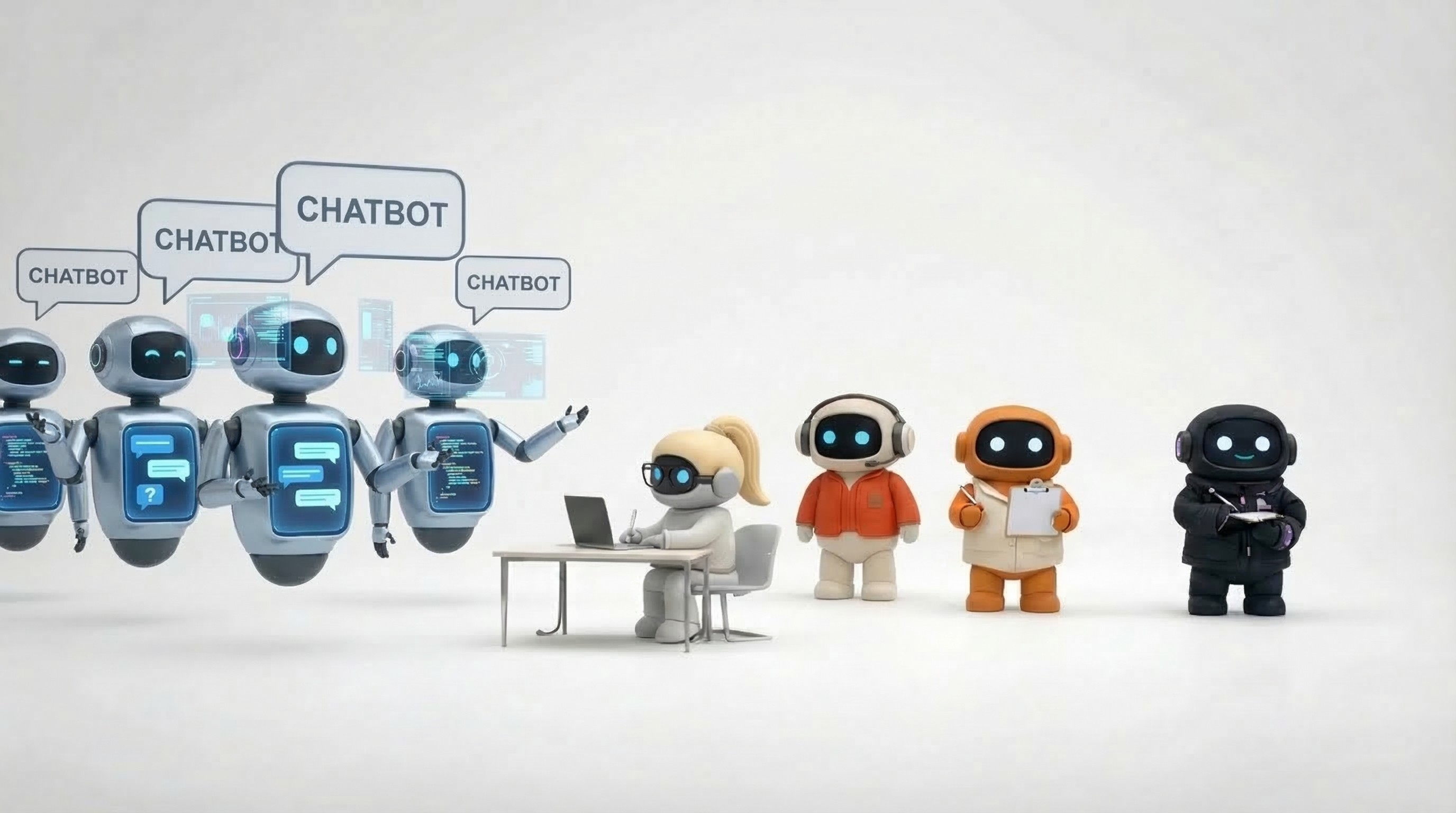
A chatbot responds to messages. You ask a question, it gives an answer. You give a prompt, it generates text. The interaction is conversational — input in, output out. The chatbot doesn't do anything with that output. It doesn't send the email it drafted. It doesn't create the task it suggested. It doesn't schedule the meeting it recommended. It hands you text, and you do the rest.
An AI agent takes action. It connects to your tools — email, calendar, task manager, knowledge base, social media — and executes work. Ask an AI agent to "research this prospect and send a personalized outreach email," and it searches the web, pulls context from your knowledge base, drafts the email, and sends it through your Gmail. The work is done, not suggested.
How Chatbots Work
Chatbots are built around the conversation loop:
User sends a message
Chatbot processes the message (using an LLM, rule set, or retrieval system)
Chatbot returns a text response
Repeat
This loop is powerful for certain things — answering questions, generating text, explaining concepts, analyzing data you paste in, brainstorming ideas. ChatGPT, Gemini, and Claude (in their default chat mode) are chatbots. You have a conversation, you get useful output, and then you manually do something with that output.
What chatbots do well
Q&A and information retrieval. "What's the capital of France?" or "Explain quantum computing." Fast, accurate, useful.
Text generation. Blog posts, emails, social copy, code snippets. The chatbot produces draft text that you review and use.
Analysis of provided data. Paste in a spreadsheet, document, or code — the chatbot analyzes it and gives insights.
Brainstorming and ideation. "Give me 10 marketing angles for this product." Useful creative input.
Education and explanation. Complex topics made simple through conversational Q&A.
What chatbots can't do
Access your business tools. A chatbot doesn't know your calendar, can't read your email, and doesn't have access to your task manager. Everything it works with comes from what you paste into the conversation.
Take real-world action. It can draft an email but can't send it. It can suggest a meeting time but can't check your calendar or send an invite. It can recommend a task but can't create it in your project management tool.
Maintain persistent context. Each conversation starts fresh (or with limited memory). The chatbot doesn't remember what it helped you with yesterday unless you bring it up again.
Work autonomously. You have to be there, typing messages, for anything to happen. Close the tab and the chatbot does nothing.
How AI Agents Work
AI agents extend the conversation loop with tool access and autonomous execution:
User gives an instruction (or a trigger fires automatically)
Agent plans the steps needed to complete the task
Agent calls tools — email, calendar, knowledge base, web search, task manager — to execute each step
Agent produces a real outcome (email sent, meeting booked, task created, report written)
Results are visible in the actual tools where work lives
The key differences from chatbots:
Tool integration. Agents are connected to your business tools through APIs, OAuth, or protocols like MCP. They don't just talk about sending email — they send email through your actual Gmail account.
Multi-step execution. A single instruction can trigger a chain of actions. "Prepare for my meeting with Sarah" might involve checking the calendar for meeting details, researching Sarah's company, pulling relevant docs from the knowledge base, and creating a briefing document.
Persistent memory. Agents work from a knowledge base — your company's documents, product info, customer data, brand guidelines. Every interaction is informed by this context, not just the current conversation.
Autonomy. Agents can work without continuous human input. Set up a workflow, and it runs. An agent can triage your inbox every morning, send weekly reports, or follow up with prospects on a schedule — without you typing a single message each time.
Side-by-Side Comparison
Capability | Chatbot | AI Agent |
|---|---|---|
Answers questions | Yes | Yes |
Generates text | Yes | Yes |
Accesses your email | No | Yes |
Sends emails | No | Yes |
Checks your calendar | No | Yes |
Creates tasks | No | Yes |
Searches your knowledge base | No (unless you paste docs in) | Yes |
Posts to social media | No | Yes |
Works without you present | No | Yes |
Remembers past interactions | Limited | Yes (knowledge base) |
Takes real-world action | No | Yes |
Multi-step workflows | Manual (you execute each step) | Autonomous |
The Spectrum Between Them
It's not a perfect binary. Products exist along a spectrum:
Pure chatbots — ChatGPT (basic), Gemini chat, Claude chat. Conversation only, no tool access.
Chatbots with plugins/tools — ChatGPT with plugins, Claude with MCP servers, Gemini with extensions. Can access some tools, but still primarily conversation-driven and require user prompting for each action.
AI assistants — Microsoft Copilot, Notion AI, ClickUp AI. Embedded in a specific tool, can take limited actions within that tool. Useful but constrained to one application's scope.
AI agents — CrewAI agents, LangChain agents, custom-built agents. Fully autonomous tool access, multi-step execution, but require technical setup.
AI employees — Platforms like Agently that provide pre-built agents with specific roles (sales, operations, marketing, customer support, research), connected to business tools, with shared context. Ready to work without building anything.
As you move along this spectrum, the AI goes from "answers questions" to "does work."
When a Chatbot Is Enough
Chatbots are the right tool when:
You need ad-hoc answers. Quick questions, explanations, one-off text generation. A chatbot is fast and effective.
The output is the product. If you're generating code, writing copy, or analyzing text — and you're fine doing the next step yourself — a chatbot delivers.
You don't need tool integration. If the task doesn't involve email, calendar, tasks, or other business systems, a chatbot's lack of integration doesn't matter.
Budget is minimal. Free or cheap chatbots exist. If you're a solo operator who just needs help drafting, a chatbot is efficient.
You prefer full control. Some teams want to review and manually execute every step. A chatbot gives you the draft; you choose what to do with it.
When You Need an AI Agent
Agents become necessary when:
You need the AI to take action, not just suggest it. If the value is in execution — emails actually sent, meetings actually booked, tasks actually created — you need an agent.
You're repeating multi-step workflows. Prospect research → outreach draft → email send → follow-up task → CRM update. Doing this manually with chatbot-generated text is slow. An agent does the whole chain.
You need persistent business context. Your AI needs to know your products, your brand voice, your customer history, and your competitive positioning — not just whatever you paste into the chat window.
You want AI working in the background. Morning inbox triage, weekly reports, automated follow-ups, scheduled research — work that happens without you initiating each interaction.
Multiple business functions need AI. If you need AI across sales, marketing, operations, and customer support, agents with shared context are more effective than separate chatbot conversations for each function.
The Common Mistake
The most common mistake teams make: using a chatbot for agent-level work and getting frustrated with the manual overhead.
It looks like this: You open ChatGPT. You ask it to draft a sales email. It generates a good draft. You copy it. You open Gmail. You paste it. You adjust the formatting. You send it. Then you go back to ChatGPT for the next prospect. Repeat 20 times.
A chatbot generated the content, but a human executed the workflow. The time savings are real but limited. An AI agent would research 20 prospects, draft 20 personalized emails, and send all 20 through your Gmail — while you do something else.
The opposite mistake exists too: deploying an agent when a chatbot would suffice. If you just need help brainstorming marketing angles or explaining a technical concept, setting up an AI agent with tool integrations is overkill. Open a chatbot and ask.
Where It's Heading
The trend is clear: chatbots are evolving toward agents. ChatGPT added browsing, code execution, and plugins. Claude added MCP server connections. Gemini added extensions. Every major chatbot is adding tool access and execution capabilities.
But there's a meaningful difference between a chatbot that can access tools and a purpose-built agent designed for specific business functions. A chatbot with Gmail access can send email if you ask it to. An AI sales agent proactively researches prospects, drafts personalized outreach informed by your brand context, sends through your email, creates follow-up tasks, and tracks the pipeline — because that's what it's built to do.
The distinction isn't disappearing. It's becoming clearer: chatbots are for conversation, agents are for work.
Agently provides AI agents that go beyond conversation — they connect to your business tools and execute real work across sales, operations, marketing, customer support, and research. Try it free.
CEO
Omar Ghandour
March
9,
2026
Share on social media