Agently, a Microsoft Copilot Alternative: When an Assistant in Every App Isn't the Same as a Team That Gets Things Done
Microsoft 365 Copilot is one of the most ambitious AI deployments in enterprise software. It puts AI inside Word, Excel, PowerPoint, Outlook, Teams, and the rest of the Microsoft ecosystem — helping you draft documents, summarize emails, analyze spreadsheets, and generate presentations without leaving the tools you already use.
For organizations deep in the Microsoft stack, Copilot is a natural addition. But not every team runs on Microsoft, and not every team needs an AI assistant inside each app. Some need AI employees that work across tools, take autonomous action, and operate as functional team members — not just helpers inside individual applications.
What Microsoft Copilot Does Well
Ecosystem integration
Copilot's biggest advantage is where it lives. If your company uses Microsoft 365, Copilot is embedded in every app you touch. Draft a document in Word, summarize a thread in Teams, analyze data in Excel, compose an email in Outlook, build a deck in PowerPoint — all with AI assistance, all without switching tools. No other AI tool has this breadth of integration within a single ecosystem.
Grounded in your business data
Copilot draws from your Microsoft Graph — emails, files, chats, calendar, contacts, and documents across your organization. When it drafts a response or summarizes a project, it pulls from actual business data, not just general knowledge. For organizations with years of data in Microsoft 365, this grounding is immediately valuable.
Enterprise-grade security and compliance
Microsoft's security infrastructure is industry-leading. Copilot inherits your existing permissions, respects data boundaries, and complies with enterprise requirements (SOC 2, GDPR, HIPAA, etc.). For regulated industries and large organizations, this matters more than any feature comparison.
Meeting intelligence in Teams
Copilot in Teams transcribes meetings, generates summaries, identifies action items, and answers questions about what was discussed — including meetings you missed. For organizations that run on meetings, this is genuinely transformative.
Spreadsheet and data analysis
Copilot in Excel can analyze data, create formulas, generate charts, identify trends, and answer questions about your spreadsheets using natural language. For teams doing financial analysis, reporting, or data work, this is a capability that few alternatives match.
Where Copilot Reaches Its Limits
It assists — it doesn't execute
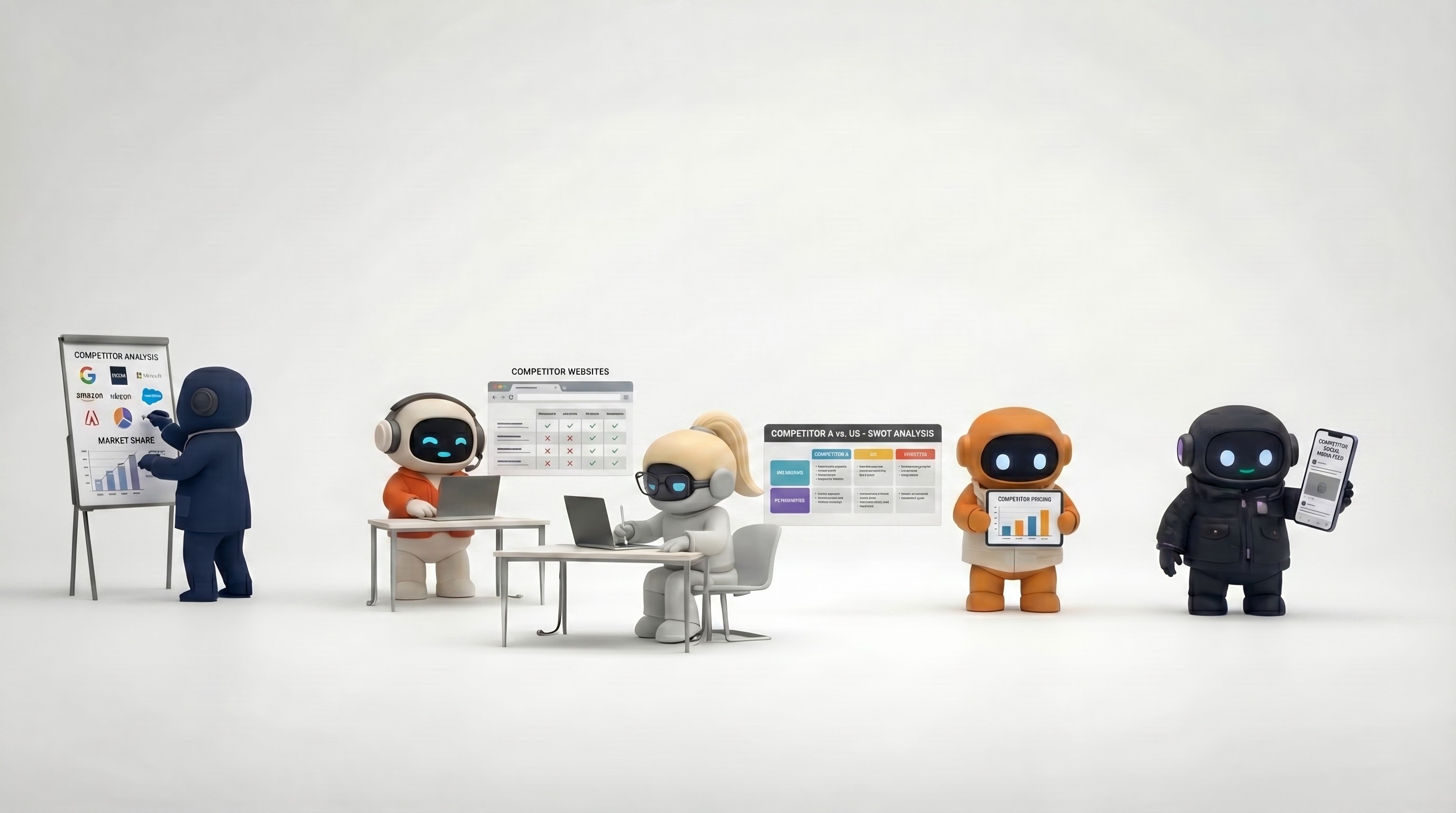
Copilot helps you write the email in Outlook. It doesn't decide which prospects to email, research their companies, personalize the message based on recent news, and schedule a follow-up. It helps you build the PowerPoint. It doesn't research your competitors, synthesize the findings, and create a strategic recommendation.
Copilot accelerates individual tasks within individual apps. It doesn't run multi-step business workflows that span tools and require contextual judgment. The human remains the orchestrator of every workflow.
One assistant, not a team
Copilot is a single general-purpose AI that adapts to whatever app you're using. It doesn't have a "sales mode" that understands pipeline management, a "marketing mode" that plans campaigns, or a "support mode" that handles customer communications. Every interaction starts from the same generalist capability.
For teams that need AI with deep functional knowledge — understanding sales outreach strategy, not just drafting emails — a generalist assistant has inherent limits.
Microsoft-only ecosystem
Copilot works within Microsoft 365. If your team uses Gmail instead of Outlook, Google Calendar instead of Outlook Calendar, Notion instead of SharePoint, or Slack instead of Teams — Copilot doesn't help. It's designed for organizations committed to the Microsoft stack.
Many small and mid-sized teams use a mix of tools: Google Workspace for some things, Microsoft for others, plus Notion, Slack, LinkedIn, and various SaaS tools. Copilot doesn't cross those boundaries.
Pricing barrier for small teams
Microsoft 365 Copilot is $18/user/month as an add-on to an existing Microsoft 365 subscription. For a 10-person team, that's $180/month on top of your existing Microsoft 365 costs. The total per-user cost (Microsoft 365 + Copilot) can reach $30-50/user/month.
For small teams and startups that aren't already paying for Microsoft 365, the combined cost of adopting the ecosystem plus Copilot makes it a significant investment. And you need the ecosystem — Copilot without Microsoft 365 is like an engine without a car.
Limited autonomous action
Copilot's agent capabilities (for automating complex business processes) require an Azure subscription and come with metered pricing. They're positioned as enterprise features, not everyday tools for small teams. The gap between "Copilot helps me write in Word" and "Copilot agents automate my business processes" is wide and expensive.
Agently vs. Microsoft Copilot: Feature Comparison
Feature | Microsoft 365 Copilot | Agently |
|---|---|---|
Approach | AI assistant embedded in Microsoft apps | AI employees in a shared workspace |
Where it lives | Word, Excel, PowerPoint, Outlook, Teams | Standalone workspace with integrations |
Ecosystem requirement | Requires Microsoft 365 subscription | Works with Gmail, Google Calendar, Notion, LinkedIn, Outlook etc. |
AI specialization | Single general-purpose assistant | 6 + role-specialized agents |
Can send emails | Yes (within Outlook) | Yes (Gmail, Outlook) |
Can manage calendar | Yes (within Outlook Calendar) | Yes (Google Calendar, Outlook Calendar, Calendly) |
Can post to social | No | Yes (LinkedIn, Twitter/X) |
Spreadsheet analysis | Yes (Excel integration) | Yes |
Presentation generation | Yes (PowerPoint integration) | Yes |
Meeting transcription | Yes (Teams integration) | Yes |
Knowledge base | Microsoft Graph (your org's data) | Brain (documents, snippets, web pages, images) |
Task management | Microsoft Planner/To Do | Built-in Kanban boards (Spaces) |
Document editor | Word/SharePoint | Pages (with public sharing and gating) |
Multi-step workflow execution | Limited (requires Azure agents) | Agents handle research → draft → send → track in one conversation |
Pricing | $18/user/month add-on (requires M365) | Free tier; subscription plans |
Best for | Large teams in Microsoft ecosystem | Small-mid teams using mixed tools |
Who Should Stay with Microsoft Copilot
Copilot remains the right choice if:
Your organization runs on Microsoft 365. If Word, Excel, Outlook, Teams, and SharePoint are your daily tools, Copilot meets you exactly where you work. No migration, no new tools to learn.
Data analysis is a core need. Copilot in Excel — analyzing spreadsheets, building formulas, creating visualizations — is a capability that alternatives in the AI employee space don't match.
You need meeting intelligence. If your organization runs on Teams meetings and needs automated transcription, summaries, and action item extraction, Copilot in Teams is purpose-built for this.
Enterprise compliance is non-negotiable. Microsoft's security and compliance infrastructure is extensive. If you need SOC 2, HIPAA, GDPR compliance with established audit trails and data governance, Microsoft's enterprise pedigree is hard to match.
You're a large organization (50+ people). Copilot's per-user model and ecosystem requirements make more sense at scale, where the organization is already paying for Microsoft 365 and the marginal cost of adding Copilot is manageable.
Who Should Consider an Alternative
Look beyond Copilot if:
You don't use Microsoft 365. If your team runs on Gmail, Google Calendar, Notion, or any non-Microsoft tools, Copilot doesn't reach your workflow. You need AI that connects to the tools you actually use.
You need AI that runs multi-step workflows. If your use case is "research this prospect, draft outreach in my brand voice, send it via email, and create a follow-up task" — not just "help me write this email" — you need AI that executes across tools, not AI that assists within one.
You want role-specialized agents. If you need AI that understands sales strategy differently from marketing differently from customer support, a single general-purpose assistant isn't enough.
You're a small team watching costs. If Microsoft 365 + Copilot + per-user pricing is more than your AI budget warrants, platforms with free tiers and simpler pricing models may deliver more value.
You need a unified workspace. If you want AI agents, tasks, documents, knowledge, and team communication in one place — rather than AI sprinkled across separate Microsoft apps — a consolidated workspace approach may fit better.
Other Alternatives Worth Considering
Google Gemini for Workspace — If you're in Google's ecosystem (Gmail, Docs, Sheets, Meet), Gemini is the equivalent of Copilot for Google tools. Same strengths (ecosystem integration) and same limitation (confined to one vendor's apps).
ChatGPT Business — General-purpose AI with team collaboration, custom GPTs, and 60+ integrations. More flexible than Copilot (not locked to one ecosystem) but still a thinking tool, not an execution tool.
Notion AI — If you use Notion as your workspace, its AI features add writing and search capabilities within your docs and databases. Simpler and cheaper than Copilot, but narrower in scope.
The Fundamental Trade-off
Microsoft Copilot and AI employee platforms represent two different philosophies:
Copilot's philosophy: Make every existing tool smarter. AI assists you within each app — better writing in Word, better analysis in Excel, better communication in Outlook. You remain the operator; AI accelerates each step.
AI employee philosophy: Give you teammates that operate across tools. AI agents execute complete workflows — researching, drafting, sending, scheduling, tracking — while you review and direct. The AI is the operator; you're the manager.
For knowledge workers who spend their days in Microsoft apps, Copilot reduces friction on every task. For teams that need to get more done with fewer people — covering sales, marketing, operations, and support without dedicated hires — AI employees address a different problem entirely.
The tools aren't mutually exclusive. Some teams use Copilot for document and spreadsheet work while using an AI employee platform for workflow execution. The question is where your biggest bottleneck is: working faster in individual apps, or getting more done across your entire business.
Agently gives small teams AI employees that work across Gmail, Calendar, LinkedIn, and more — no Microsoft 365 required. Try it free.
CEO
Omar Ghandour
February
28,
2026
Share on social media