Agently, a ClickUp AI Alternative: When Project Management with AI Isn't the Same as AI That Manages Projects
ClickUp is one of the most feature-rich project management tools on the market. It does tasks, docs, goals, time tracking, dashboards, whiteboards, and about a dozen other things. When ClickUp added AI (branded as ClickUp Brain), it brought intelligence to all of that — AI writing, task automation, meeting transcription, and more.
But there's a difference between a project management tool that has AI features and an AI platform that manages projects. If you're exploring ClickUp AI alternatives, you're probably feeling that difference.
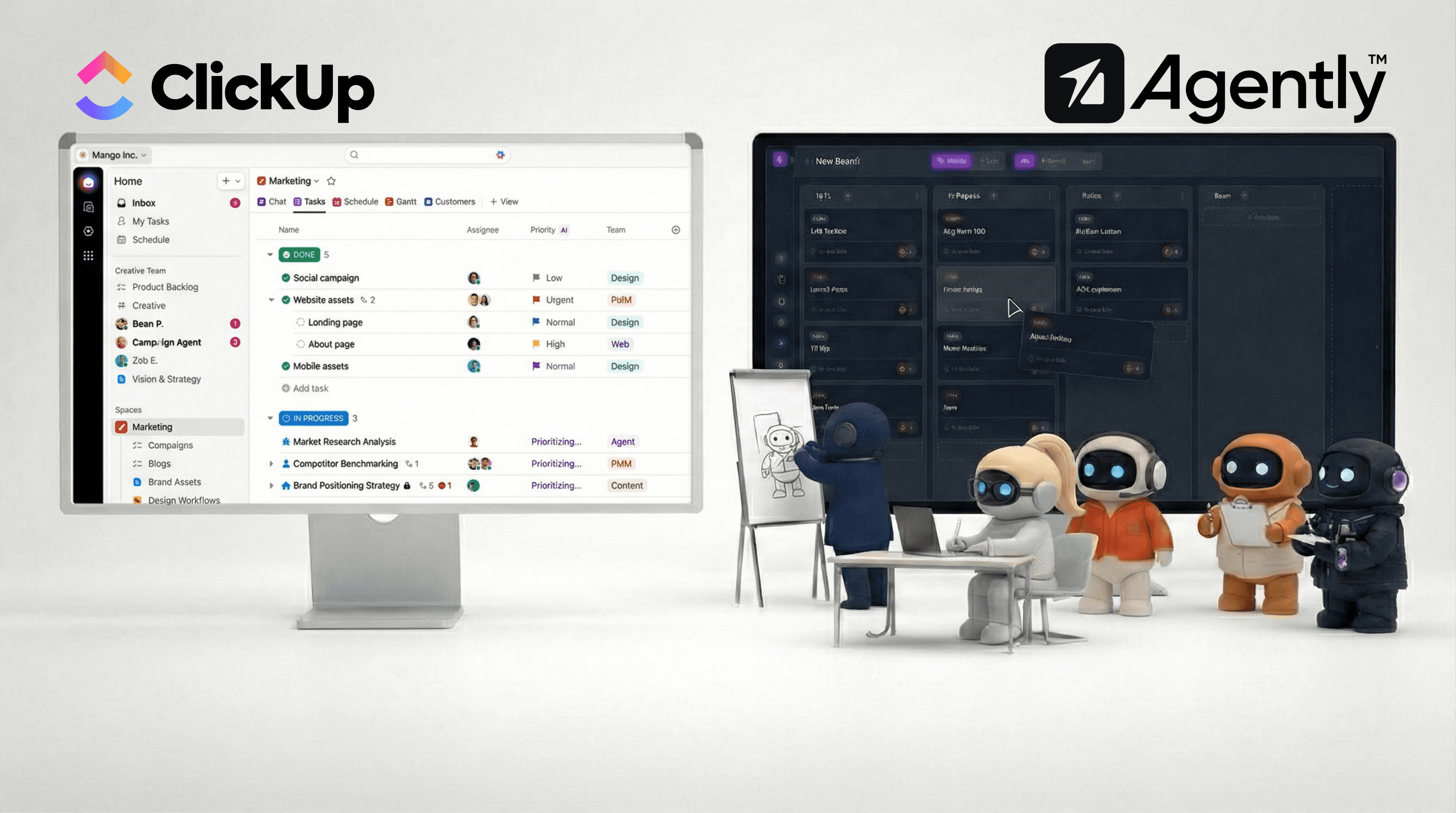
What ClickUp AI Does Well
Deep project management foundation
ClickUp Brain sits on top of one of the most comprehensive project management platforms available. Tasks, subtasks, custom fields, multiple views (list, board, calendar, Gantt, timeline), goals, portfolios, dashboards — the project management depth is extensive. AI enhances an already powerful system.
AI within your existing workflow
If your team already lives in ClickUp, Brain adds AI without changing your workflow. Summarize tasks, generate subtask lists, draft documents, auto-fill custom fields, get project updates through natural language — all inside the tool you're already using. No context switching required.
AI Autopilot agents
ClickUp's higher-tier AI plans offer autonomous agents that can handle recurring tasks, triage incoming work, and make decisions based on your project data. AI Assign automatically routes tasks to the right team member. AI Prioritize reorders your backlog. AI Time Blocking optimizes your calendar. These are practical automations that reduce manual project overhead.
Enterprise search and knowledge
Brain can search across your entire ClickUp workspace — tasks, docs, comments, custom fields — and answer questions conversationally. For large teams with sprawling workspaces, this contextual search is genuinely useful.
Meeting transcription
The AI Notetaker add-on transcribes meetings, generates summaries, and extracts action items that can be converted directly into ClickUp tasks. If your team runs on meetings, this closes the loop between discussion and execution.
Where ClickUp AI Reaches Its Limits
AI is confined to ClickUp's walls
ClickUp Brain operates within ClickUp. It can draft an email inside a ClickUp doc — but it can't send that email through your Gmail. It can suggest calendar events — but it can't create them on your Google Calendar. It can draft social media copy — but it can't post it to LinkedIn.
The pattern is consistent: ClickUp Brain generates output within ClickUp, and you manually transfer that output to wherever it needs to go. For teams whose work extends beyond project management into email, calendar, social media, and external communication, this creates a persistent gap.
Pricing complexity
ClickUp Brain's pricing adds layers on top of already complex ClickUp plans. The AI Standard add-on is $9/user/month (annual) or $18/user/month (monthly). AI Autopilot jumps to $28/user/month (annual) or $68/user/month (monthly). Add-ons like AI Notetaker ($12+/month) and Talk to Text ($9/user/month) are separate charges.
For a 10-person team wanting full AI capabilities, you're looking at ClickUp subscription + AI Autopilot + add-ons — which can reach $50-80+/user/month. The value may be there, but the pricing structure requires careful calculation.
AI enhances project management, not business functions
ClickUp Brain is smart about tasks, projects, and documents. It's not smart about your sales pipeline strategy, your content marketing approach, your customer success playbooks, or your competitive landscape. It doesn't have role-specific understanding of business functions — it has project-management-specific understanding of how to organize and track work.
If you need AI that understands sales outreach as a discipline (not just as a task list), or AI that thinks about marketing strategy (not just content drafts), ClickUp Brain's domain is narrower than it appears.
Feature overload
ClickUp's strength — its comprehensiveness — is also its weakness. The platform is famously feature-dense, and adding AI layers on top creates an interface that can overwhelm teams. The learning curve is real, and many teams use only a fraction of what ClickUp offers. Adding AI Autopilot agents, AI Fields, AI Prioritize, and AI Assign to an already complex tool increases cognitive load.
No external tool execution
ClickUp Brain doesn't connect to your email to send messages, doesn't connect to your calendar to schedule meetings, doesn't connect to LinkedIn to post content, and doesn't connect to your CRM to update records. It works brilliantly within ClickUp's ecosystem but doesn't extend into the tools where much of business work actually happens.
Agently vs. ClickUp AI: Feature Comparison
Feature | ClickUp AI (Brain) | Agently |
|---|---|---|
Core product | Project management with AI add-on | AI workspace with built-in project management |
AI approach | General-purpose AI within PM tool | 6 specialized agents by business function |
Project management depth | Exceptional — views, goals, portfolios, dashboards | Kanban boards (Spaces) — focused and simple |
Can send emails | No | Yes — Gmail, Outlook |
Can manage calendar | No | Yes — Google Calendar, Outlook, Calendly |
Can post to social | No | Yes — LinkedIn, Twitter/X |
Knowledge base | ClickUp Docs + workspace search | Dedicated Brain (docs, snippets, web pages, images) |
Meeting transcription | Yes (paid add-on) | Yes |
AI task automation | AI Assign, AI Prioritize, AI Time Blocking | Agents create and manage tasks conversationally |
Team communication | ClickUp Chat | Channels with AI agents and team members |
Document editor | ClickUp Docs (feature-rich) | Pages (with public sharing and gating) |
Pricing | $9-68/user/month add-on (on top of ClickUp plan) | Free tier; subscription plans |
Complexity | High — extensive features, steep learning curve | Lower — focused on AI-human collaboration |
Who Should Stay with ClickUp AI
ClickUp Brain makes sense if:
You're already deeply invested in ClickUp. If your team's projects, docs, goals, and dashboards live in ClickUp, adding Brain enhances what you already use. Migration cost to any alternative is high.
Project management is your primary need. If your bottleneck is organizing, tracking project work — and ClickUp's depth serves that well — Brain's AI features make it better at what it already does.
You need advanced PM features. Multiple views, custom fields, goals, portfolios, time tracking, Gantt charts, dashboards — no AI workspace matches ClickUp's project management depth. If you need that depth, ClickUp is the right foundation.
Meeting transcription matters. If automated meeting notes that convert to tasks is a key workflow, ClickUp's AI Notetaker integration handles this well.
Your team is large and process-heavy. ClickUp's structure (Spaces, Folders, Lists, Tasks, Subtasks) handles complex organizational hierarchies that simpler tools can't match.
Who Should Consider an Alternative
Look elsewhere if:
You need AI that acts beyond project management. If your daily work involves sending emails, scheduling meetings, posting to social media, and researching prospects — not just managing tasks about those things — you need AI that connects to external tools.
You want role-specialized AI. If you need an AI that understands sales differently from marketing differently from customer support, rather than a general-purpose AI that helps you write task descriptions better.
Simplicity matters more than completeness. If ClickUp's feature density is more overwhelming than empowering, and you want a focused workspace where AI does the heavy lifting instead of you navigating a complex interface.
You're a small team that needs to do more, not track more. If you're 2-10 people and your bottleneck isn't project tracking but actually executing the work (sending outreach, creating content, managing customers), an AI workforce addresses the execution gap that project management tools don't touch.
Budget is a concern. If ClickUp plan + AI add-on + per-user pricing exceeds what you want to spend, simpler platforms may deliver more value per dollar for small teams.
Other Alternatives Worth Considering
Notion AI — If you want a lighter workspace with AI, Notion offers a flexible document-database hybrid with AI writing and research features. Less project management depth than ClickUp, but less complexity too. AI is confined to Notion's walls, similar to ClickUp Brain.
Linear — If you want streamlined project management without the bloat, Linear offers a fast, focused experience. Its AI features are more targeted — less than ClickUp Brain's breadth, but the tool itself is significantly simpler.
Asana AI — Similar positioning to ClickUp Brain — AI features within a project management tool. Worth comparing if you prefer Asana's interface and approach over ClickUp's.
The Core Question
The choice between ClickUp AI and an alternative depends on what problem you're actually solving:
"I need smarter project management" → ClickUp Brain is a strong answer. It makes an already powerful PM tool more intelligent.
"I need AI that does the work my projects track" → That's a different category entirely. You don't need a better project management tool — you need AI employees that execute the work and update your projects as a byproduct.
If you spend more time in ClickUp updating task statuses than doing the work those tasks describe, the tool is managing the overhead, not reducing it. AI that sends the emails, books the meetings, researches the prospects, and creates the content — then updates the task board automatically — addresses the actual bottleneck.
Both are legitimate needs. The question is which one you feel more.
Agently's AI agents do the work and track it — in one place. Try it free to see if the approach fits your team.
CEO
Omar Ghandour
February
28,
2026
Share on social media